Safety and Functional Tester GLP2-i/e
During the test, test object and test leads must not be touched!
The safety measures required by law must be adhered to!
Schleich GmbH * D-58675 Hemer * 0049 / (0)2372 / 9498-0 * 0049 / (0)2372 / 9498-99 *
http://www.schleich.com * info@schleich.com 24
5.0 General programming of the tester
5.1 Operation of the touch panel
For programming and for the input of test programs, the GLP2-i is equipped with a touch panel. Below
please find a description of the menus.
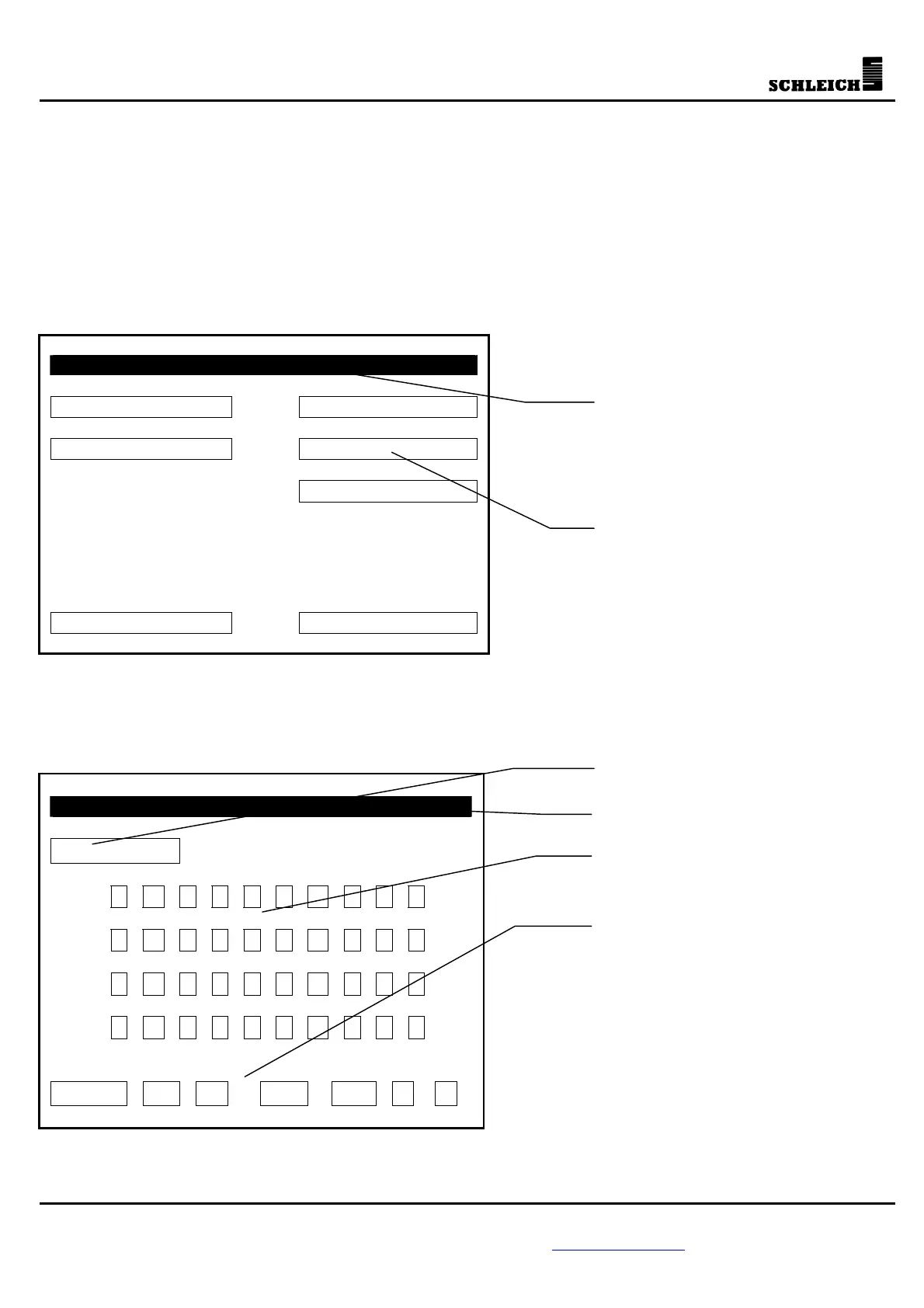
5.1.1 Main menu
In this type of menu, you can open submenus (e.g. processing test programs).
Main Menu
Load test program Programming
go/no go counter Single test
Information
Test 08:12:03 02.01.02
5.1.2 Input menu
This type of menu serves for the input of texts, e.g. the password.
Enter new password
_
1 2 3 4 5 6 7 8 9 0
Q W E R T Z U I O P
A S D F G H J K L ?
Y X C V B N M
.
!
Enter < > DEL INS
ENTER: exit menu and confirm
< and >: move cursor right or left
DEL: delete
INS: insert
: shift key / change to
small letters or special
characters
: delete the last digit
ESC: exit menu without
confirmation
keyboard
Select submenu



 To Next Page