Safety and Functional Tester GLP2-i/e
During the test, test object and test leads must not be touched!
The safety measures required by law must be adhered to!
Schleich GmbH * D-58675 Hemer * 0049 / (0)2372 / 9498-0 * 0049 / (0)2372 / 9498-99 *
http://www.schleich.com * info@schleich.com 35
5.5.1.2 Name of test programs
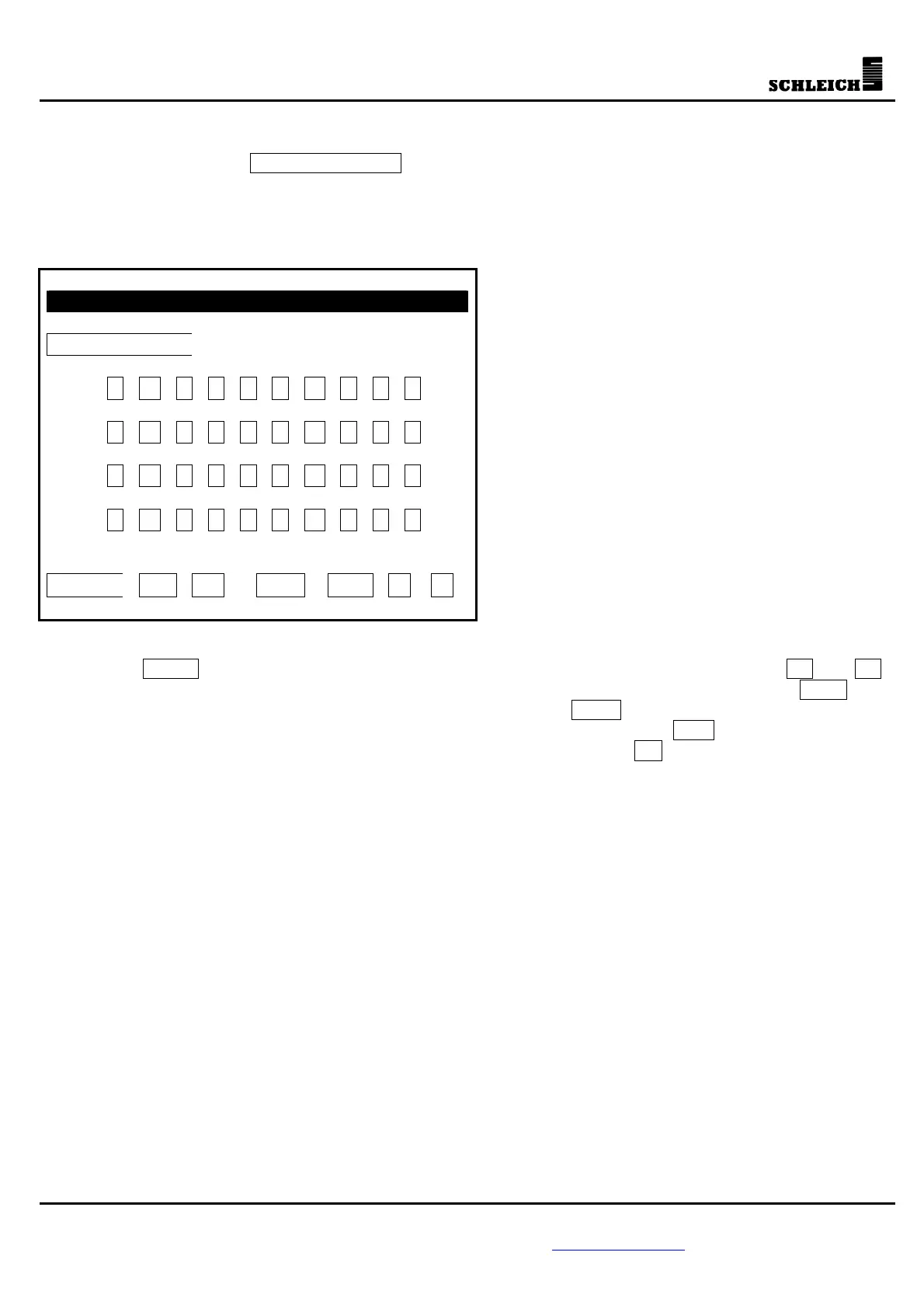
If you activate the button Name of program , you can define the test program or change the name that is
already existing via the keyboard shown below. The name can have a maximum of 32 digits.
If you activate the button “Store program” after changing the name, you have created a copy of the current
test program.
Name of program
0 1 2 3 4 5 6 7 8 9
Q W E R T Z U I O P
A S D F G H J K L ?
Y X C V B N M
.
!
Enter < > DEL INS
If you press Enter , the input will be ended and the name will be accepted. Via the buttons < and > ,
the cursor can be moved to a certain point within the input field for the name. If you press DEL , the
character marked by the cursor will be deleted. If the button INS is activated (i.e. it has a black
background), the characters behind the cursor will be overwritten. If the button INS is not activated (i.e. it
has no black background), the characters will be inserted. With the button you can delete the character
left of the cursor (backspace).



 To Next Page