Safety and Functional Tester GLP2-i/e
During the test, test object and test leads must not be touched!
The safety measures required by law must be adhered to!
Schleich GmbH * D-58675 Hemer * 0049 / (0)2372 / 9498-0 * 0049 / (0)2372 / 9498-99 *
http://www.schleich.com * info@schleich.com 53
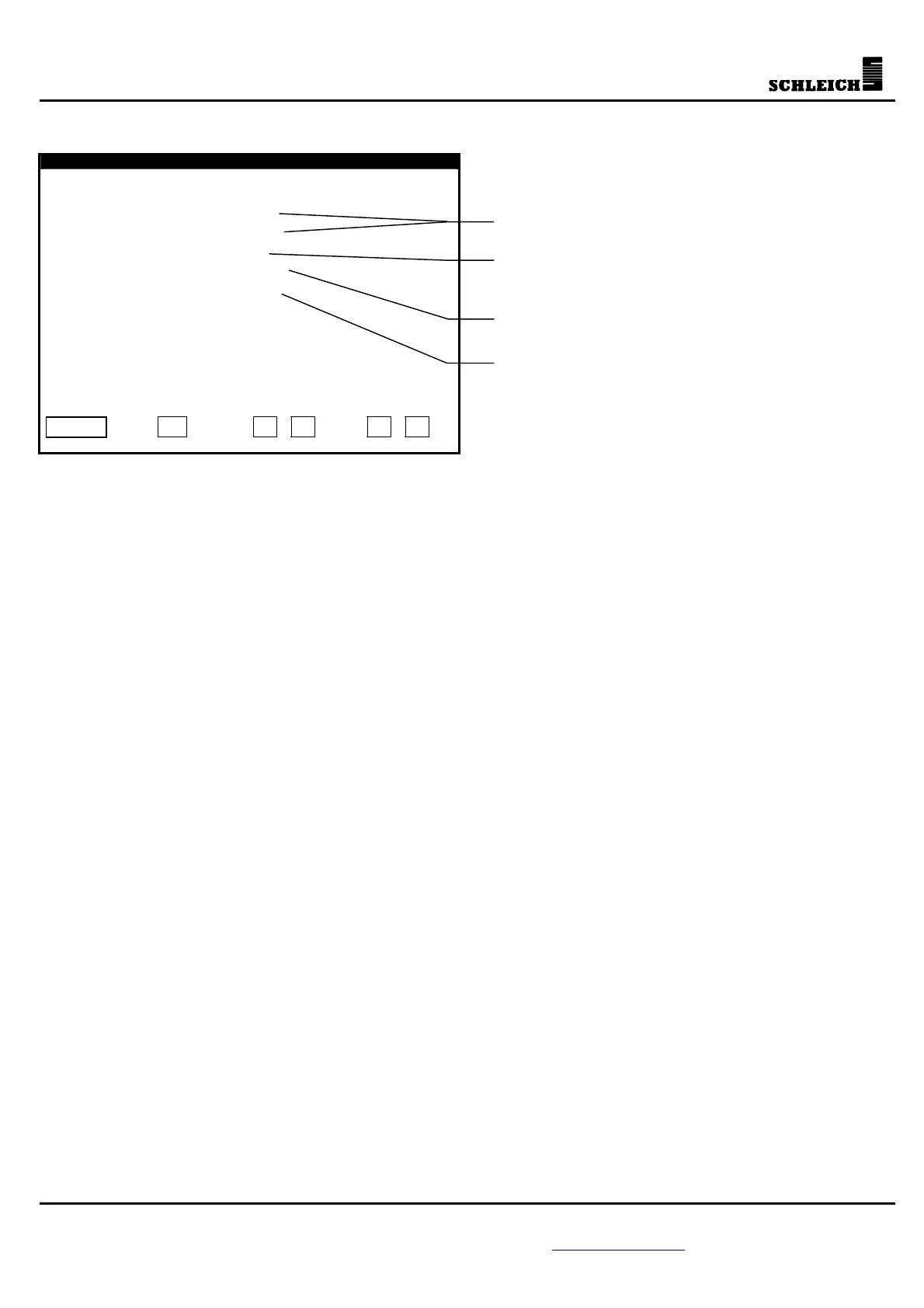
5.5.5 Interfaces
Interfaces
COM 0..................: off
COM 1..................: off
NetCom address.........: 1
Baud rate..............: 9600
Actual value data......: off
Enter ?
- +
COM 0
Here, the function of the interface COM 0 is selected.
Extern. printer: An external printer is connected to the interface (9600,8,N,1)
NetCom: Via the interface, the testing device is connected to a PC (COM 0 or
RS485 connection, 4800 or 9600 Baud; standard: 9600 Baud).
Label printer: If this function is integrated, it is possible to choose a label printer.
COM 1
Here you select the function of interface COM 1.
Extern. printer: An external serial printer is connected to the interface (9600,8,N,1).
Intern. printer: An internal serial panel printer is connected to the interface.
Label printer: If the function is integrated, it is possible to select a label printer.
Parallel port (if existing)
Here you select the function of the LPT interface.
Extern. printer: An external standard printer is connected to the interface.
Label printer: If the function is integrated, it is possible to select a label printer.
NetCom address:
Up to 32 testing devices can be connected to one PC. Each testing device receives an individual NetCom or
network address which is entered here. In case of only one testing device, the standard setting is 1. The
network address of the testing device can only be changed if the interface for the communication between
PC and testing device - COM 0 - is >off<.
Baud rate
The baud rate of the serial interface can be set between 4800 and 9600 baud. This baud rate only refers to
the communication with a PC. The baud rate of the external printer is always 9600.
Function of the interface
remote control software NetCom
Transmission rate of the data
al actual values for PrintCom



 To Next Page