Safety and Functional Tester GLP2-i/e
During the test, test object and test leads must not be touched!
The safety measures required by law must be adhered to!
Schleich GmbH * D-58675 Hemer * 0049 / (0)2372 / 9498-0 * 0049 / (0)2372 / 9498-99 *
http://www.schleich.com * info@schleich.com 33
5.5 Programming
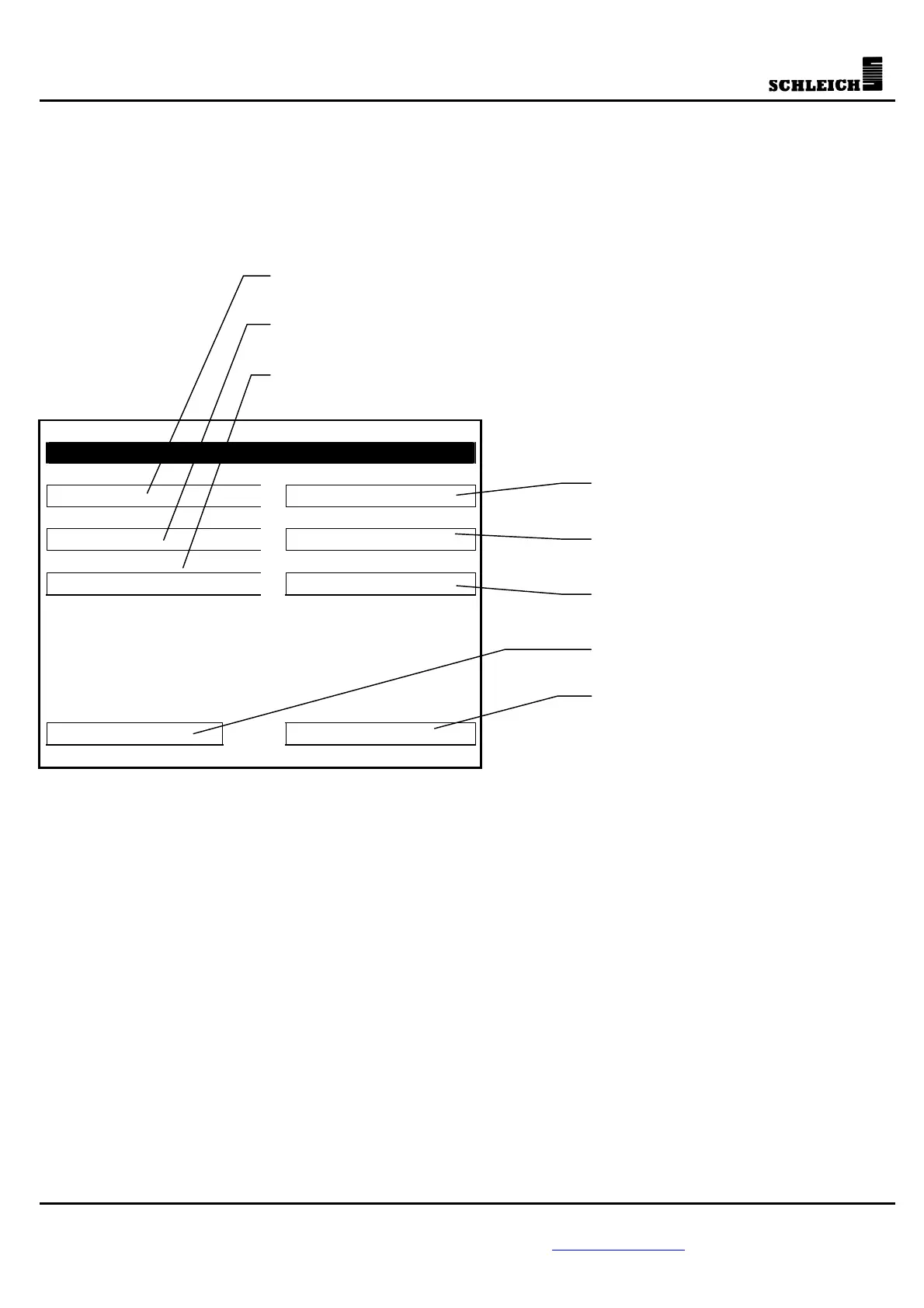
Within the programming menu, you can program the testing device, e.g. the external interfaces, or the set
values. If a password has been activated, this password needs to be entered before the programming menu
is indicated. Our testers are delivered with the password 123.
Programming
Test-program data General data
Set values Interfaces
Test program Printer
ESC Password
Edit test programs (set values)



 To Next Page