Safety and Functional Tester GLP2-i/e
During the test, test object and test leads must not be touched!
The safety measures required by law must be adhered to!
Schleich GmbH * D-58675 Hemer * 0049 / (0)2372 / 9498-0 * 0049 / (0)2372 / 9498-99 *
http://www.schleich.com * info@schleich.com 38
5.5.1.5 Loading test programs
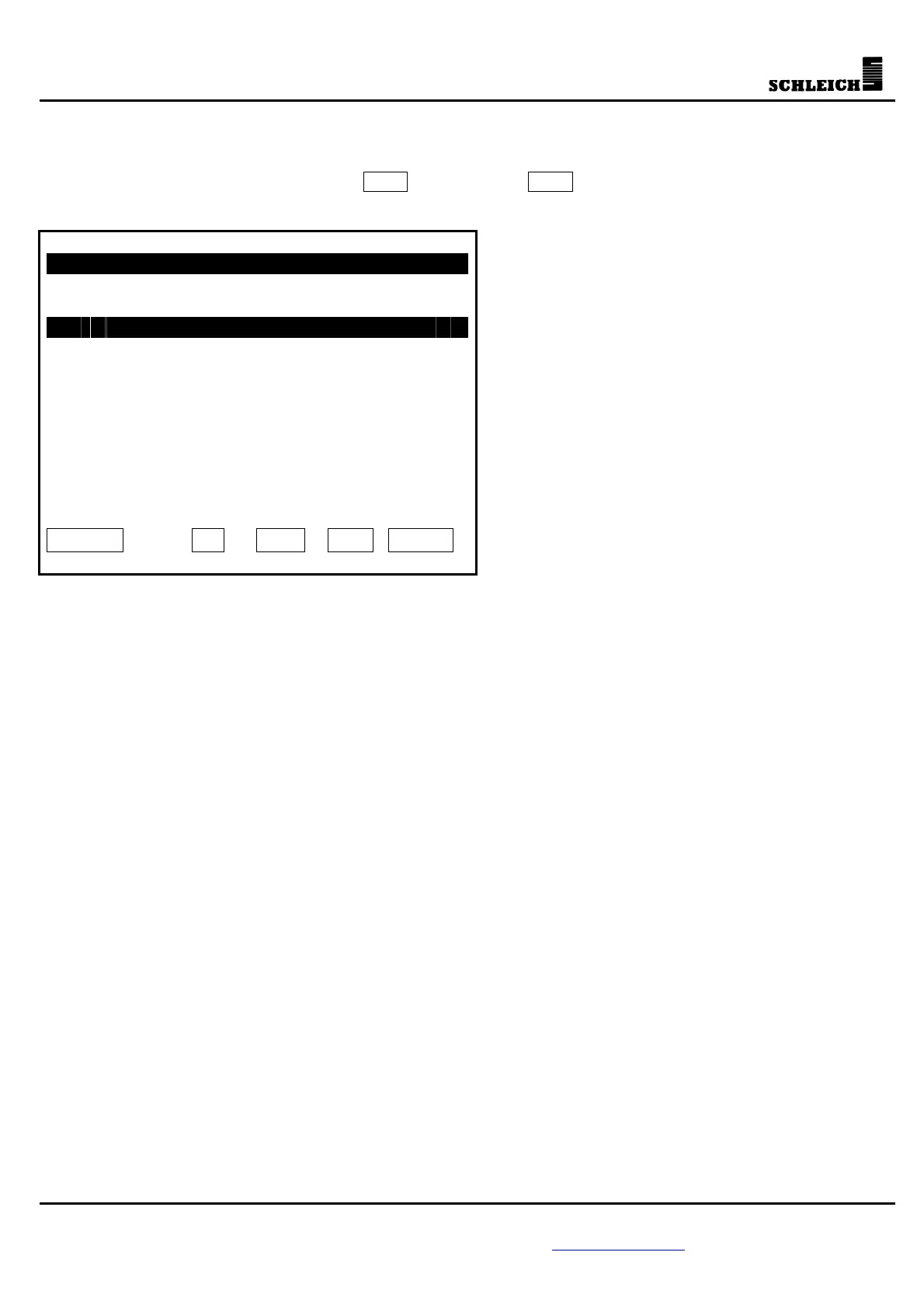
The test program is selected by moving the cursor with the arrow buttons. The selected test program is
loaded as soon as you press the button Load . If you press ESC , you leave the menu without loading a
test programs.
Load test program
1 Test 1
2 Test 2
3 36W Lamp
4 58W Inductive
5 58W Miller
6 100W Lamp
ESC ?
Load
5.5.2 Set values
In the menu “Set values” you can program the set values of the individual integrated test methods.
This menu still exists only because of the compatibility with older GLP2 testers or because of the
communication with the remote-control software NetCom99, NetCom60204 or NetCom-Light.
The old testers only had 5 individual set values for every test method.
In the test program you can select, which set value is to be used.
e.g. PE (1): 0.2 Ohm, 1s test time, ...
PE (2): 0.1 Ohm, 5s test time, ...
Test steps:
1 PE (1) 0.2 Ohm
2 PE (1) 0.2 Ohm
3 PE (1) 0.2 Ohm
4 PE (2) 0.1 Ohm
If the set value of the PE test (1) is changed, the first 3 test steps are changed automatically.
In the old devices, this type of set-value input was applied, because it needed considerably less storage.
In a GLP2-i or GLP2-e tester, you can now program up to 500 test steps and every test step has its own set
value. You can, however, also use this old method.
The input of the set values of the individual test methods is described later in this manual.



 To Next Page