UserManualofIRNetworkSpeedDome
10
Chapter2 NetworkConnection
Beforeyoustart:
z If you want to set the network speed dome via a LAN (Local Area Network),
pleaserefertoSection2.1SettingtheNetworkSpeedDomeovertheLAN.
z If you want to set the network speed dome via a WAN (Wide Area Network),
pleaserefertoSection2.2SettingtheNetworkSpeedDomeovertheWAN.
2.1 SettingtheNetworkSpeedDomeovertheLAN
Purpose:
ToviewandconfigurethespeeddomeviaaLAN,youneedtoconnectthenetwork
speeddome in the same subnet with your computer, andinstall the SADP or client
softwaretosearchandchangetheIPofthenetworkspeeddome.
Note:ForthedetailedintroductionofSADP,pleaserefertoAppendix1.
2.1.1 WiringovertheLAN
The following figures show the two ways of cable connection of a network speed
domeandacomputer:
Purpose:
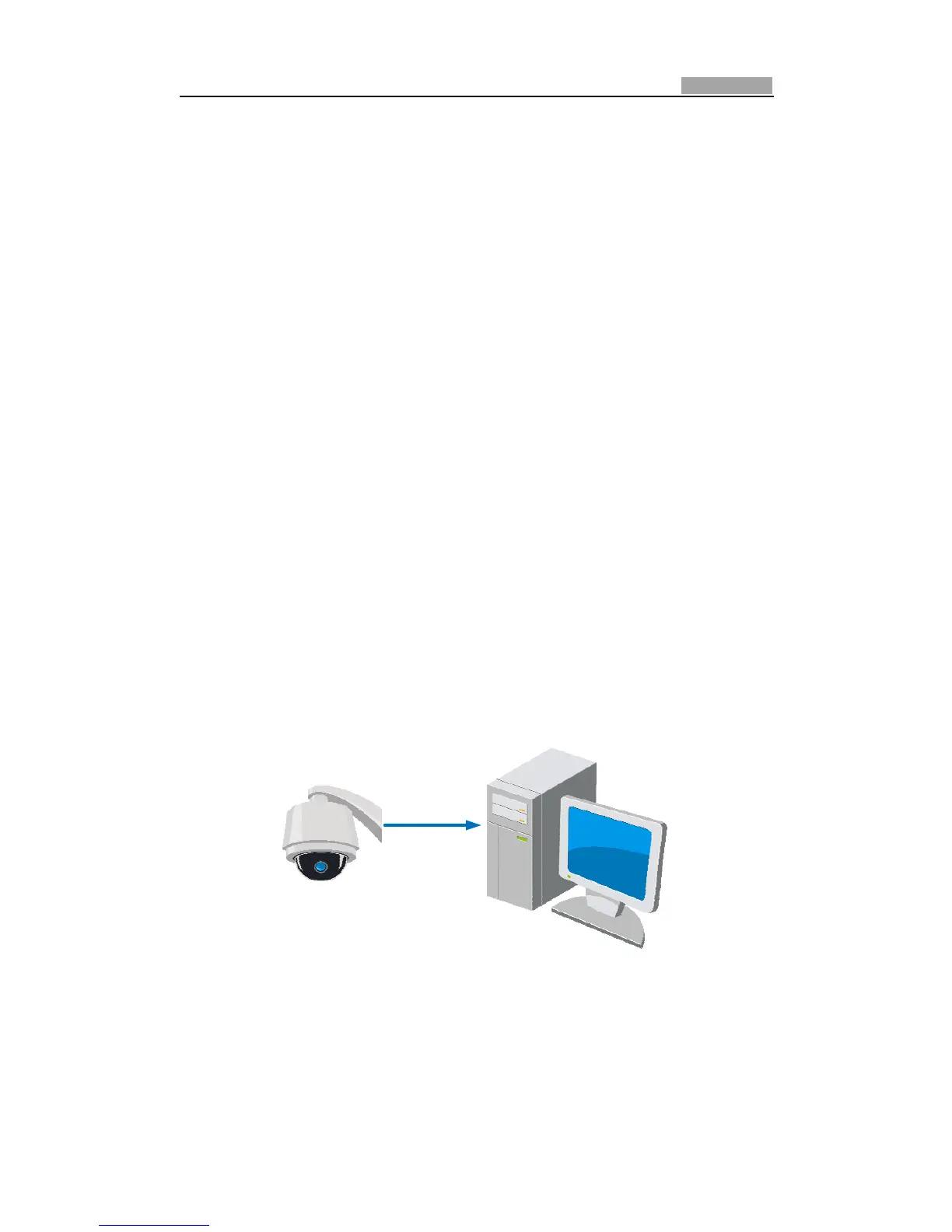
z To test the network speed dome, you can directly connect the network speed
dometothecomputerwithanetworkcableasshowninFigure2Ͳ1.
z Refertothe Figure2Ͳ2tosetthenetworkspeeddomeovertheLANviaaswitch
orarouter.
Figure2Ͳ1 ConnectingDirectly
NetworkCable



 To Next Page