UserManualofIRNetworkSpeedDome
40
authenticator(aVZLWFK
z 7KH VZLWFK forwardsWKHLGHQWLW\DQGSDVVZRUGWRWKHauthentication
server(RADIUSserver).
z 7KHVZLWFKforwarGVWKHFHUWLILFDWHRIDXWKHQWLFDWLRQVHUYHUWRWKHQHWZRUN
FDPHUD
z ,IDOOWKHLQIRUPDWLRQLVYDOLGDWHGWKHVZLWFKDOORZVWKHQHWZRUNDFFHVVWR
WKHSURWHFWHGQHWZRUN
Steps:
1. ConnectthenetworkcameratoyourPCdirectlywithanetworkcable.
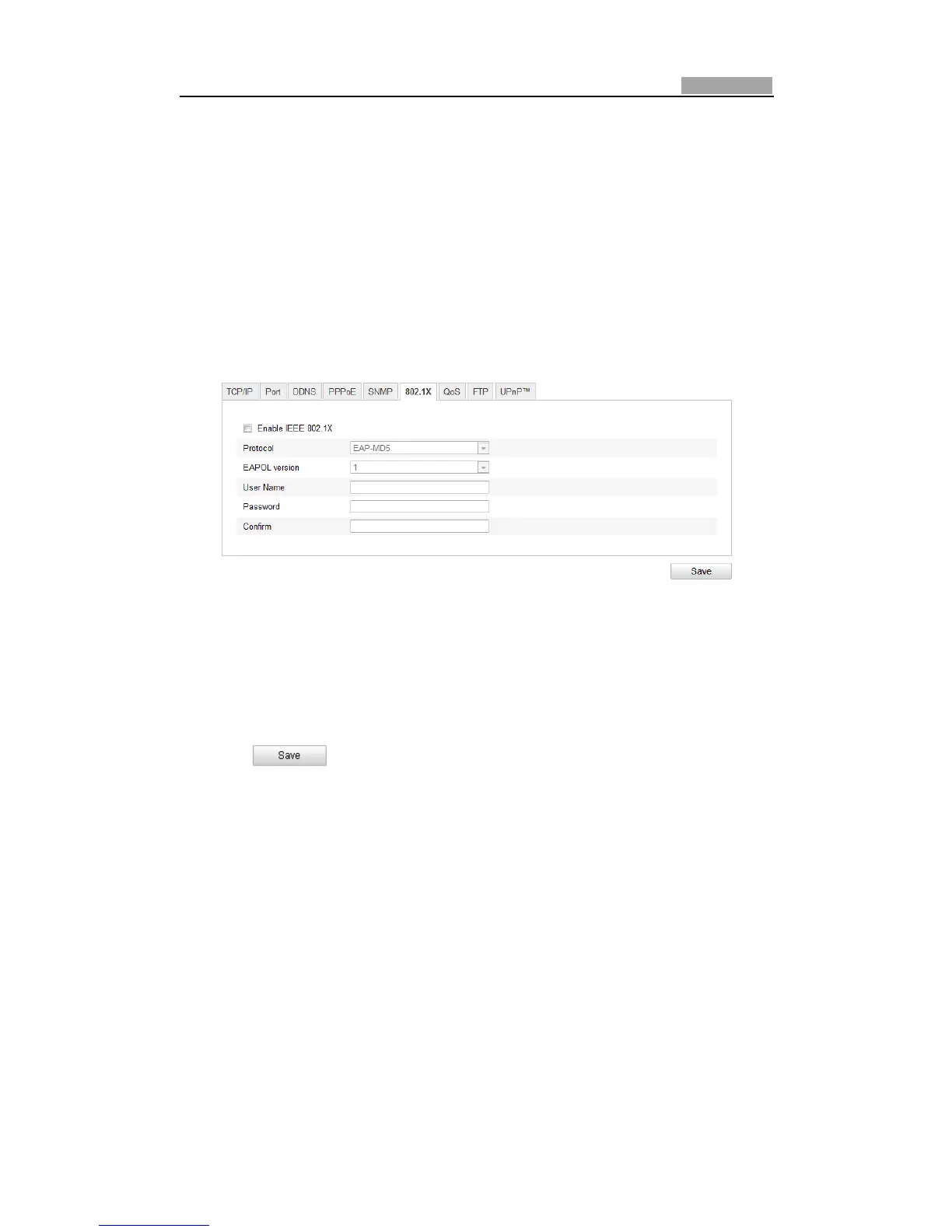
2. Enterthe802.1XSettingsinterface:
Configuration>AdvancedConfiguration>Network>802.1X
Figure6Ͳ17 802.1XSettings
3. ChecktheEnableIEEE802.1Xcheckboxtoenableit.
4. Configurethe802.1Xsettings,includingusernameandpassword.
Note: The EAPͲMD5 version must be identical with that of the router or the
switch.
5. Entertheusernameandpassword(issuedbytheCA)toaccesstheserver.
6. Click
tofinish thesettings.
Note:Thecamerarebootswhenyousavethesettings.
7. Aftertheconfiguration,connectthecameratotheprotectednetwork.
6.3.7 ConfiguringQoSSettings
Purpose:
QoS(QualityofService)canhelpsolvethenetworkdelayandnetworkcongestionby
configuringthepriorityofdatasending.
Steps:
1. EntertheQoSSettingsinterface:
Configuration>AdvancedConfiguration>Network>QoS



 To Next Page