UserManualofIRNetworkSpeedDome
80
10.2 ConfiguringRTSPAuthentication
Purpose:
Youcanspecificallysecurethestreamdataofliveview.
Steps:
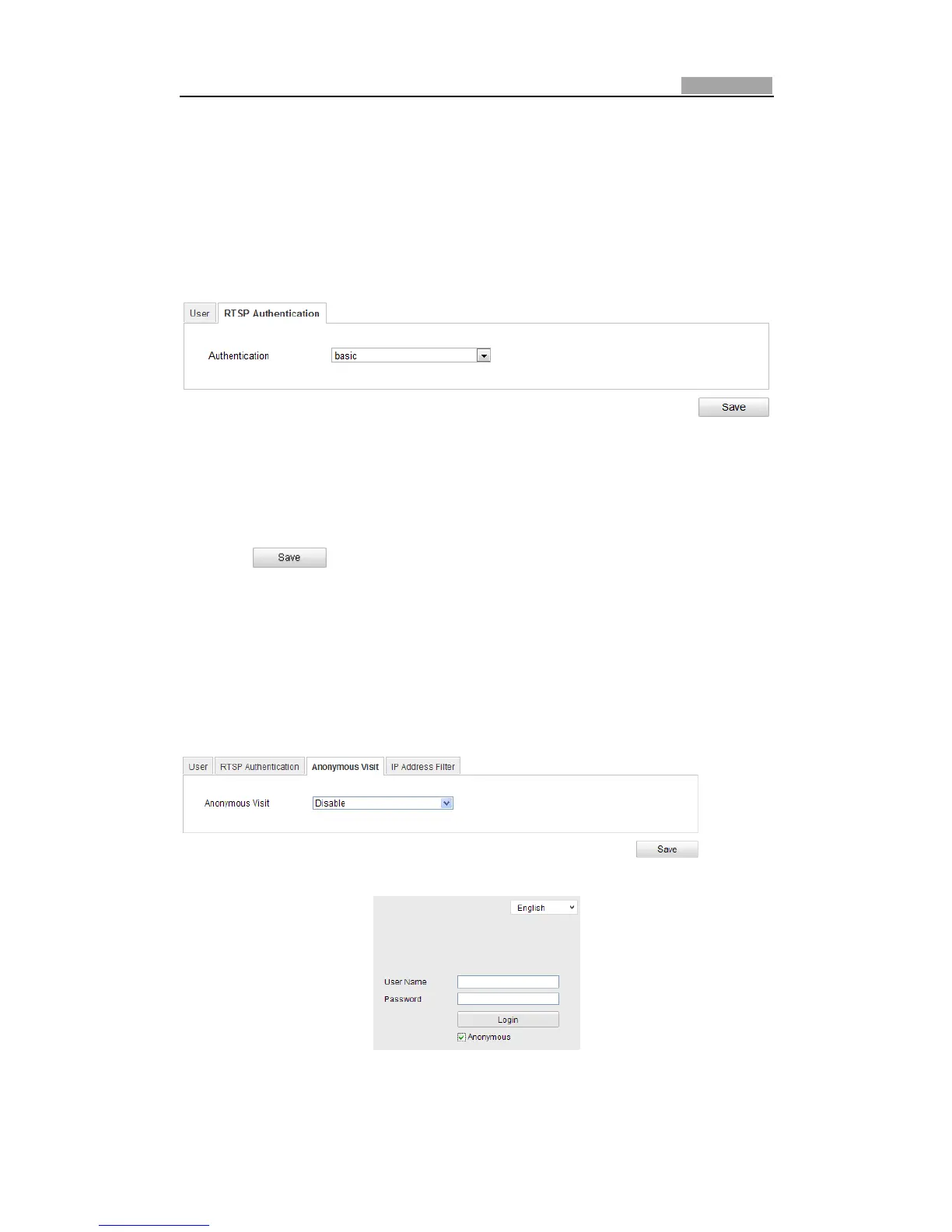
1. EntertheRTSPAuthenticationinterface:
Configuration>AdvancedConfiguration>Security>RTSPAuthentication
Figure10Ͳ5 RTSPAuthentication
2. Select theAuthenticationtypebasic or disable inthedropͲdown listtoenable
ordisabletheRTSPauthentication.
3. Click tosavethesettings.
10.3 ConfiguringAnonymousVisit
Whenyouenablethisfunction,youcanlogintothecamerawithoutausernameand
password.
In login interface, check the Anonymous checkbox and click Login to enter the
cameraasshowninFigure10Ͳ7.
Figure10Ͳ6 AnonymousLogin
Figure10Ͳ7 LoginInterface



 To Next Page