UserManualofIRNetworkSpeedDome
21
Configuretheimagesizeandstreamtypeofthelivevideo.
4.2 StartingLiveView
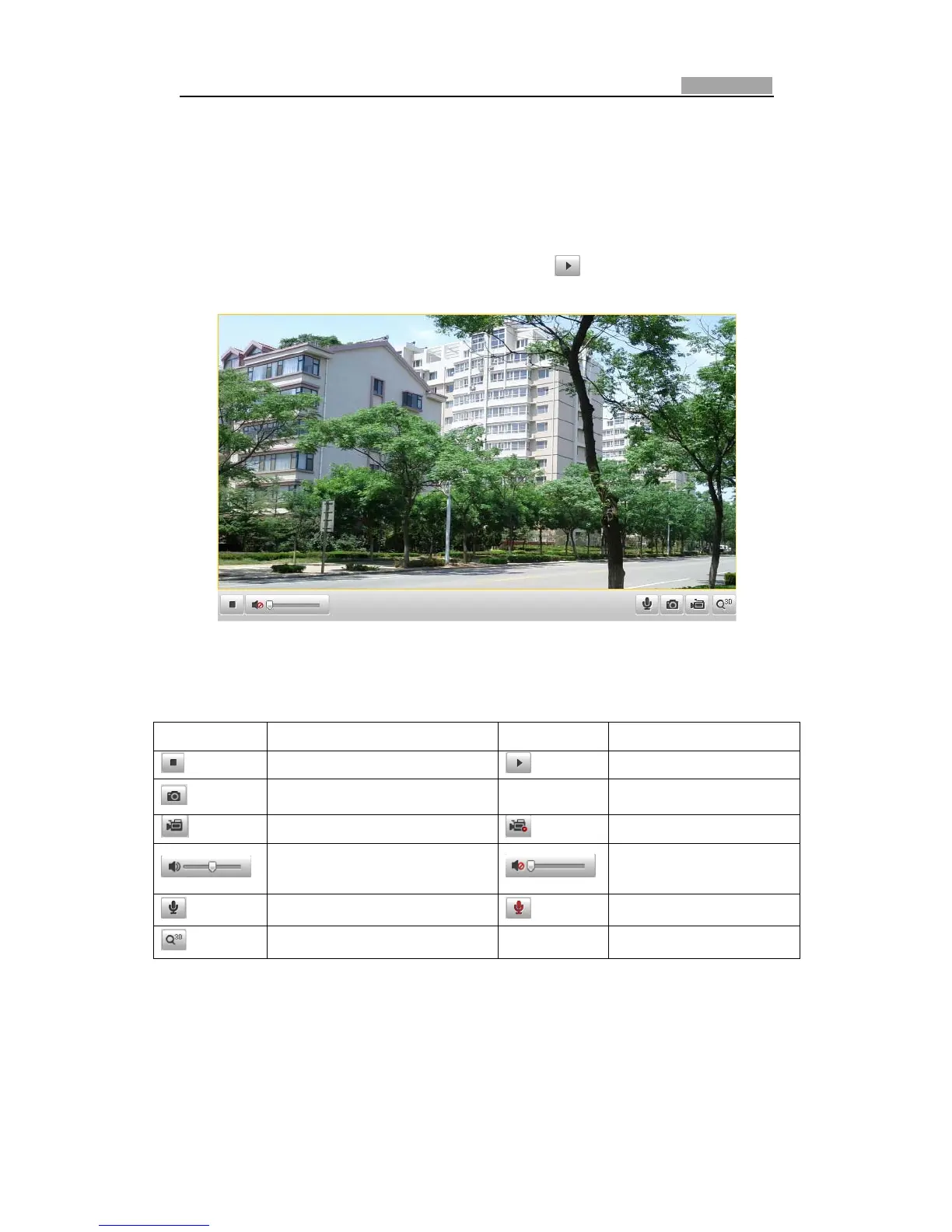
IntheliveviewwindowasshowninFigure4Ͳ2,click onthetoolbartostartthe
liveviewofthespeeddome.
Figure4Ͳ2 StartLiveView
Table4Ͳ1 DescriptionsoftheToolbar
Icon Description Icon Description
Liveviewon Liveviewoff
Manuallycapturethepictures
Manualrecordingoff Manualrecordingon
Audioonandadjustvolume Mute
TwoͲwayaudiooff TwoͲwayaudioon
3Dpositioning
Note:Before usingthe twoͲwayaudioor recordingwithaudio functions, please set
the Stream Type to Video & Audio referring to Section 6.4.1 Configuring Video
Settings.
FullͲscreenMode:
YoucandoubleͲclickonthelivevideotoswitchthecurrentliveviewintofullͲscreen



 To Next Page