UserManualofIRNetworkSpeedDome
61
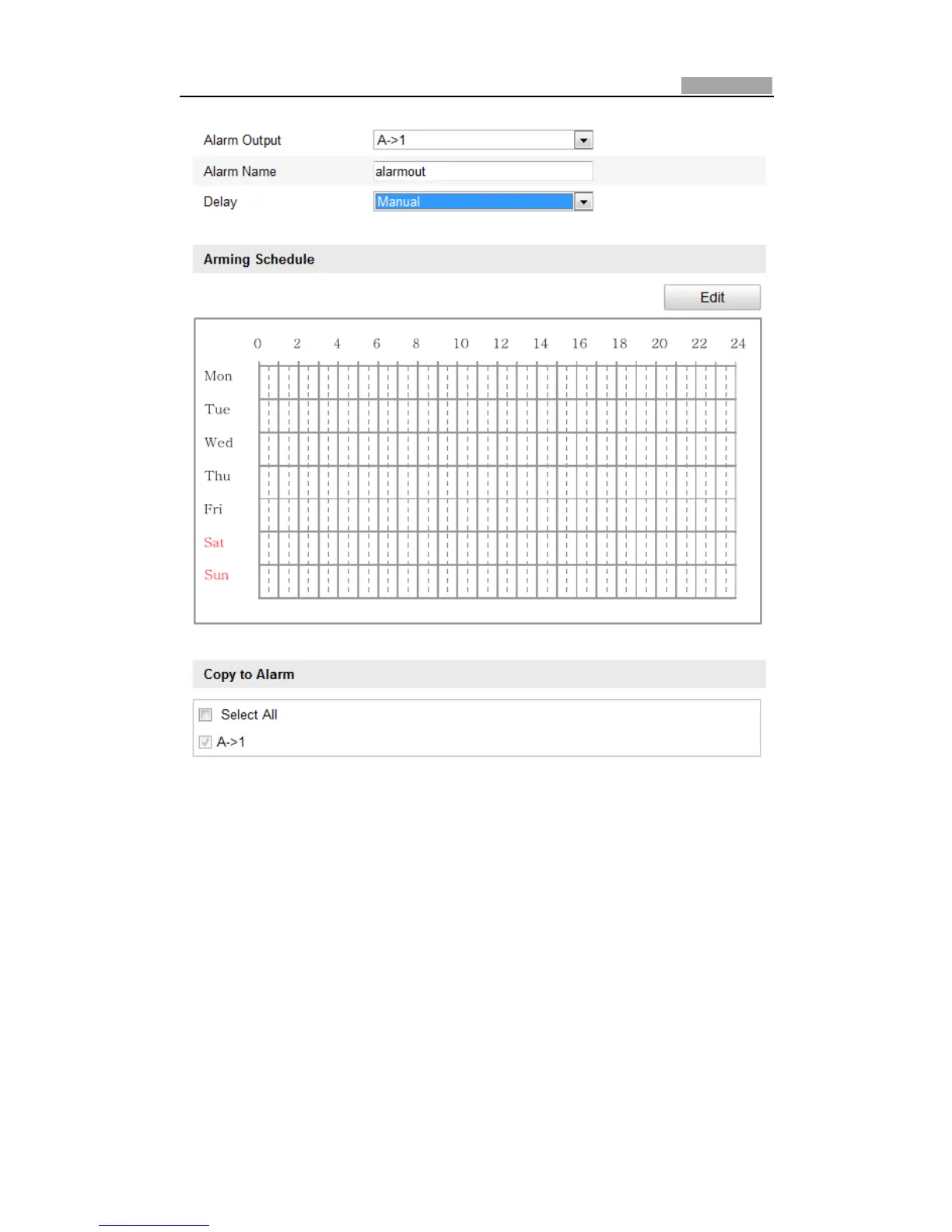
Figure6Ͳ44 AlarmOutputSettings
6.6.5 HandlingException
The exception type can be HDD full, HDD error, network disconnected, IP address
conflictedandillegallogintothespeeddomes.
Steps:
1. EntertheExceptionSettingsinterface:
Configuration>AdvancedConfiguration>Events>Exception
2. Check the checkbox to set the actions tak en for the Exception alarm. Refer to
Step
3 Set the Alarm Actions Taken for Motion Detection in Section 6.6.1
ConfiguringMotionDetection.



 To Next Page