UserManualofIRNetworkSpeedDome
77
Chapter10 Others
10.1 ManagingUserAccounts
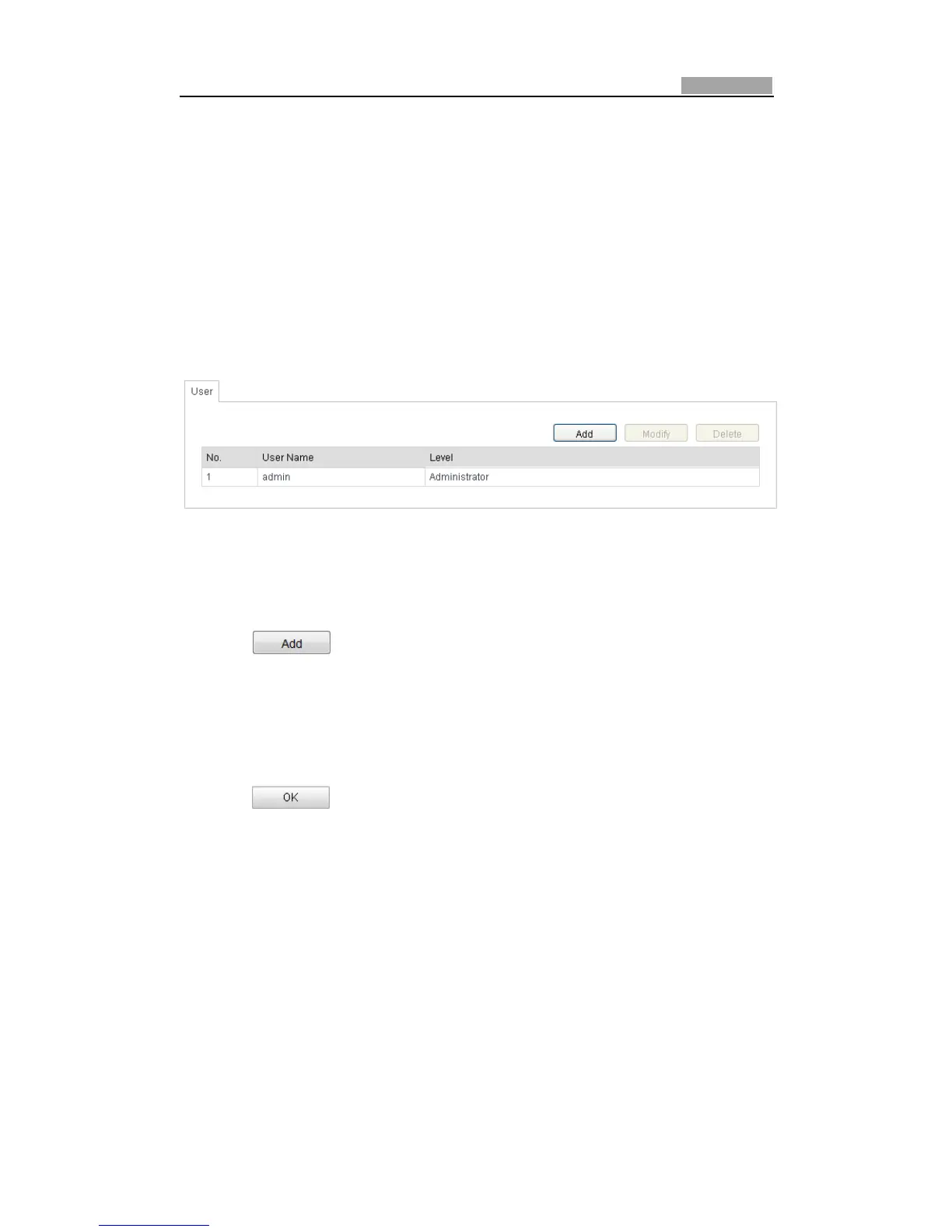
EntertheUserManagementinterface:
Configuration>BasicConfiguration>Security>User
OrConfiguration>AdvancedConfiguration>Security>User
Theadminuserhasaccesstocreate,modifyordeleteotheraccounts.Upto32user
accountscanbecreated.
Figure10Ͳ1 UserInformation
z AddaUser
Steps:
1. Click toaddauser.
2. InputthenewUserName,selectLevelandinputPassword.
Note: The level indicates the permissions you give to the user. You can define the
userasOperatororUser.
3. In the Basic Permission field andCameraConfiguration field, you can checkor
uncheckthepermissionsforthenewuser.
4. Click
tofinish theuseraddition.



 To Next Page