UserManualofIRNetworkSpeedDome
41
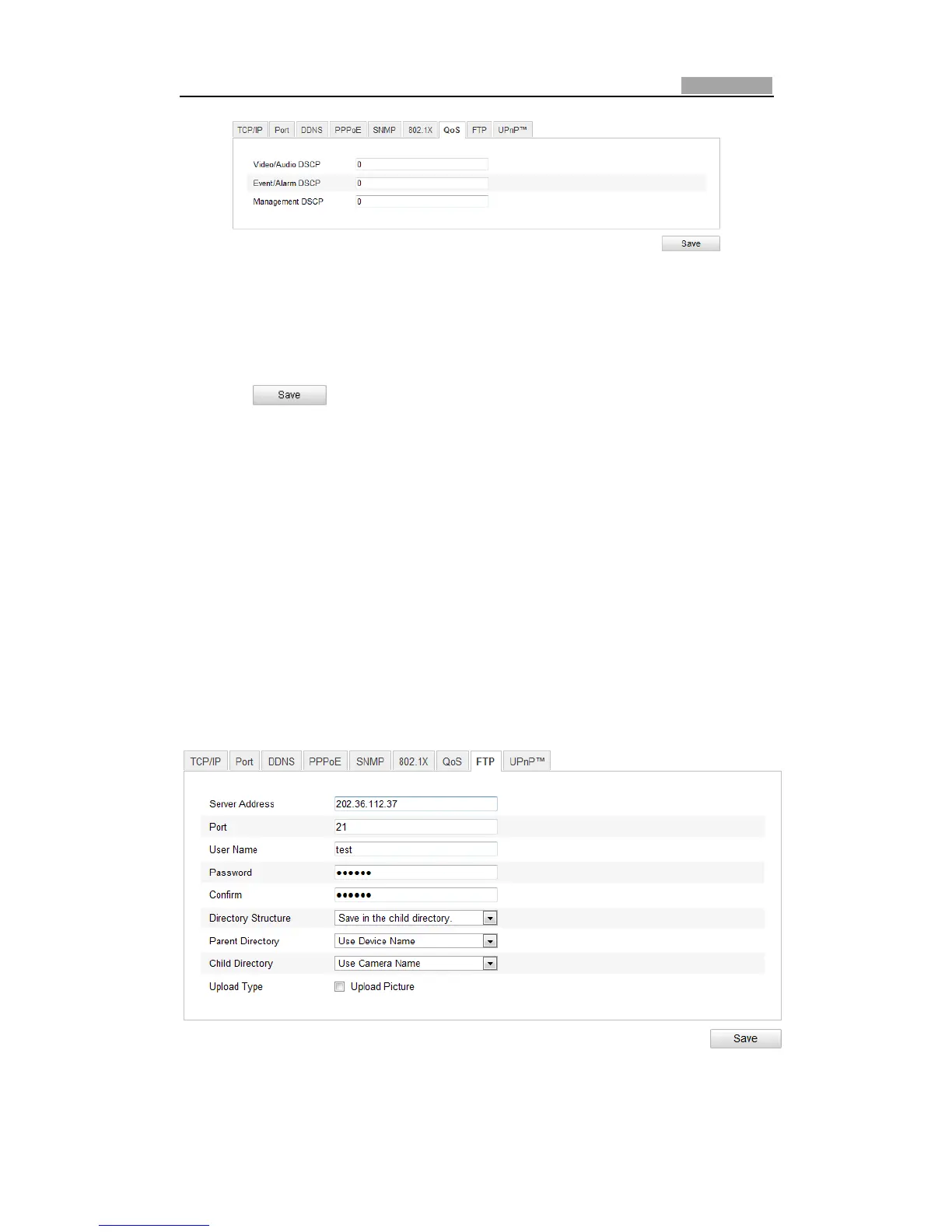
Figure6Ͳ18 QoSSettings
2. Configure the QoS settings, including video/audio DSCP, event/alarm DSCP and
ManagementDSCP.
ThevalidDSCPvaluerangesfrom0to63.TheDSCPvalueisbigger,thepriorityis
higher.
3. Click
tosavethesettings.
Notes:
z MakesurethatyouenabletheQoSfunctionofyournetworkdevice(suchasa
router).
z Itwillaskforarebootforthesettingstotakeeffect.
6.3.8 ConfiguringFTPSettings
Purpose:
You can set a FTP server and configure the following parameters for uploading
capturedpictures.
Steps:
1. EntertheFTPSettingsinterface:
Configuration>AdvancedConfiguration>Network>FTP
Figure6Ͳ19 FTPSettings



 To Next Page