UserManualofIRNetworkSpeedDome
12
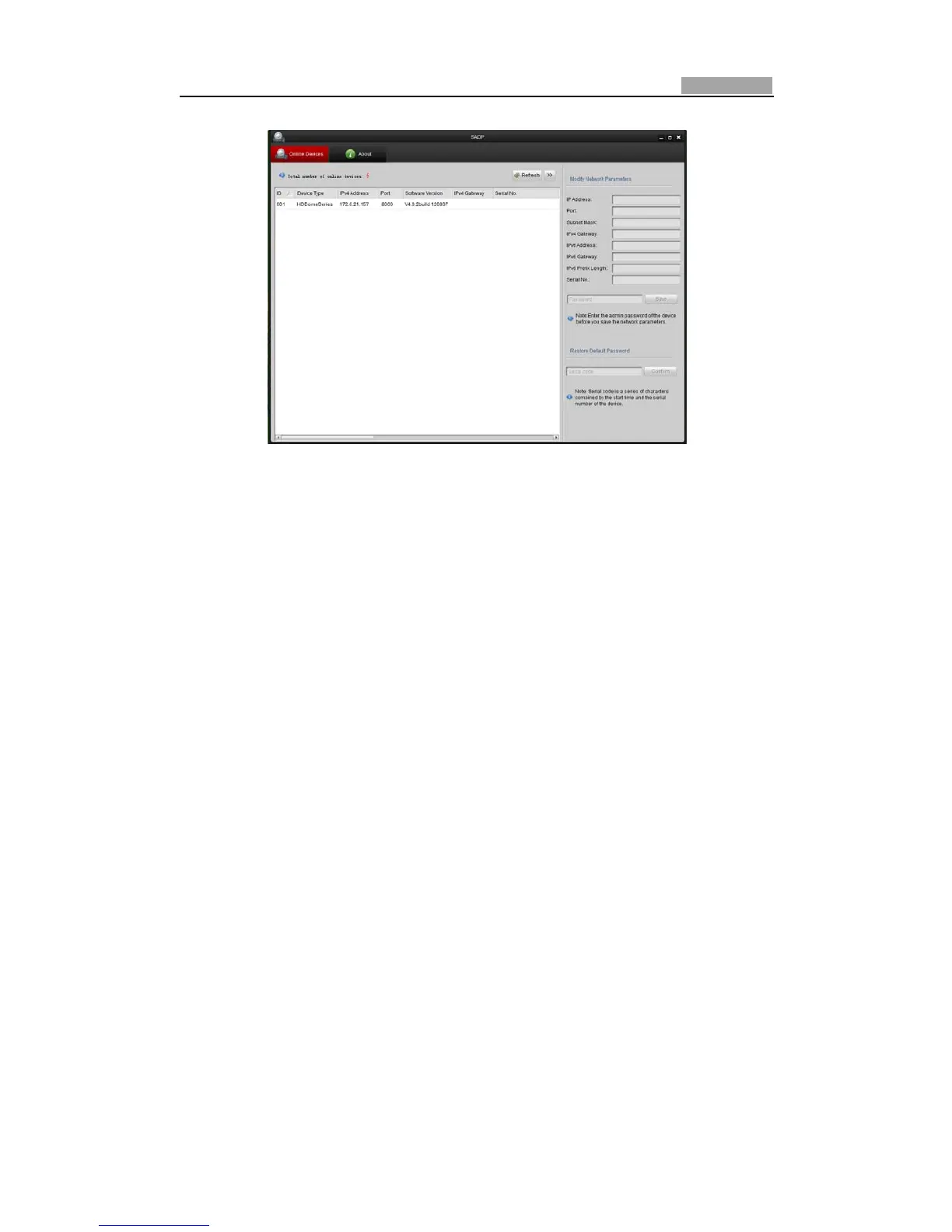
Figure2Ͳ3 SADPInterface
2.2 SettingtheNetworkSpeedDomeovertheWAN
Purpose:
This section explains how to connect the network speed dome to the WAN with a
staticIPoradynamicIP.
2.2.1 StaticIPConnection
Beforeyoustart:
Please apply a static IP from an ISP (Internet Service Provider). With the static IP
address,youcanconnectthenetworkspeeddomeviaarouter orconnectittothe
WANdirectly.
z Connectingthenetworkspeeddomeviaarouter
Steps:
1. Connectthenetworkspeeddometotherouter.
2. AssignaLANIPaddress,thesubnetmaskandthegateway .RefertoSection2.1.2
Detectingand Changing the IP Address for detailed IP address configuration of
thespeeddome.
3. SavethestaticIPintherouter.
4. Setportmapping,E.g.,80, 8000and554ports.Thestepsforportmappingvary
dependingondifferentrouters.Pleasecalltheroutermanufacturerforassistance
withportmapping.
Note:RefertoAppendix2fordetailedinformationaboutportmapping.
5. Visitthenetworkspeeddomethroughawebbrowserortheclientsoftwareover
theinternet.



 To Next Page