UserManualofIRNetworkSpeedDome
81
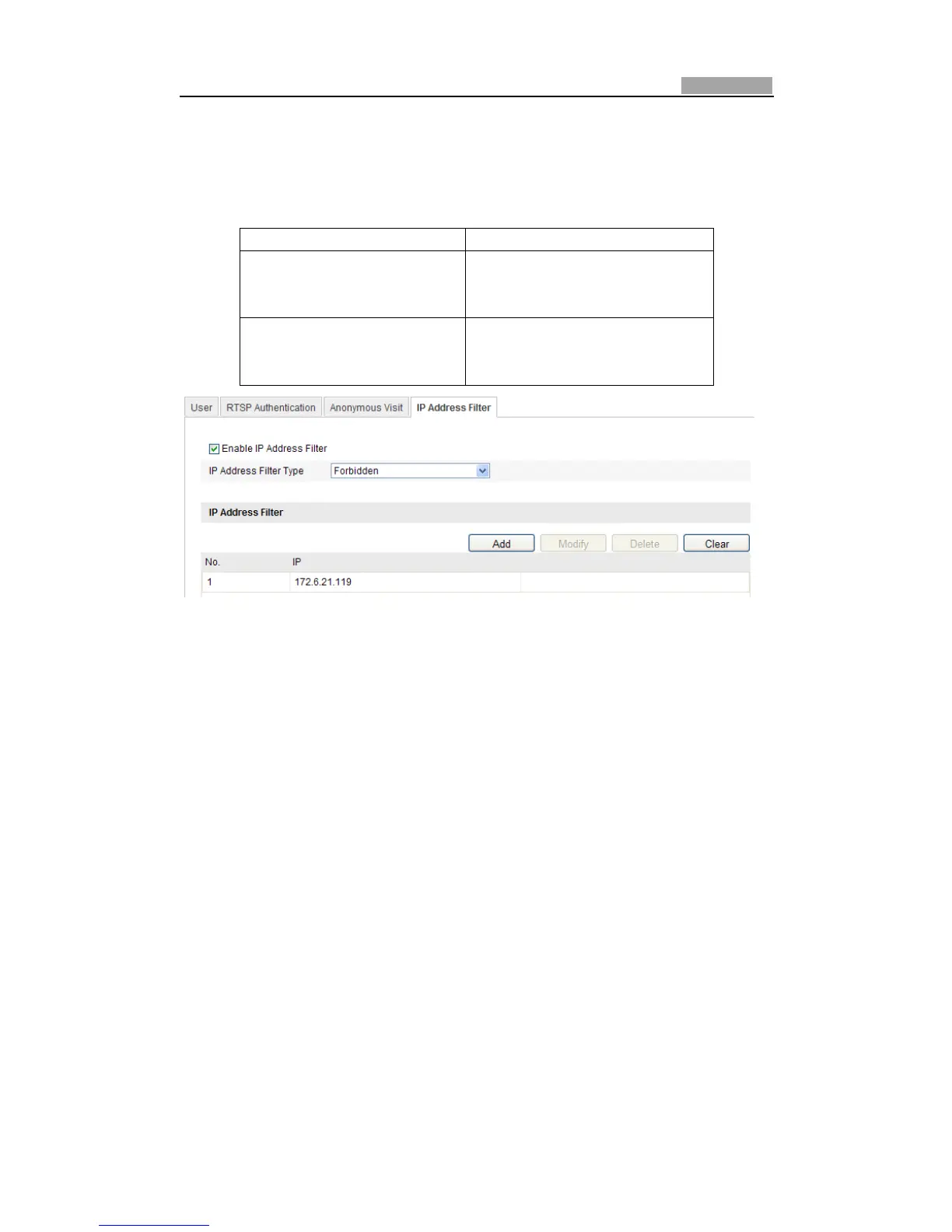
10.4 ConfiguringIPAddressFilter
With this function on, the camera allows certain IP addresses whether to log in or
not.
FilterType Description
Forbidden
Forbid the IP addresses added in
the IP Address Filterinterface to
login.
Allowed
Allow only the IP addresses
added in the IP Address Filter
interfacetologin.
Figure10Ͳ8 IPAddressFilter
10.5 ViewingDeviceInformation
EntertheDeviceInformationinterface:
Configuration>BasicConfiguration>System>DeviceInformation
OrConfiguration>AdvancedConfiguration>System> DeviceInformation
IntheDeviceInformationinterface,youcanedittheDeviceName.
Otherinformationofthenetworkspeeddome,suchasModel,SerialNo.,Firmware
Version,EncodingVersion,NumberofChannels,NumberofHDDs,NumberofAlarm
Input and Number of Alarm Output are displayed. The information cannot be
changedinthismenu.Itisthereferenceformaintenanceormodificationinfuture.



 To Next Page