UserManualofIRNetworkSpeedDome
42
2. ConfiguretheFTPsettings,includingserveraddress,port,username,password,
directoryanduploadtype.
z SettingthedirectoryinFTPserverforsavingfiles:
In the Directory Structure field, you can select the root directory, parent
directoryandchilddirectory.
Rootdirectory:ThefileswillbesavedintherootofFTPserver.
Parent directory: The files will be saved in a folder in FTP ser ver. The
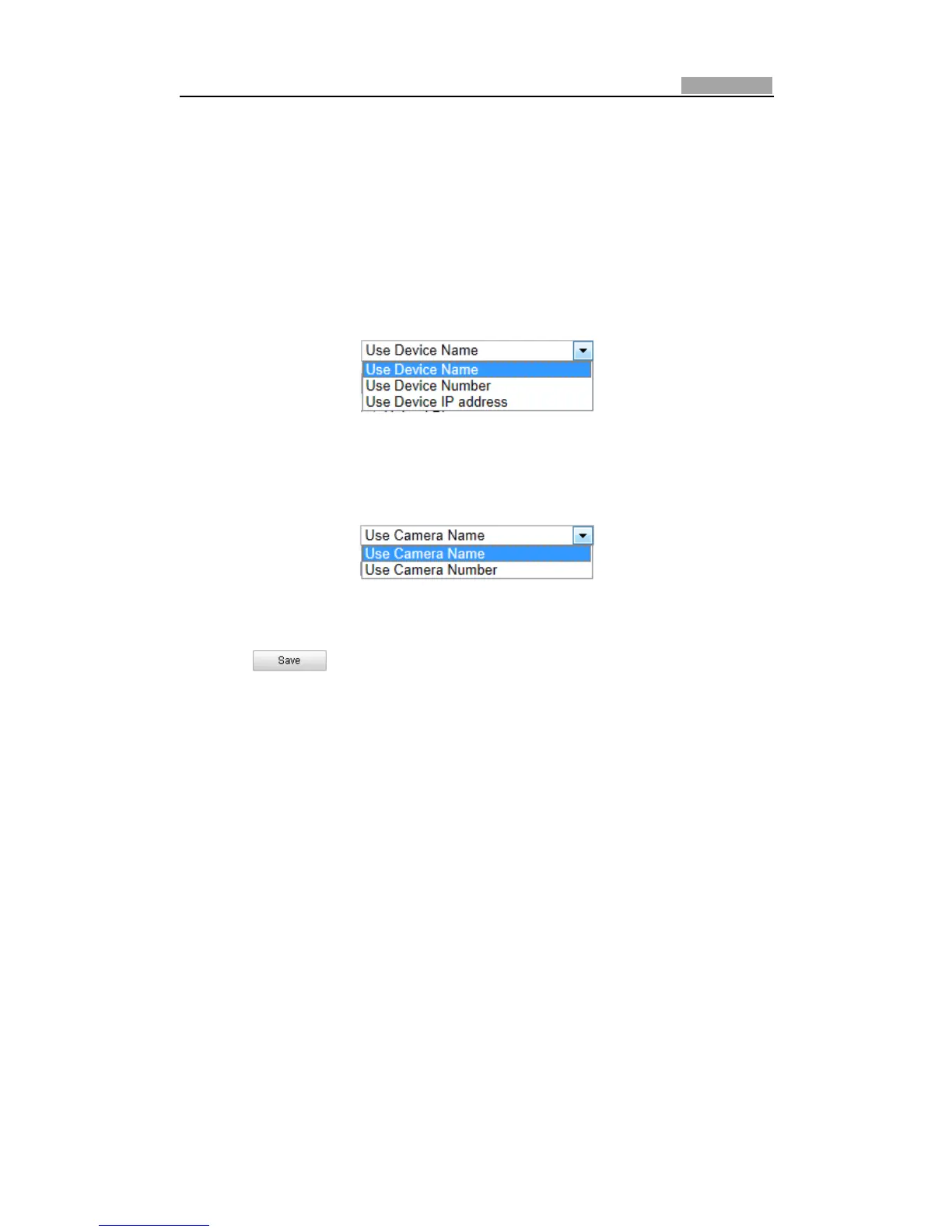
nameoffoldercanbedefinedasshowninfollowingFigure6Ͳ20.
Figure6Ͳ20 ParentDirectory
Child directory: It is a subͲfolder which can be created in the parent
directory.ThefileswillbesavedinasubͲfolderinFTPserver.Thenameof
foldercanbedefinedasshowninfollowingFigure6Ͳ21.
Figure6Ͳ21 ChildDirectory
z Uploadtype:ToenableuploadingthecapturedpicturetotheFTPserver.
3. Click tosavethesettings.
Note:IfyouwanttouploadthecapturedpicturestoFTPserver,youalsohaveto
enable the continuous snapshot or eventͲtriggered snapshot in Snapshot
interface.Fordetailedinformation,pleaserefertotheSection6.6.8Configuring
SnapshotSettings.
6.3.9 ConfiguringUPnPSettings
Universal Plug and Play (UPnP) is a networking architecture that provides
compatibilityamongnetworkingequipment,softwareandotherhardwaredevices.
WiththeUPnPfunctionenabled,youdon’tneedtoconfigure theport mappingfor
eachport,andthecameraisconnectedtotheWideAreaNetworkviatherouter.
Steps:
1.
EntertheUPnPsettingsinterface.
Configuration>AdvancedConfiguration>Network>UPnP
2. AddaFriendlyNameandchecktheEnablePortMappingcheckbox.
3. SelectthePortMappingModeasAutoorManual.
4. If in Manual mode, you can check the checkbox of HTTP, RTSP or SDK
port
accordingtoyourdemand.



 To Next Page