UserManualofIRNetworkSpeedDome
66
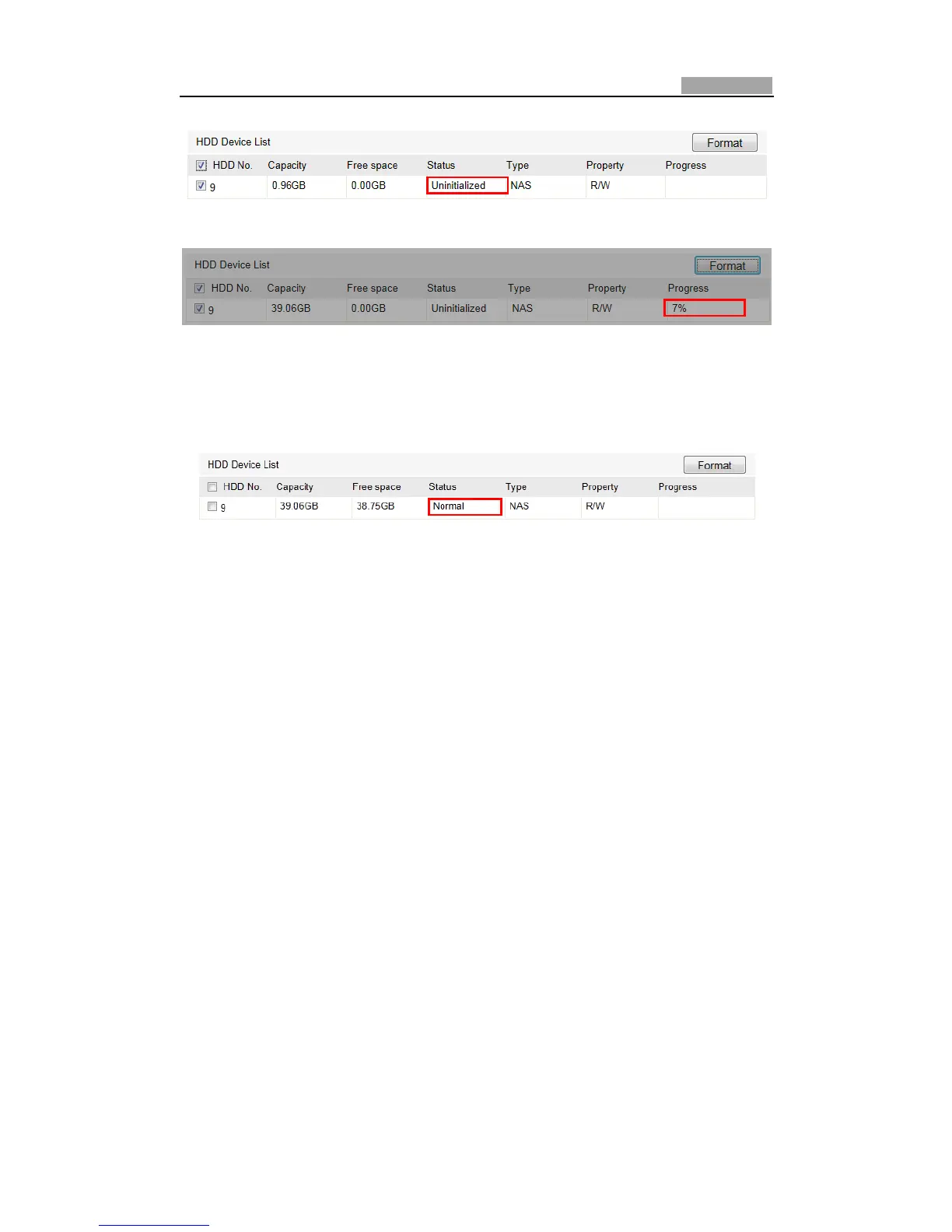
Figure7Ͳ2 InitializeDisk
Figure7Ͳ3 Initializing
Whentheinitializationcompleted,thestatusofdiskwillbecomeNormalas
showninFigure7Ͳ4.
Figure7Ͳ4 ViewDiskStatus
Notes:
z Upto8NASdiskscanbeconnectedtothespeeddome.
z ToinitializeandusetheSDcardafterinsertittothespeeddome,pleaseref erto
thestepsofNASdiskinitialization.
7.2 ConfiguringRecordingSchedule
Purpose:
There are two kinds of recording for the speed domes: manual recording and
scheduled recording. For the manual recording, refer to Section 4.4 Recording and
Capturing Pictures Manually. In this section, you can follow the instructions to
configurethescheduledrecording.Bydefault,therecordfilesofscheduledrecording
arestoredintheSDcard(ifsupported)orinthenetworkdisk.
Steps:
1. EntertheRecordScheduleSettingsinterface:
Configuration>AdvancedConfiguration>Storage>RecordSchedule



 To Next Page