UserManualofIRNetworkSpeedDome
24
•Tiltthespeeddomeupordown.
•Zoominorout.
•Refocusthelens.
3. Click tofinishthesettingofthecurrentpreset.
4. Youcanclick todeletethepreset.
Note:Youcanconfigureupto256presets.
z CallingaPreset:
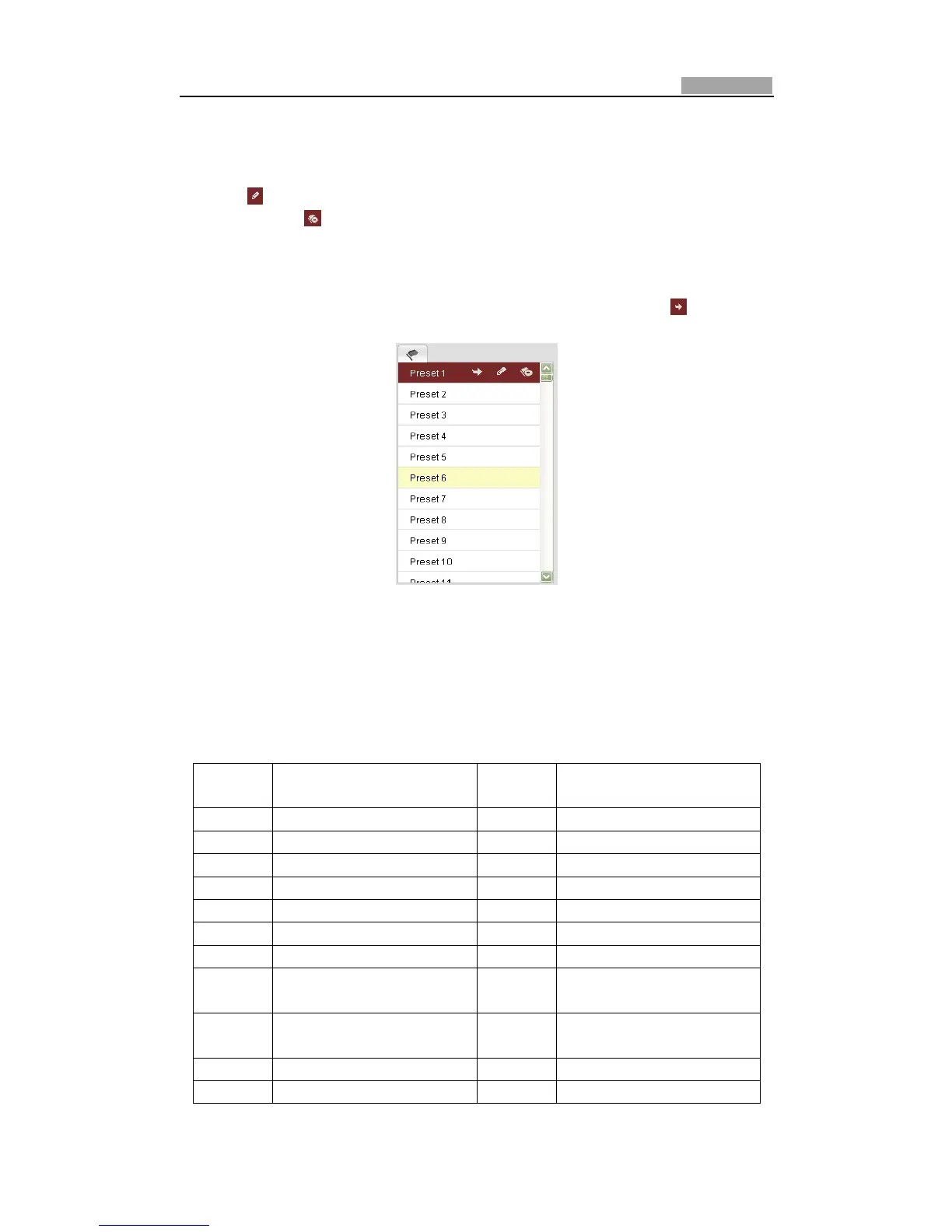
InthePTZcontrolpanel,selectadefinedpresetfromthelistandclick tocallthe
preset.
Figure4Ͳ5 CallingaPreset
Note:Thefollowingpresetsarepredefinedwithspecialcommands.Youcanonlycall
thembutnotconfigurethem.Forinstance,preset99isthe“Startautoscan”.Ifyou
callthepreset99,thespeeddomestartsautoscanfunction.
Table4Ͳ3 SpecialPre sets
Special
Preset
Function Special
Preset
Function
94 Remotereboot 114 Startparkwithpreset3
95 Reserved 115 Startparkwithpreset4
96 Stopascan 116 Startparkwithpreset5
97 Startrandomscan 117 Startparkwithpreset6
98 Startframescan 118 Startparkwithpreset7
99 Startpanscan 119 Startparkwithpreset8
100 Starttiltscan 120 IRLEDAuto
101 Startpanoramascan 121 LongIlluminationDistance
LEDsON
102 Stopapark 122 ShortIlluminationDistance
LEDsON
103 Startparkwithpanscan 123 AllLEDsON
104 Startparkwithtiltscan 124 AllLEDsOFF



 To Next Page