UserManualofIRNetworkSpeedDome
47
Sharpness
Sharpnessfunctionenhancesthedetailoftheimagebysharpeningtheedgesinthe
image.Thevaluerangesfrom0to100.
Note:Thisfunctionvariesdependingonthemodelsofspeeddome.
FocusMode
TheFocusModecanbesettoAuto,Manual,SemiͲauto.
z Auto:
Thespeeddomefocusesautomaticallyatanytimeaccordingtoobjectsinthescene.
z SemiͲauto:
Thespeeddomefocusesautomaticallyonlyonceafterpanning,tiltingandzooming.
z Manual:
In Manual mode, you need to use on the control panel to focus
manually.
Min.FocusDistance
This function is used to limit the minimum focus distance. The value can be set to
1.5m,3m,6m,10cmand50cm.
Note:Theminimumfocusvaluevariesdependingonthemodelsofspeeddome.
ExposureMode
TheExposureModecanbesettoAuto,IrisPriority,ShutterPriority,Manual.
z Auto:
The iris, shutter and gain values will be adjusted automatically according to the
brightnessoftheenvironment.
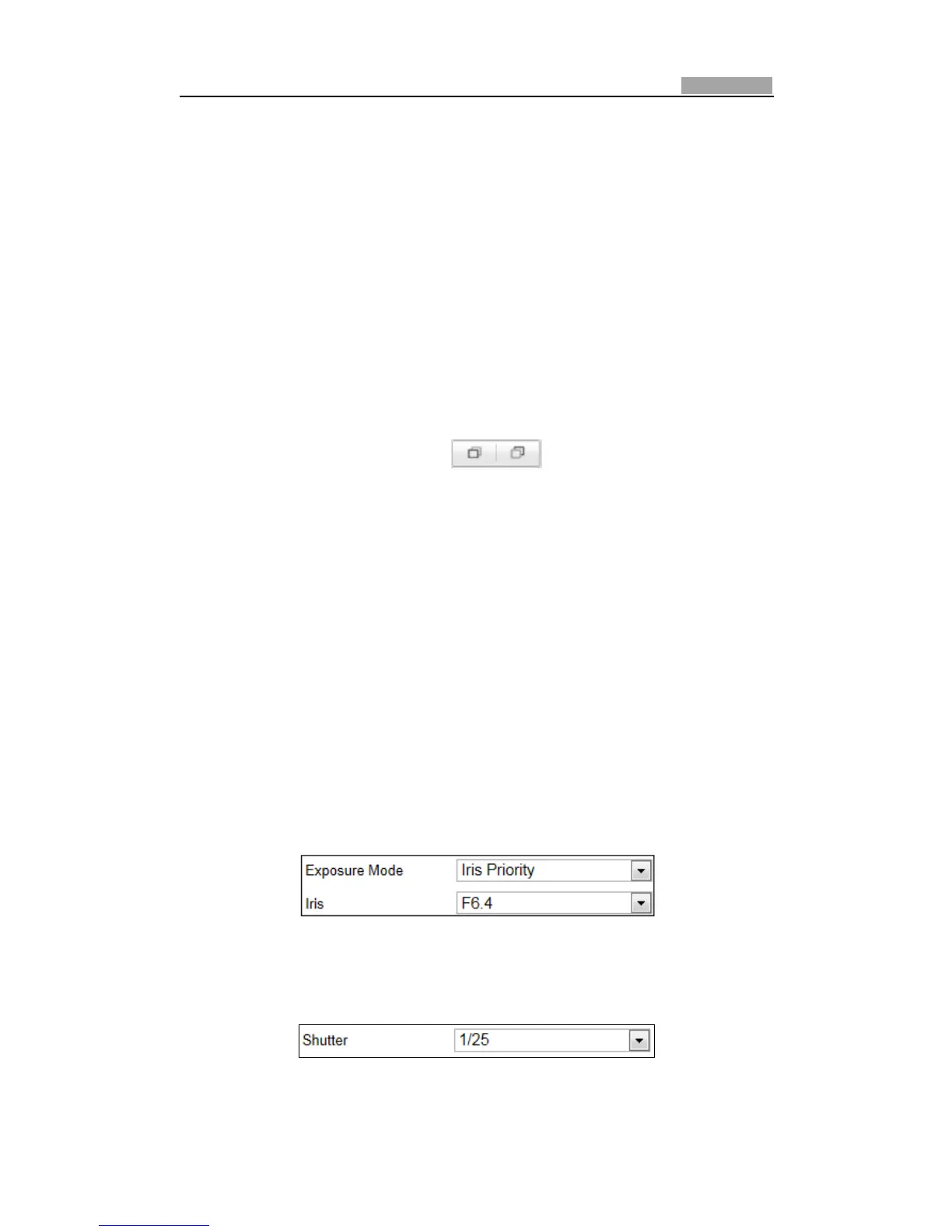
z IrisPriority:
Thevalueofirisneedstobeadjusted manually. Theshutterandgain values will be
adjustedautomaticallyaccordingtothebrightnessoftheenvironment.
Figure6Ͳ26 ManualIris
z ShutterPriority:
Thevalueofshutterneedstobeadjusted manually. Theirisand gainvalues will be
adjustedautomaticallyaccordingtothebrightnessoftheenvironment.
Figure6Ͳ27 ManualShutter



 To Next Page