UserManualofIRNetworkSpeedDome
59
(NormallyOpen)andNC(NormallyClosed).
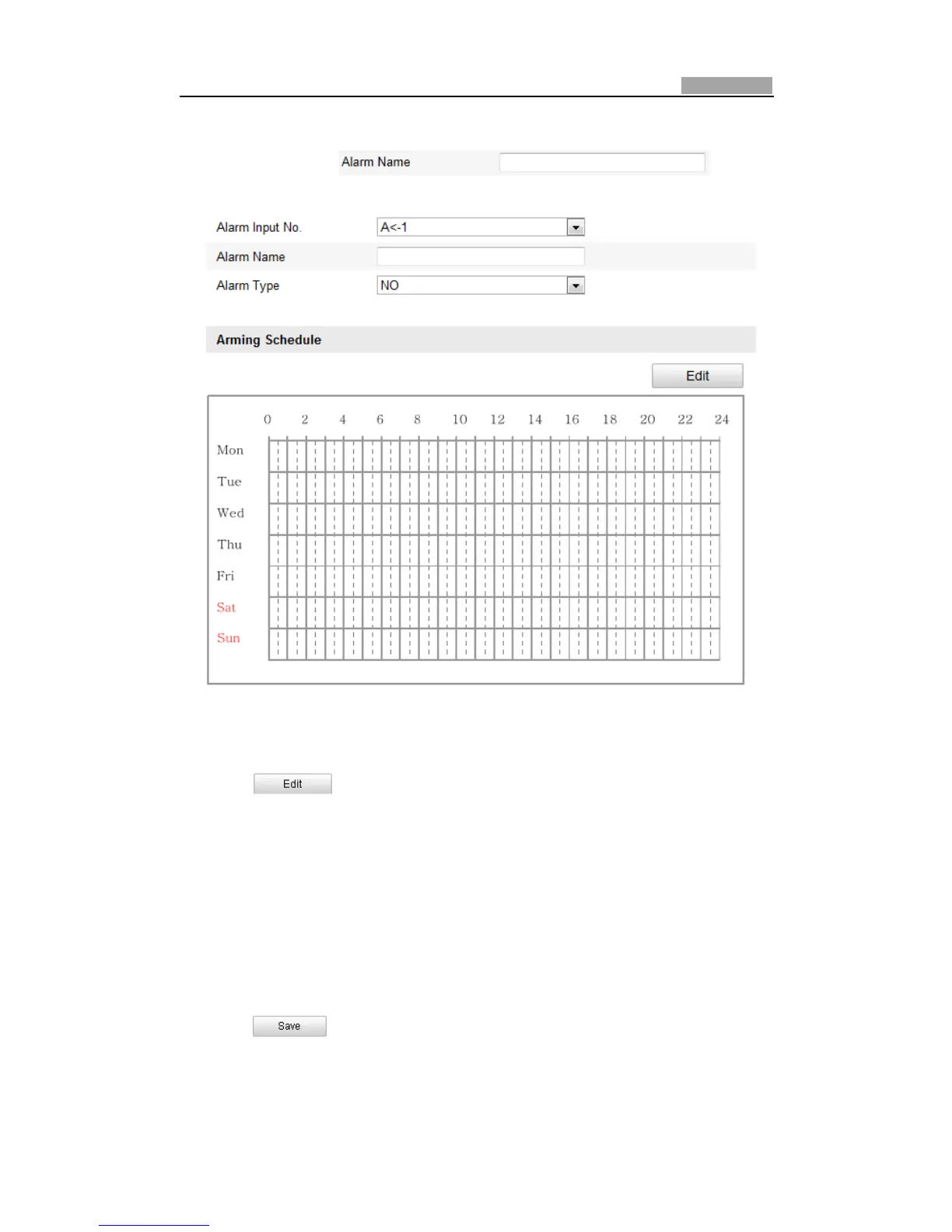
3. Edit the name in to set a
nameforthealarminput(optional).
Figure6Ͳ42 AlarmInputSettings
4. Click tosetthearmingscheduleforthealarminput.RefertoStep2
Set the Arming Schedule for Motion Detection in Section 6.6.1 Configuring
MotionDetection.
5. Checkthecheckboxtoselectthelinkagemethodtakenforthealarminput.Refer
to Step 3 Set the Alarm Actions for Motion Detection in Section 6.6.1
ConfiguringMotionDetection.
6. You can also choose the PTZ linking for the alarm input. Check the relative
checkbox and select the No. to enable Preset Calling, Patrol Calling or Pattern
Calling.
7. Youcancopyyoursettingstootheralarminputs.
8. Click tosavethesettings.



 To Next Page