Handling: General information 11
Operating RADIO, MEDIA (audiovisual
systems)
NAME, TEL NAV, INFO CAR, SETUP
History function
The system recalls the previous settings.
When a function button is pressed, the system will switch to the most recently
accessed menu level for the specific main function. This includes any
sublevels that were opened. This excludes the Setup menus.
The history memory is erased when the system moves into standby mode.
An example: You are currently in radio mode and have selected the Control
menu. You switch to the navigation menu by pressing the button. If you
then press the button, you will return to the menu selected before
leaving radio mode. In this case, the Control menu of the radio is shown in the
display.
Resetting the navigation system
The procedure described below will restart your navigation system
and restore full normal operation.
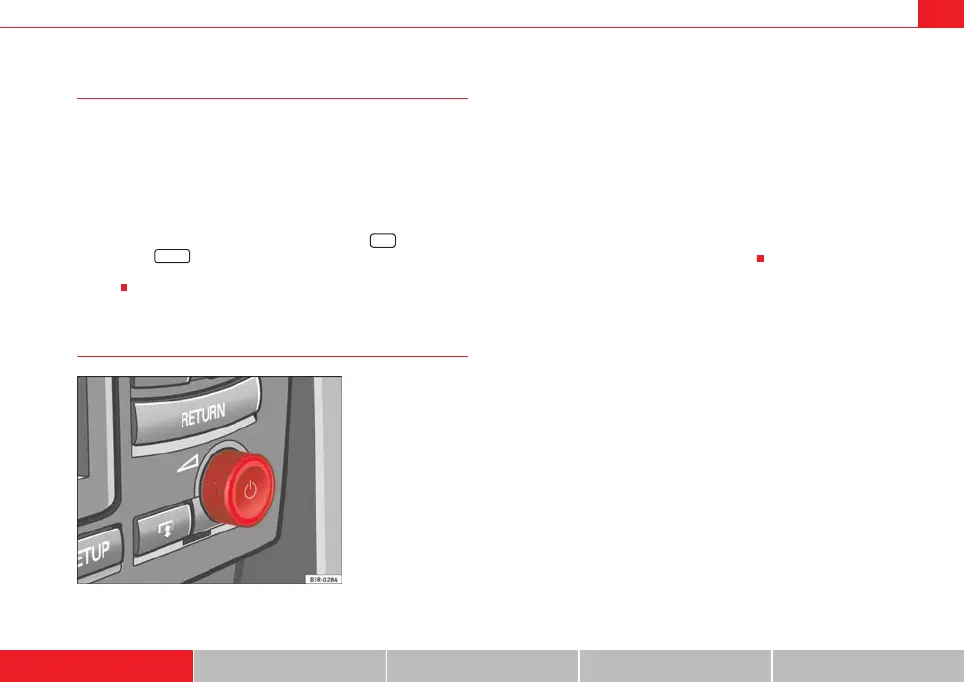
– Press the ON/OFF knob to switch the navigation system off
⇒ fig. 10.
– Press and hold the ON/OFF knob until the display reappears and
turns black.
– Release the ON/OFF knob as soon as the display has turned
black. After a few seconds, the navigation system will restart, or
you can switch it on manually ⇒ page 4.
NAV
RADIO
Fig. 10 Navigation
system: ON/OFF button
media_systemE_EN.book Seite 11 Montag, 21. September 2009 1:48 13



 To Next Page