Display 19
Operating RADIO, MEDIA (audiovisual
systems)
NAME, TEL NAV, INFO CAR, SETUP
manually from numbers to letters using button or from letters to numbers
using .
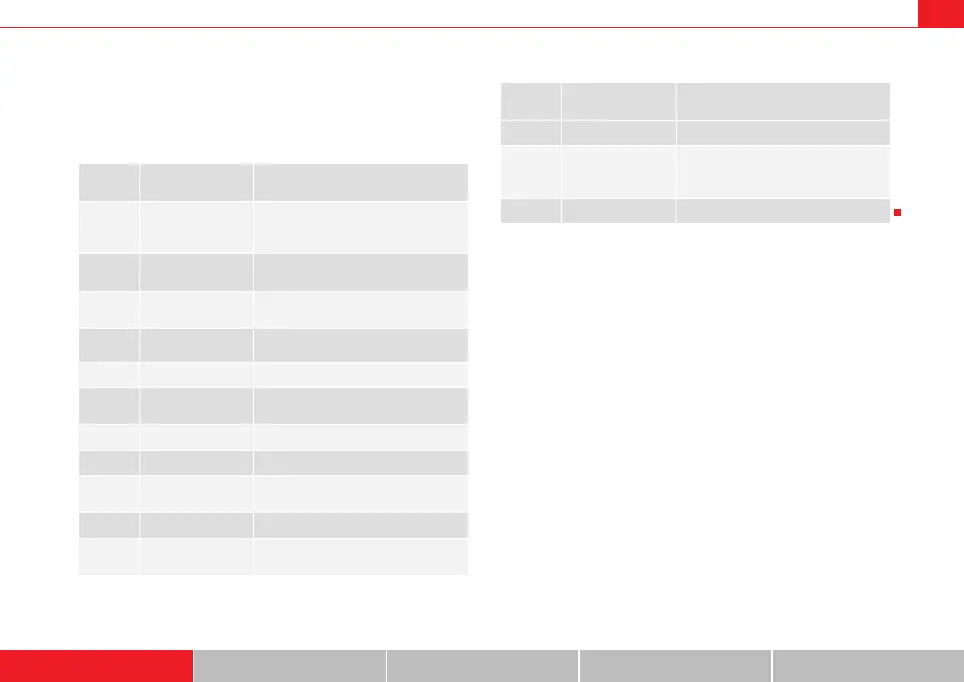
The table below lists the symbols appearing in the illustrations ⇒ page 18,
fig. 19 and ⇒ page 18, fig. 20, together with their corresponding functions.
Legend
Symbol /
Name
Action
Pointer
The selected element has a white back-
ground and is shown larger in the entry
ring.
DEL
The symbol to the left of the cursor with
the white fill is deleted.
Cursor movement in entry field back-
wards and forwards
Switch between caps/no caps.
OK Confirms an entry.
A...Z
Switches from number to letter key-
board.
Cursor
Entry field
Large image of the selected charac-
ter/function.
LIST Selects a suggestion from the list.
0..9
Switches from letter keyboard to number
keyboard.
6
11
1
A
2
A
3
4
5
6
A
7
8
A
9
10
A
11
Space
Reference to list elements that match the
current entries in the entry field, show-
ing the number of list elements
List of entries ordered alphabetically.
Legend
Symbol /
Name
Action
A
12
13
A
14
media_systemE_EN.book Seite 19 Montag, 21. September 2009 1:48 13



 To Next Page