MEDIA 53
Operating RADIO, MEDIA (audiovisual
systems)
NAME, TEL NAV, INFO CAR, SETUP
Scan CD tracks
– Press the corresponding CD Control button in the audio CD
menu.
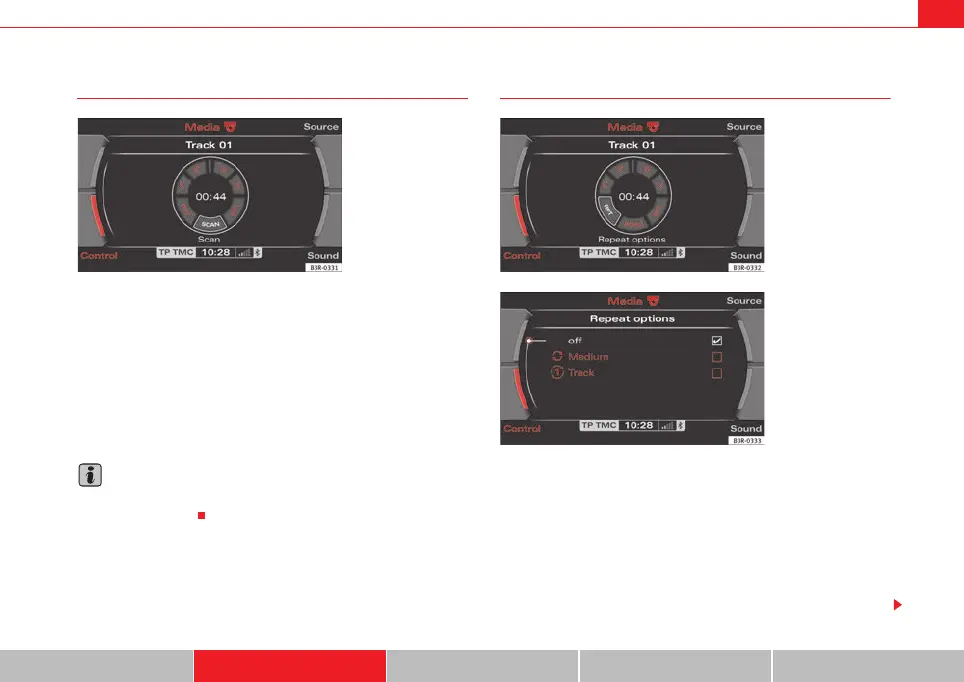
– By rotating and pressing the control knob, select SCAN ⇒ fig. 60.
Pressing the control knob activates automatic track scan. Each track on the
CD will be played for a few seconds.
When the button is pressed again, scanning stops and the track currently
being played will continue to play.
Note
If you have set Repeat, for a single Track in the CD setup menu, you cannot
use the SCAN function.
Repeat ("RPT")
– Press the corresponding CD Control button in the audio CD
menu.
– Select RPT by rotating the control knob ⇒ fig. 61.
– Select off, CD or Track.
• Off function: The Repeat function is switched off
• CD function: The current CD tracks are repeated.
Fig. 60 CD: Scanning a
track
Fig. 61 CD: Repeat
Fig. 62 Repeat
media_systemE_EN.book Seite 53 Montag, 21. September 2009 1:48 13



 To Next Page