12. Software Update
SMF-MP10S User guide V1.1 Shanghai Seer Intelligent Technology Corporation 73
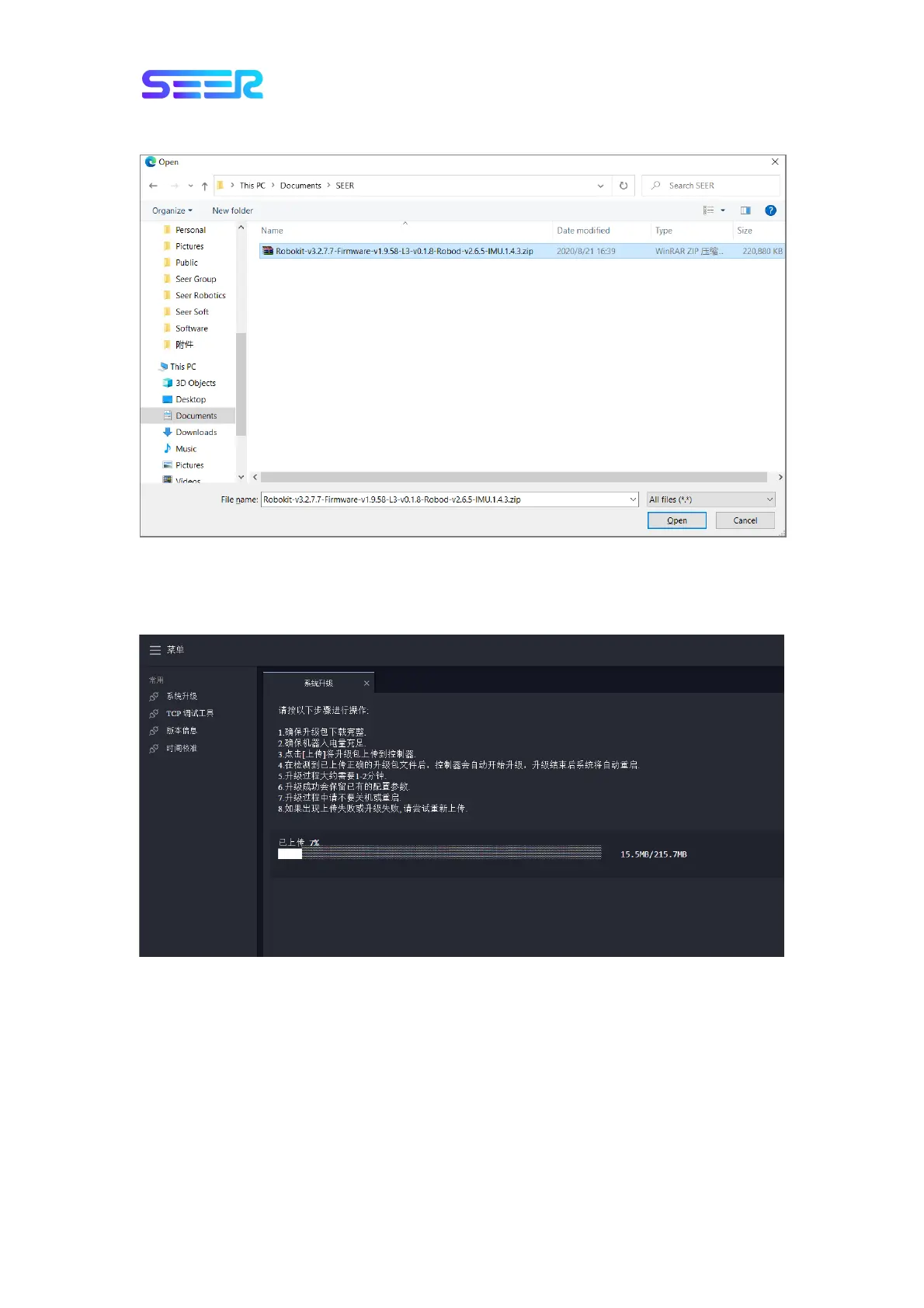
5. Click Upload, find and select the obtained software package.
Usually, the name of the package is a zip package beginning with Robokit. Please upload the
zip package directly, and do not decompress the package.
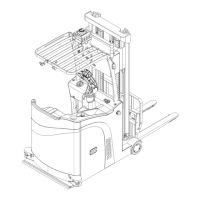
6. Wait patiently for the software package to upload, as shown below:
It may take a few minutes for the software package to be uploaded. Please ensure the
stability of the network connection during this period.


 To Next Page