12. Software Update
SMF-MP10S User guide V1.1 Shanghai Seer Intelligent Technology Corporation 74
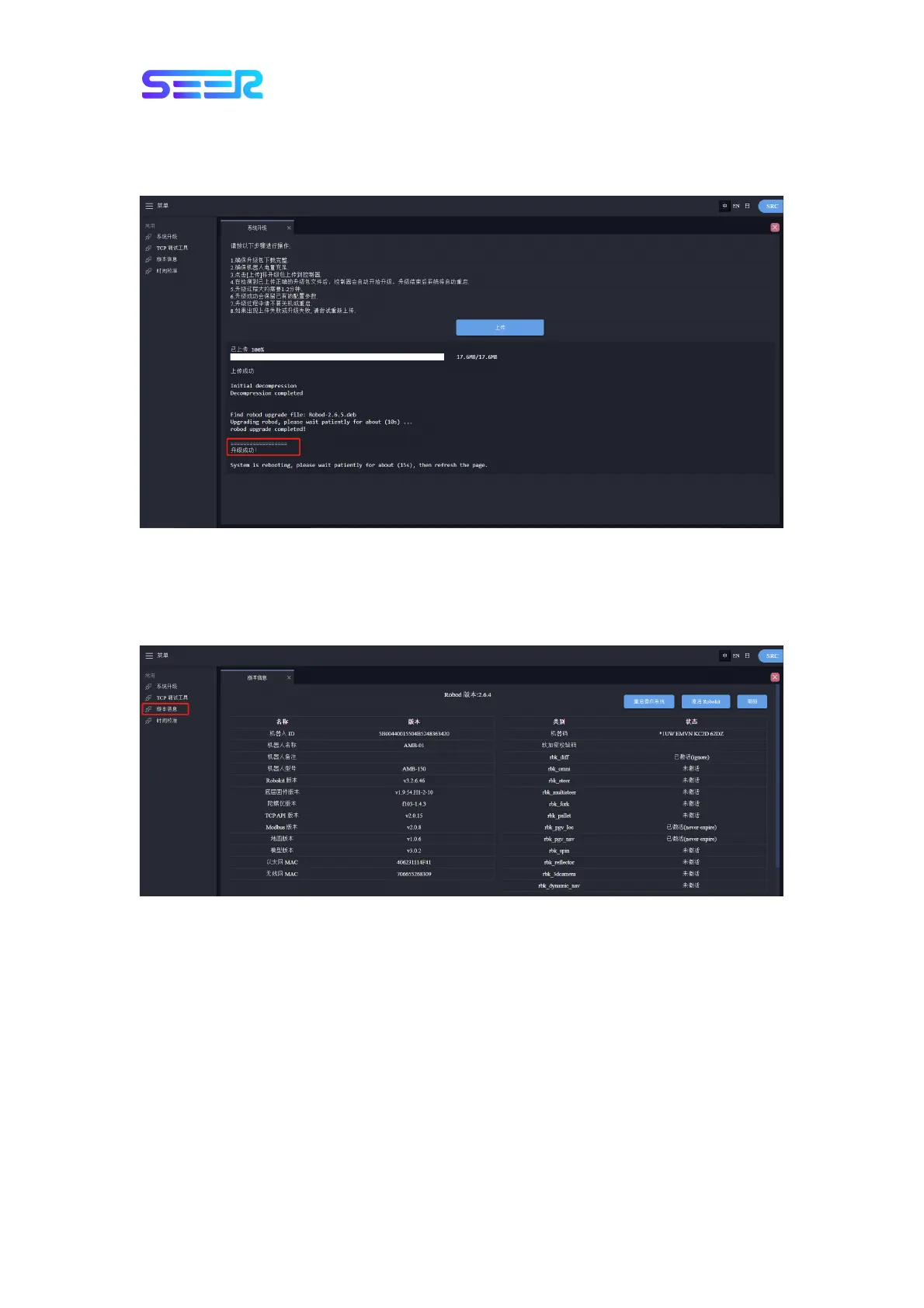
7. The entire upgrade process may take a few minutes. Please be patient. Do not do any
operations on the robot during this period. It indicates that the update is finished if the
following prompt pops up:
8. After the upgrade is finished, the robot will be automatically restarted to make the update
take effect.
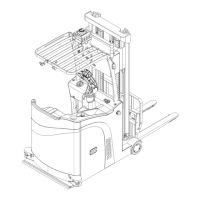
9. Click the version information to view the relevant software version of the robot, as shown
below:
Notice: If it prompts that the upgrade fails, please try to upload again or contact our after-
sales department for processing.


 To Next Page