PERIODIC INSPECTION
59
NOTES:
- "S/M" refers to the Service Manual (420-7461-01) provided with the cabinet.
- "Nu - S/M" refers to the Nu Service Manual (420-7462-01) supplied with the cabinet.
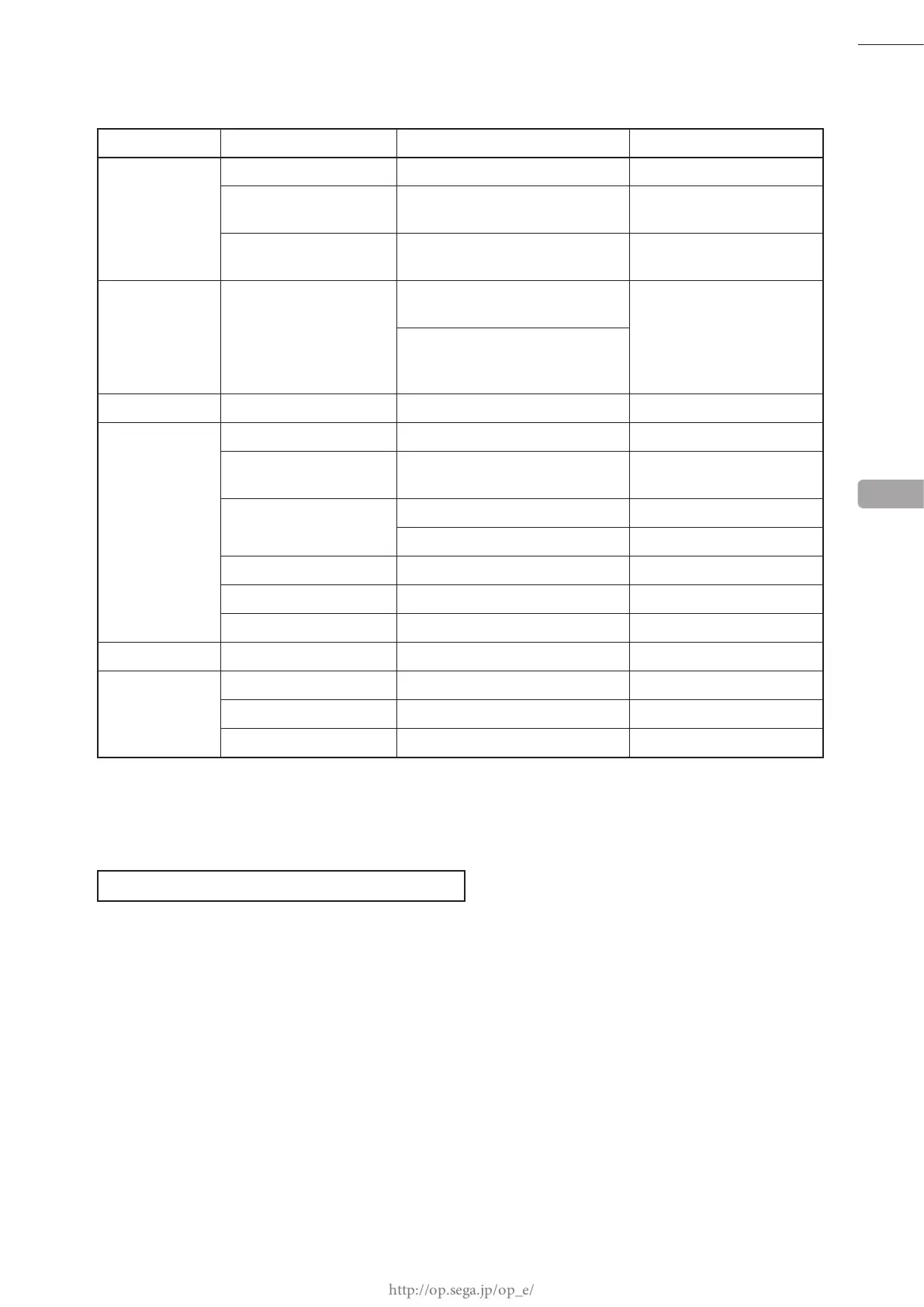
PERIODIC INSPECTION TABLE
PERIOD ITEMS DESCRIPTION REFERENCE
As appropriate CABINET SURFACES Cleaning See below (P. 59)
TOUCH SLIDER
SURFACES
Cleaning, inspection 11-1 (P. 64)
ELECTRONIC/
ELECTRICAL PARTS
Inspection Previous page (P. 58)
Daily CABINET Conrm that adjusters contact
oor
6-3 (P. 29)
Inspection of openings, gaps, and
the door etc. on the front of the
cabinet
Weekly LCD (TOUCH PANEL) Cleaning the touch panel surface 13-2 (P. 78)
Monthly LCD Adjustment conrmation 13-3 (P. 79)
TOUCH SLIDER,
BUTTON, SWITCH
Input/output test S/M 4-3/4-4
SPEAKER Speaker volume inspection S/M Chapter 2
Output test S/M Chapter 3
HEADPHONE SOCKET Headphone socket inspection S/M Chapter 3
COIN SELECTOR Coin insertion test 14-2 (P. 102)
Nu Setting check Nu - S/M Chapter 3
Every 3 months COIN SELECTOR Cleaning 14-3 (P. 103)
1 year Nu Cleaning 15-1 (P. 107), 15-2 (P. 110)
POWER PLUG/CABLE Inspection, Cleaning Previous page (P. 58)
CABINET INTERIOR Cleaning Previous page (P. 58)
CLEANING THE CABINET SURFACE
When the cabinet surfaces become dirty, remove stains with a soft cloth soaked in water or diluted (with water)
chemical detergent and then wrung dry. To avoid damaging the nish, do not use such solvents as thinner, benzene,
etc. (other than ethyl alcohol) or abrasives (bleaching agent and chemical dust-cloth).
Some general-purpose household, kitchen, and furniture cleaning products may contain strong solvents that degrade
plastic parts, coatings, and print. Before using any cleaning product, read the product's cautionary notes carefully
and test the product rst on a small area that is not highly visible.
9














 To Next Page