OmniHub 6/6D– User Manual
Page 118 of 182
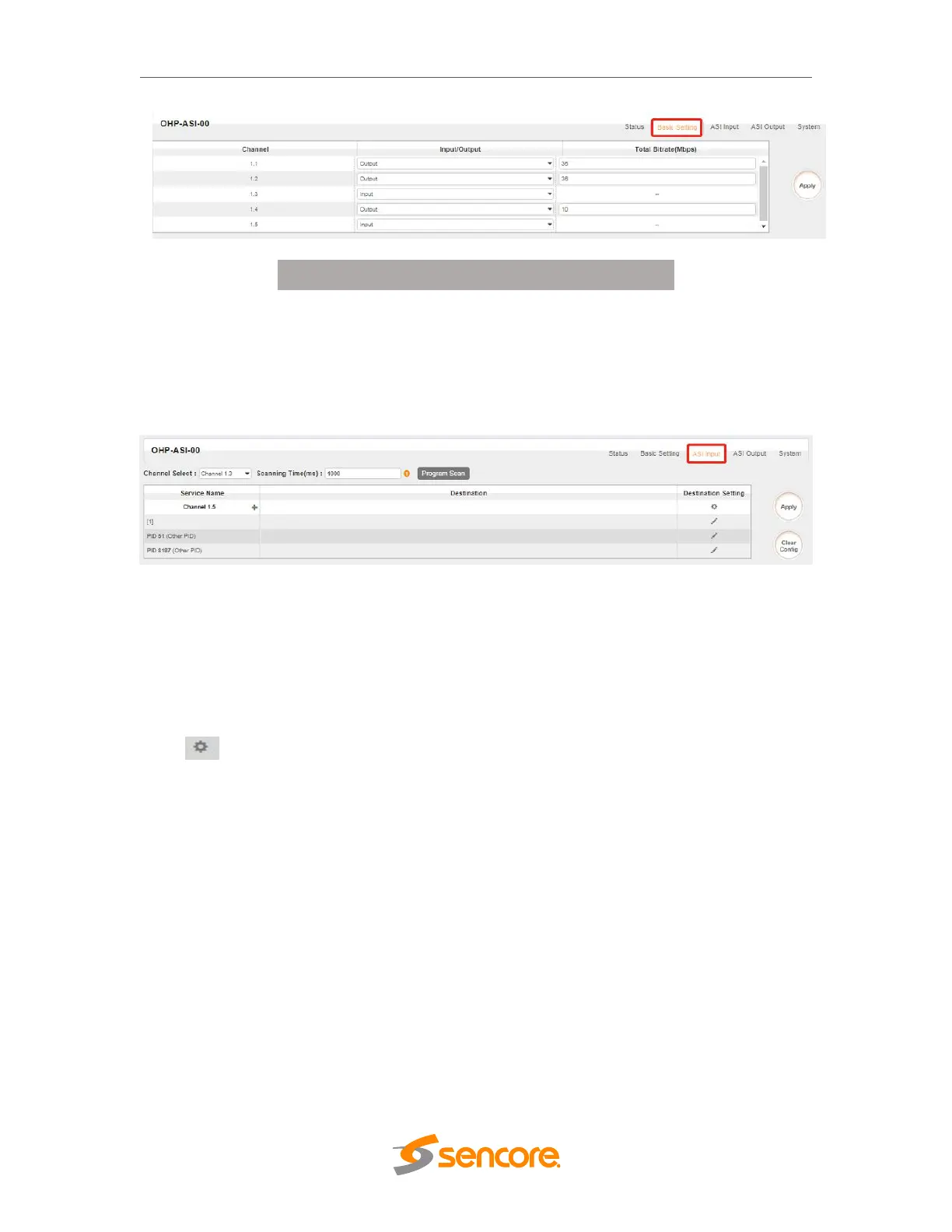
Click the Apply button on the right side to make the change take effect.
3.5.9.3 ASI Input
You can route a whole stream or a service(s) from the input channel toward the
available output channels (IP or RF). Two types of routing are available.
To use Bypass mode
In this mode, you can route a whole input transport stream towards an IP or RF output
which will be occupied only by this stream. Any attempt of routing other stream/service
towards this channel will be an error. This mode can only be set by clicking the
icon on the TS.
To use Multiplex mode
This mode allows the administrator to perform the following operations:
1. Route a single service towards an output channel to create SPTS.
2. Route services towards a single output channel to create MPTS.
3. Route service(s) AND stream/s from multiple channels towards a single output
channel to create MPTS.
3.3.23.4 ASI Output



 To Next Page