OmniHub 6/6D– User Manual
Page 130 of 182
instance as the active input by itself. To configure the additional receive as the
active input, please review “Configuring Active Inputs and Failover”
MPEG/IP Receive Settings
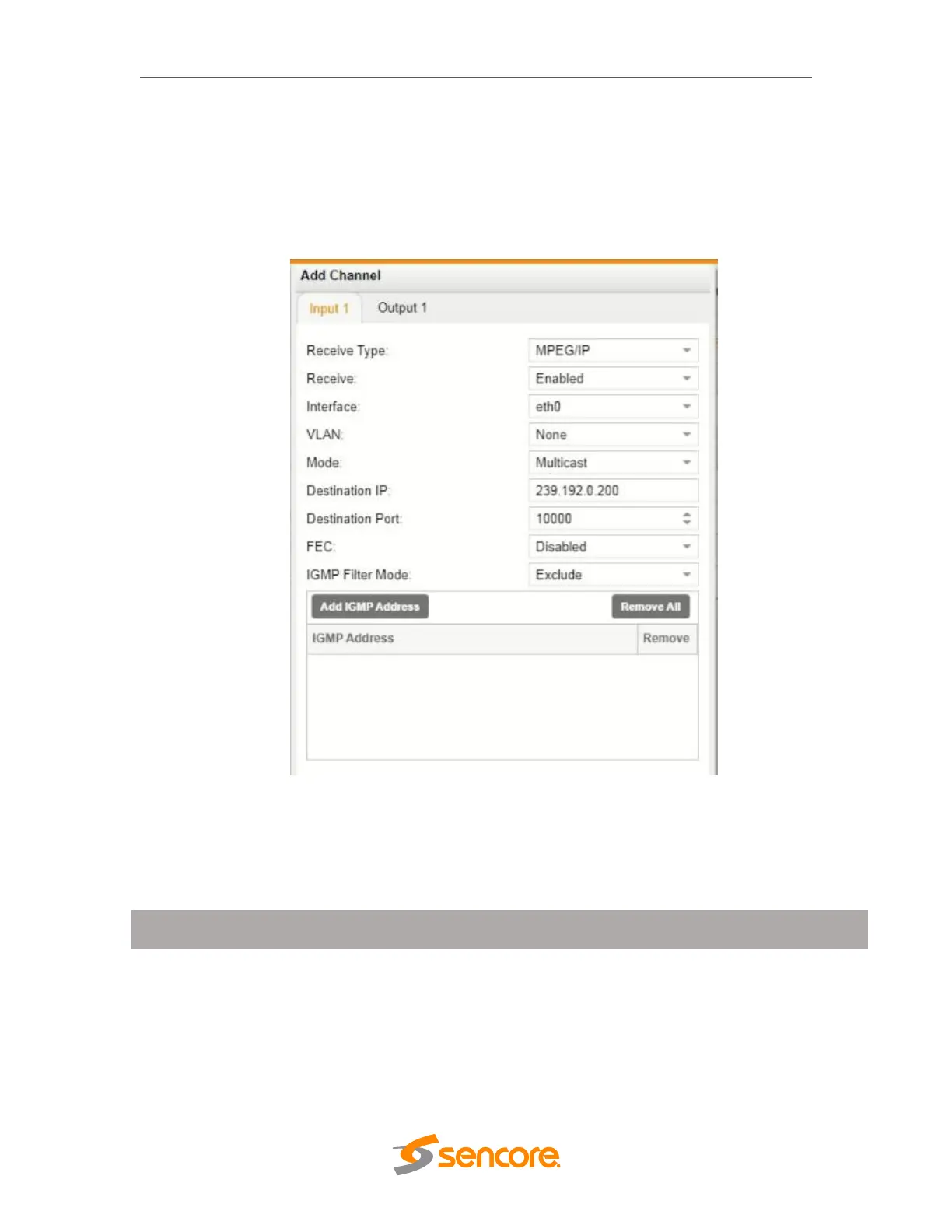
The figure below shows the options available when the “Receive Type” is set to
“MPEG/IP”.
MPEG/IP Receive Settings
Multicast setting allows the unit to receive
multicast streams. Multicast streams
originate from the IP range 224.0.0.0 –
239.255.255.255. Unicast allows the unit to
receive unicast streams. Unicast streams
originate directly from a source device.



 To Next Page