EasyManua.ls Logo

Sencore OmniHub 6 - Page 140

Sencore OmniHub 6
182 pages
Print Icon
To Next Page IconTo Next Page
To Previous Page IconTo Previous Page
Loading...
OmniHub 6/6D– User Manual
Page 140 of 182
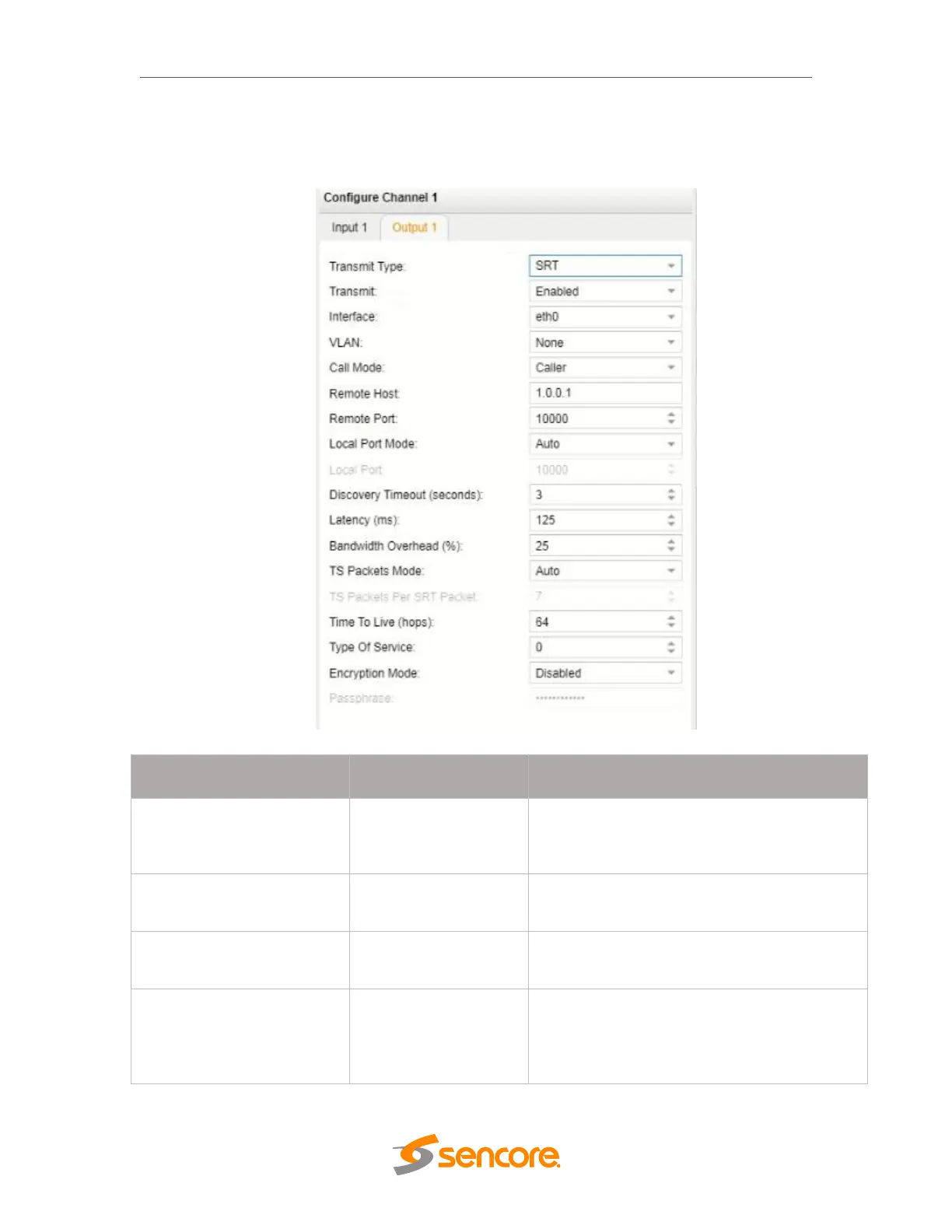
SRT Output Settings
The figure below shows the options available when the “Transmit Type” is set to
“SRT”.
SRT Output Settings
Settings
Range
Description
Call Mode
Caller
Listener
Rendezvous
Defines the ‘handshake’ mechanism to be
used when establishing connection.
Remote Host
xxx.xxx.xxx.xxx
Defines the IP address of the stream on the
remote device
Remote Port
0 65535
Defines the port of the stream on the remote
devices
Local Port Mode
Auto
Manual
In Auto mode, the local port number will be
assigned automatically
In Manual mode, the local port number will
be defined by the user

Related product manuals