OmniHub 6/6D– User Manual
Page 144 of 182
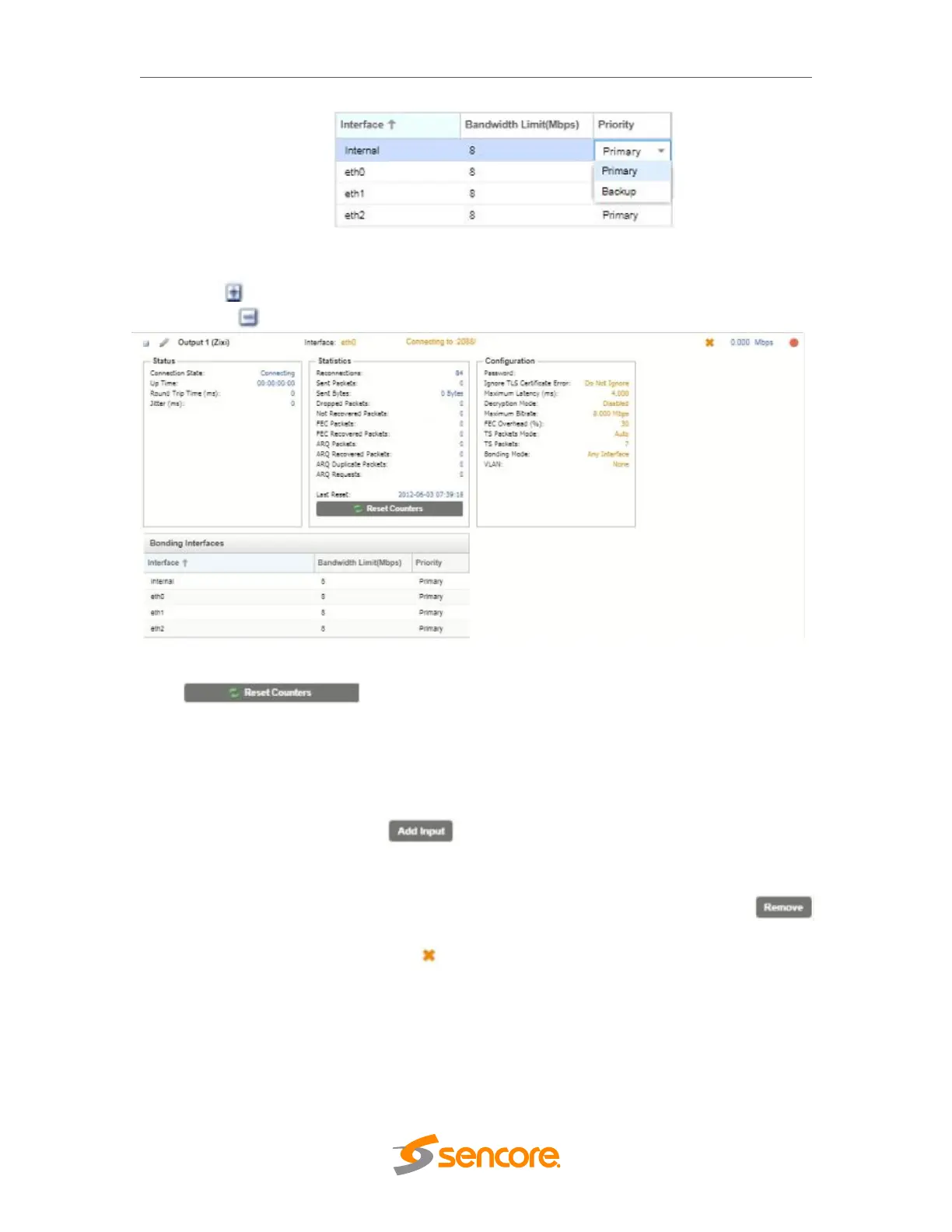
Interface Bonding Boxes
Click the icon by the Zixi input to view information about the incoming stream.
Clicking the icon will hide the Zixi Output statistics.
Zixi Output Statistics
The button is used to reset all the statistics for incoming Zixi
packets and establish a new point of reference.
Additional Receive Instances
Each gateway can be configured for multiple input instances. To add an additional
receive instance, click on the button in the top left corner of the gateway
section. The gateway configuration window will open with a new “Input 2” tab, offering
the same settings as the initial input tab.
Removing a channel from the configuration can be done by clicking on the
button located at the right side of the channel ribbon. Any configured input instance can
also be removed by clicking on the button located within the input row. When either
of the icons is clicked, the system will prompt the user with confirmation of intent to
remove the item from the configuration
Only one additional input instance can be added, so the option becomes gray as shown
below after the second path is added.



 To Next Page