OmniHub 6/6D– User Manual
Page 146 of 182
The amount of time the gateway must
remain in the “Switch On” or “Restore On”
state before automatic failover or
switchback occurs
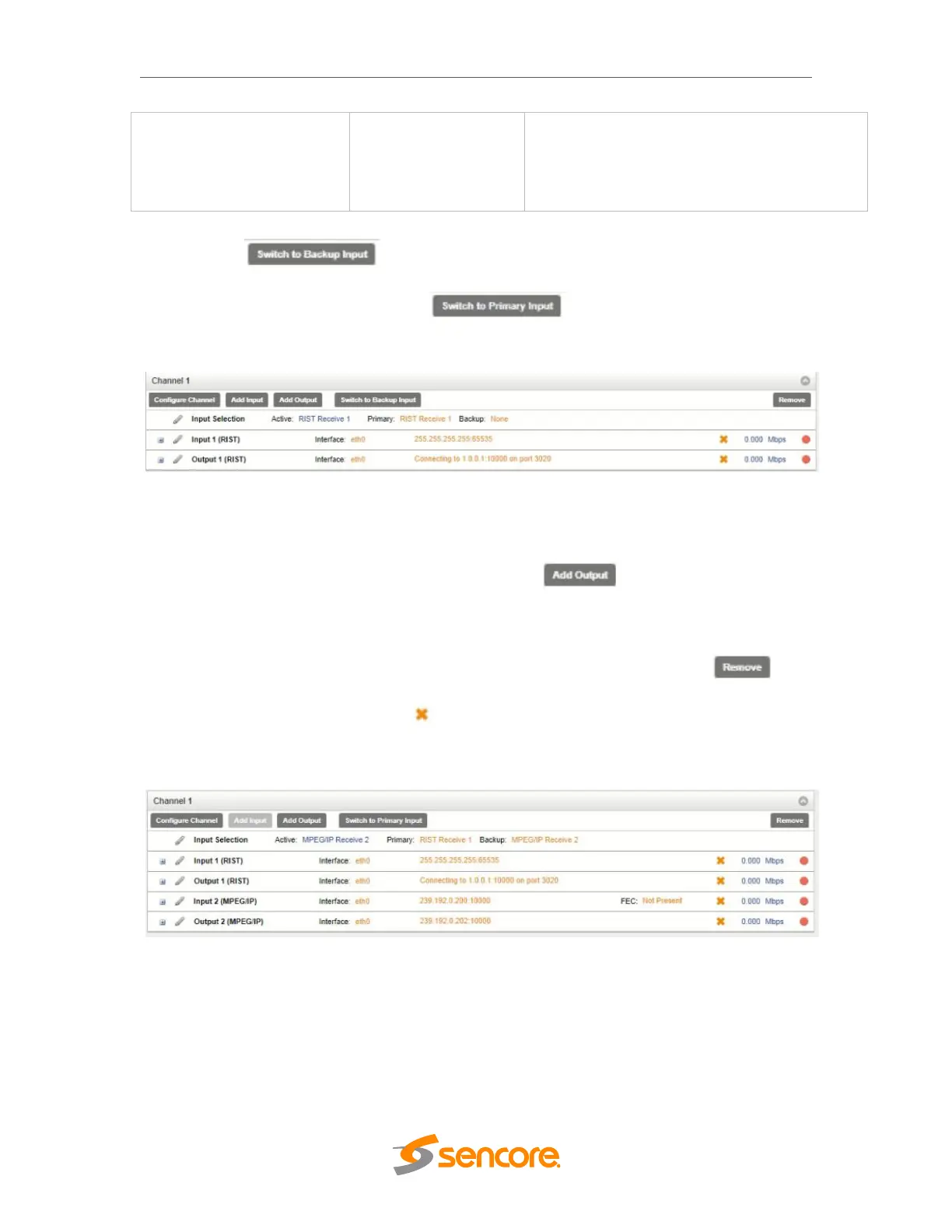
Clicking the option under the channel will prompt the user for
confirmation of intent to change the input instance assigning the output instances to
source from input instance 2. Clicking will assign the output instances
to return to sourcing from input instance 1.
Active Backup Input
Additional Transmit Instance
The OHP-IP-00 will allow the user to configure a single channel for multiple output
paths. To add an additional output path, click on the button in the top left
corner of the Channel section. The channel configuration window will open with an
additional “Output 2” tab. The new tab will offer the same settings as the initial output
tab.
Removing a channel from the configuration can be done by clicking on the
button located at the right side of the Channel ribbon. Any configured output path can
also be removed by clicking on the button located within the output row that the user
wishes to remove. When either of the icons is clicked, the system will prompt the user
with confirmation of intent to remove the item from the configuration.
Which input instance the output instances will source from is dependent on the settings.
3.3.27.3 Logs
Clicking the Logs tab will redirect the user in the Reporting Control Panel. The
Reporting control panel in the OHP-IP-00 module will provide the user with a list of
active alarms, as well as a means to log the detected events. Active alarms are
constantly updated to reflect the real-time state of the unit. Once an error is no longer
detected, it will be cleared from the active alarms window. The log files can be used to



 To Next Page