OmniHub 6/6D– User Manual
Page 147 of 182
view alarm and event history. Both the active alarm and event logs can be configured
for specific behavior based upon the user’s needs.
Alarms
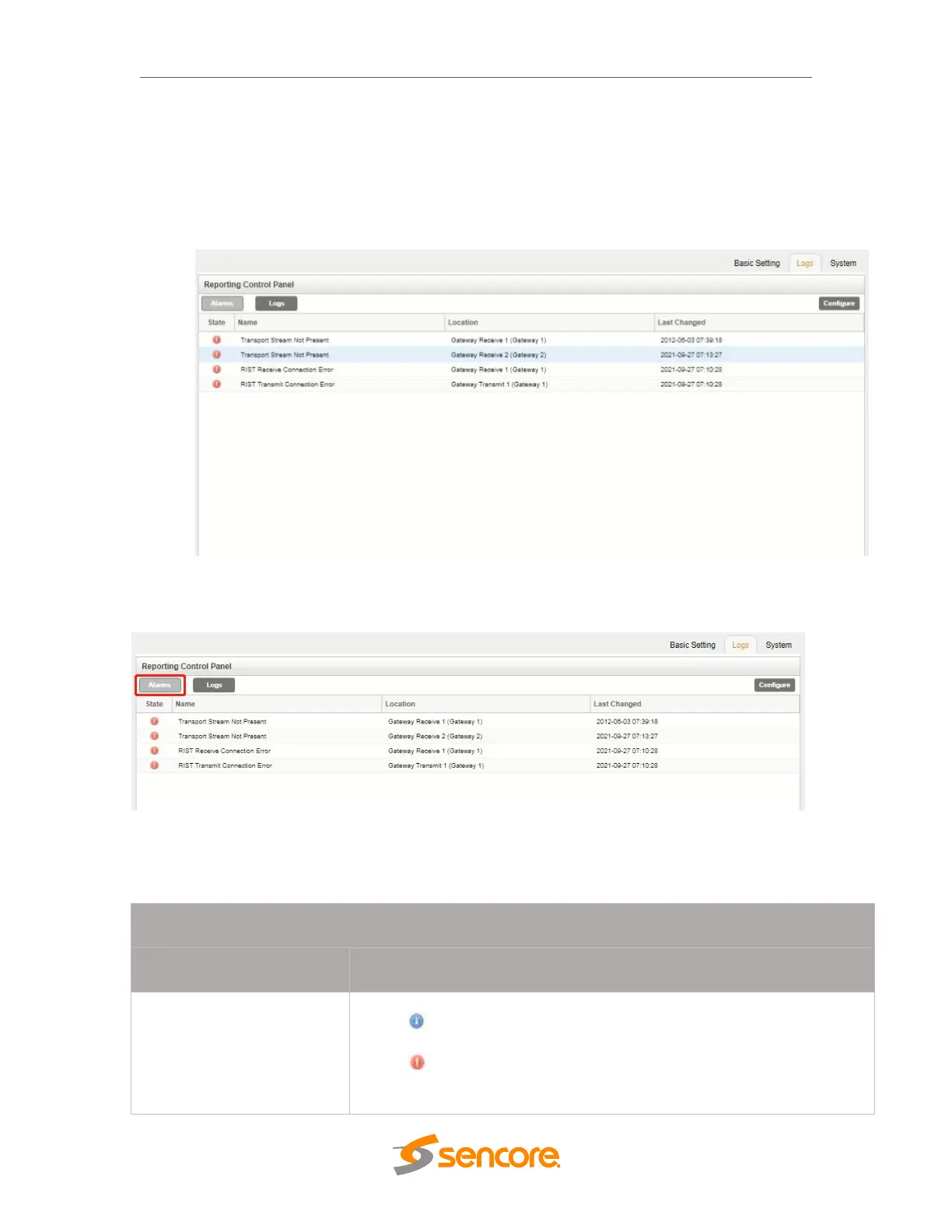
Clicking on the Alarms button displays the Active Alarms menu. This list displays all of
the active alarms currently being reported by the unit. There are four columns in the log
that display different types of information
This area displays an icon that will signify the importance of the event
The icon means the message is Informational and no error has
been detected.
The icon means the message is an Alarm and the unit status has
been set to ‘Error’



 To Next Page