OmniHub 6/6D– User Manual
Page 151 of 182
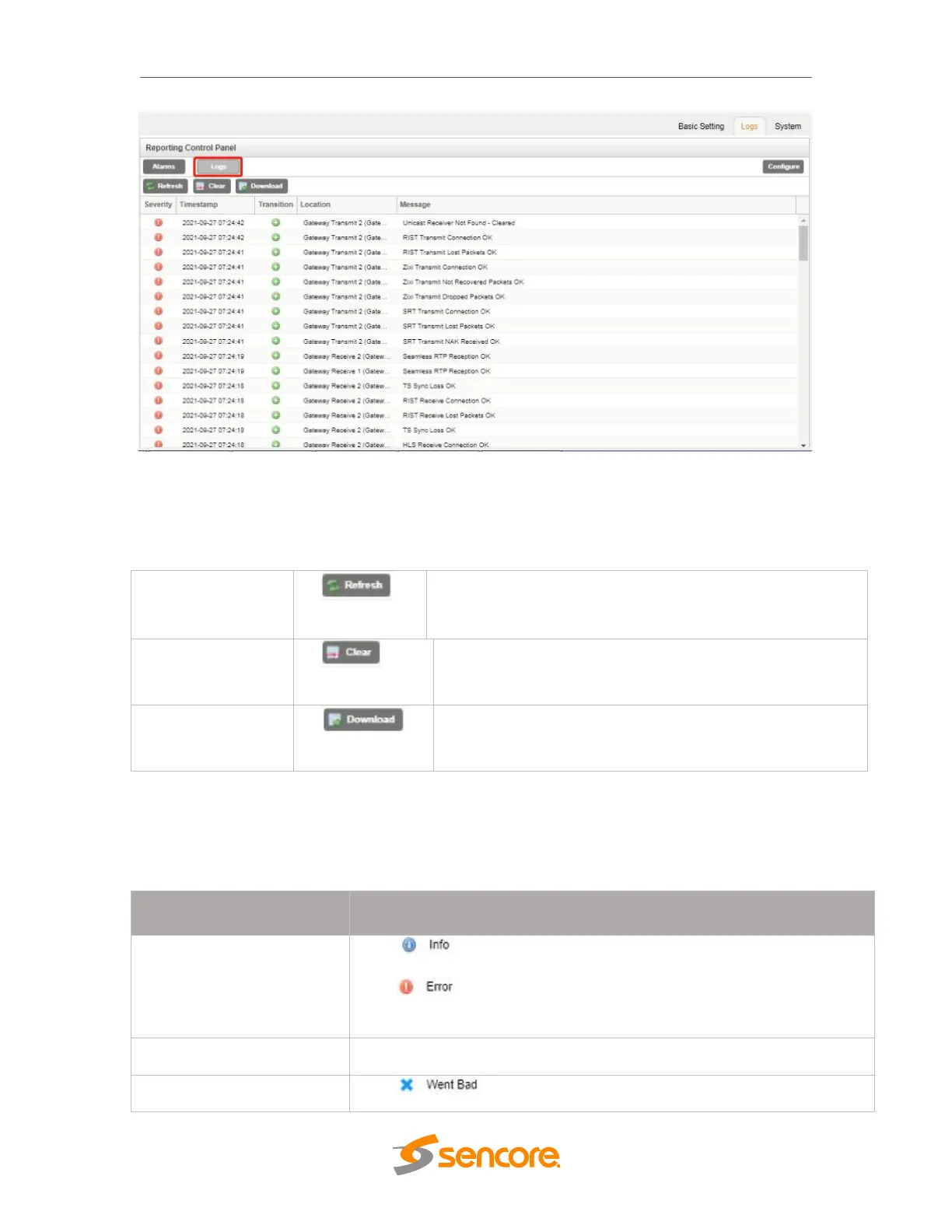
The Logs window provides the user a display of the log file and management tools to st
reamline the data returned. There are three buttons that will manage the log file.
Prompts the OHP-IP-00 to update the displayed logs.
Exports the log file as a “.csv” extension file to the pc.
The log file itself is made up of five columns that explain each event, when it occurred, an
d the area of the system where the event was detected.
The icon means the message is Informational and no error has
been detected.
The icon means the message is an Alarm and the unit status
has been set to ‘Error’.
This is the OHP-IP-00 module associated date and time of the instance.
The icon means the instance entered into an Error state.



 To Next Page