OmniHub 6/6D– User Manual
Page 153 of 182
Used to apply a profile selected from
profile list
Used to edit the selected profile name
Used to delete a profile from the
profiles list
Used to download a profile selected
from the list to the user pc
SNMP MIB files
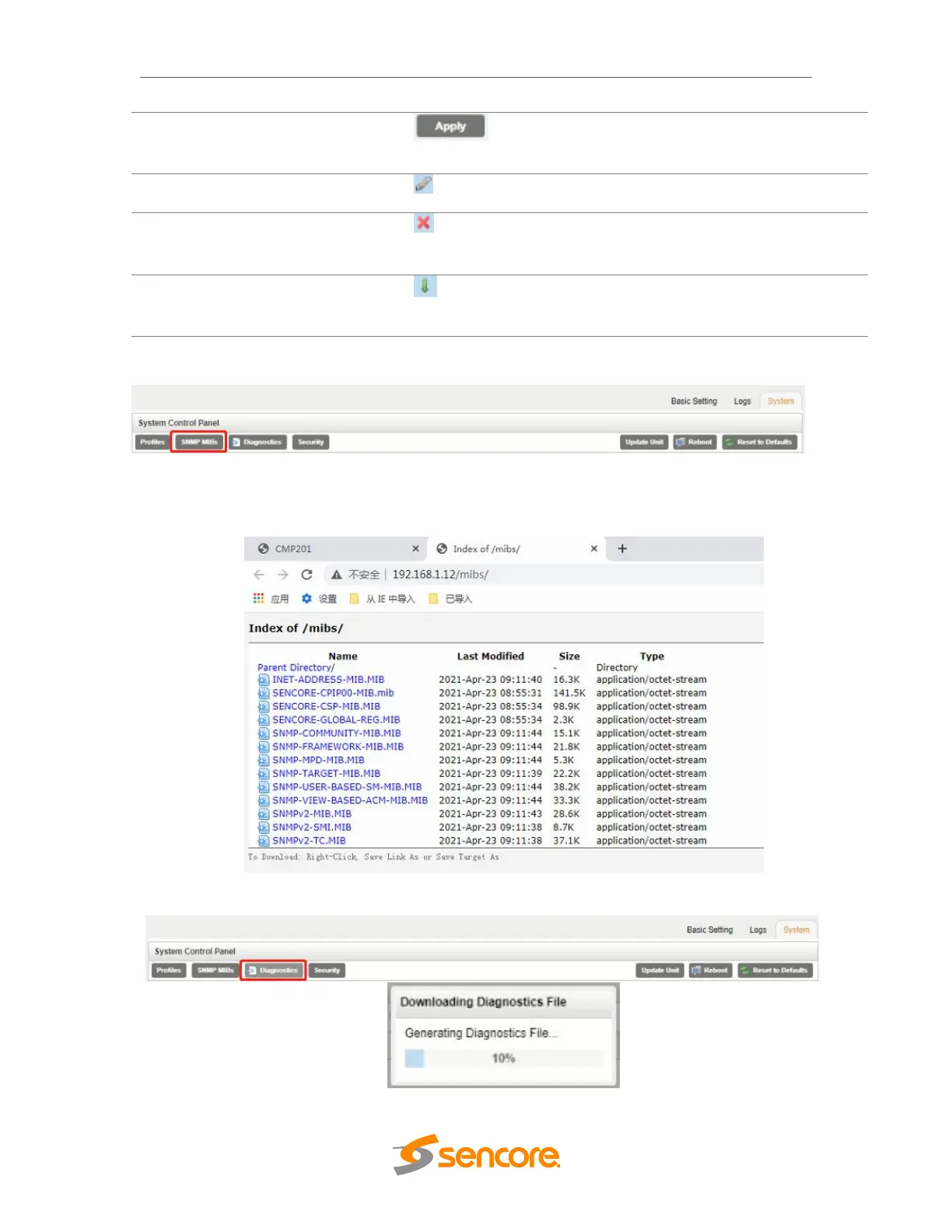
The SNMP MIB files for the OHP-IP-00 can be obtained by clicking on the SNMP MIBs
button at the top of the page. This will open a new tab within the current web browser
and give the user a list of all available MIB files. Directions on how to save them to an
external storage location are provided at the bottom of the list.
Diagnostics



 To Next Page