Using the “Conference Manager” software
90 | ADN Digital Conference System
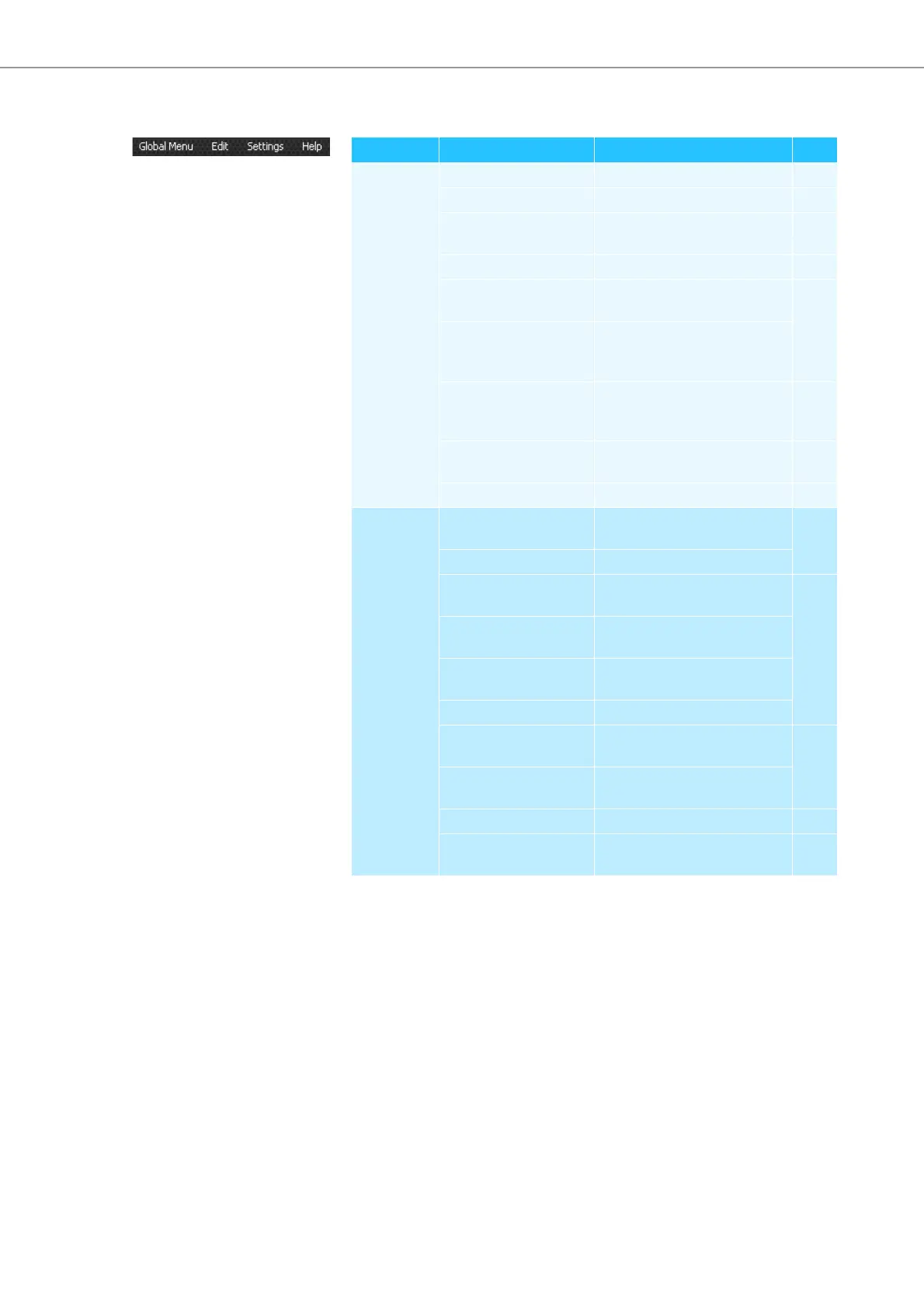
Menu bar
Menu Submenu Function Page
Global Menu New Conference Creates a new configuration 101
Open Conference ... Loads an existing configuration 102
Delete Conference Deletes an existing
configuration
105
Close Closes the current configuration 104
Save Saves the current configuration
(locally or on the central unit)
103
Save as ... Saves the current configuration
under a different file name
(locally or on the central unit)
Connect/Disconnect Establishes a connection to
the central unit/disconnects
a connection
100
Autoload ... Automatically loads the central
unit’s configuration at startup
103
Exit
*
Exits the software 87
Edit Undo Reverses the last action you
performed
115
Redo Reverses the last Undo action
Cut Cuts an object and pastes it to
the clipboard
115
Copy Copies an object to the
clipboard
Paste Pastes an object from the
clipboard
Delete Deletes an object
Step to back Moves the object one level to
the back
116
Step to front Moves the object one level to
the front
Select All Selects all objects 110
Full Screen* Activates/deactivates full
screen mode
96



 To Next Page