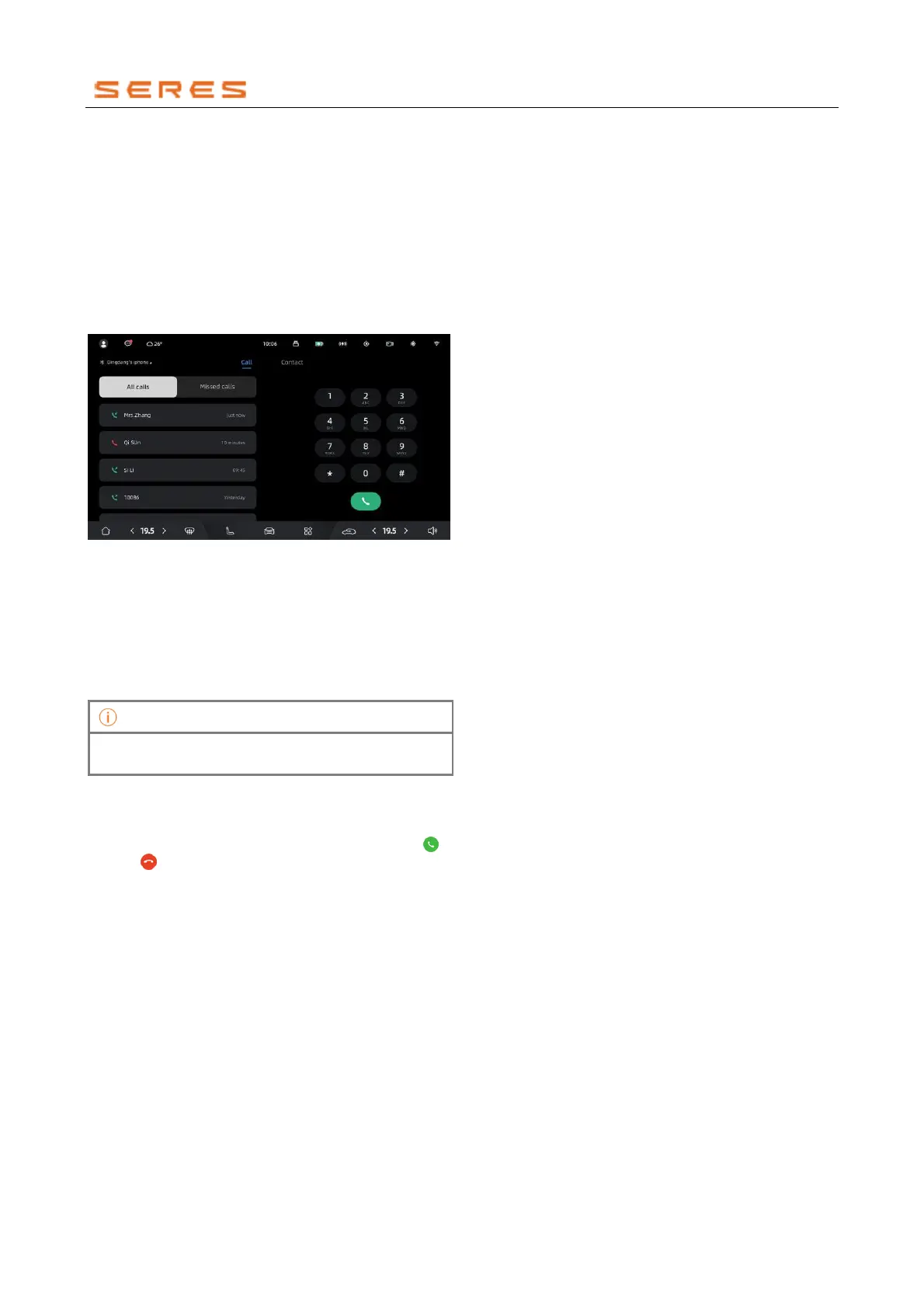
Making Phone Calls
Through the central control screen, you can quickly make
phone calls in the Vehicle.
1. Complete Bluetooth pairing between your phone and
the vehicle.
2. You can make phone calls in the following ways:
• Enter the application center on the central
control screen > Phone. In the call interface, dial
the phone number or click on the call record to
make a call.
* The image is for reference only; please refer to the actual
product
Making Calls to Contacts
1. Complete Bluetooth pairing between your phone and
the vehicle and sync contact information from your
phone to the central control screen.
2. In the central control screen, enter the application
center > Phone > Contacts, select a contact and
make a call.
Before making a call, please select the default dialing
SIM card on the phone for a better calling experience.
Answering or Ending Calls
When there is an incoming call, you can answer or end the
call in the following ways:
● Click on the central control screen to answer or
end the call.



 To Next Page