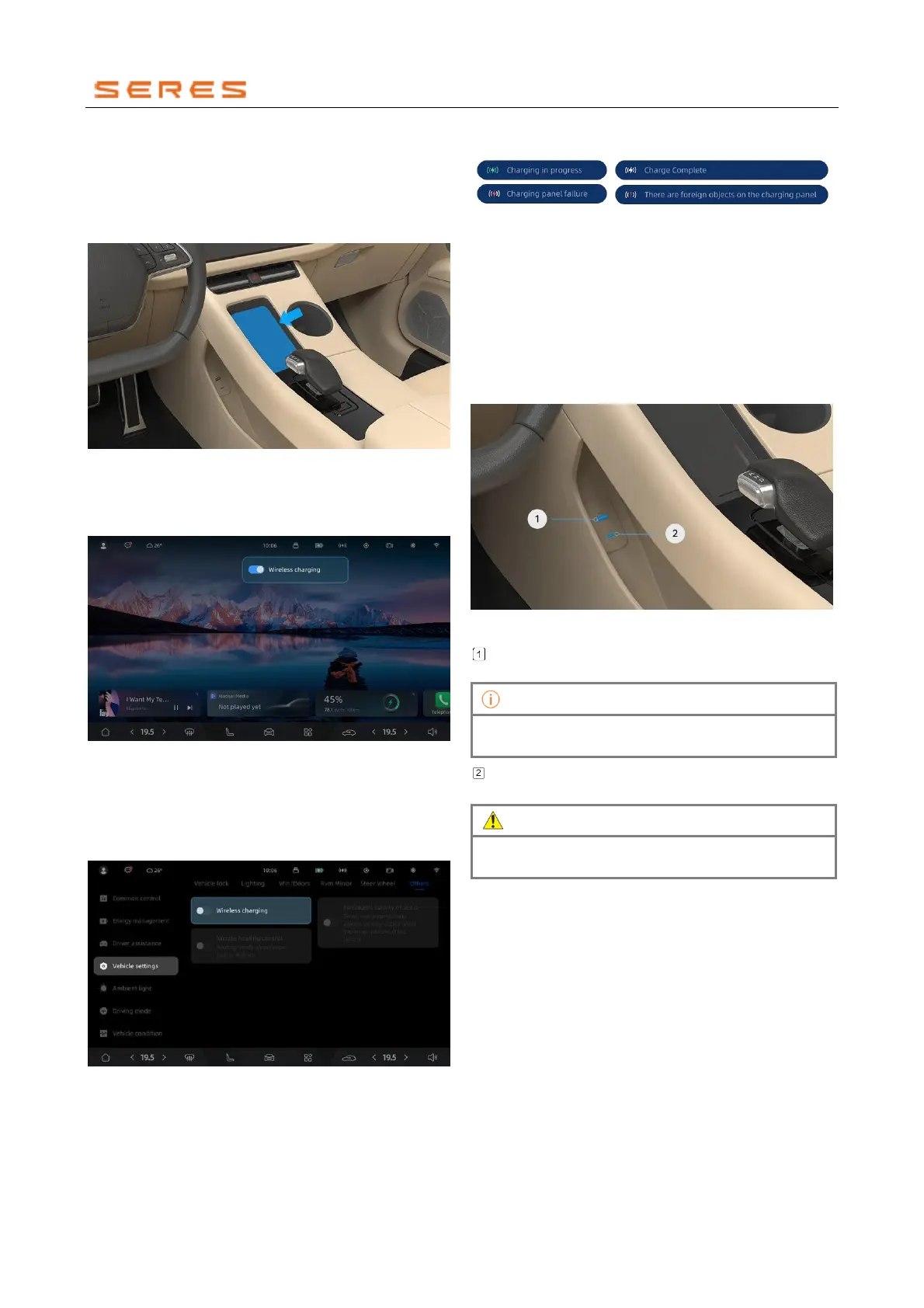
Wireless Charging
You can place your phone on the wireless charging pad to
charge it when the vehicle is powered on (ensure your
phone supports wireless charging when using the wireless
charging pad).
* The image is for reference only; please refer to the actual
product
When you place your phone on the charging pad, ensure
that you have enabled wireless charging in the vehicle
setting.
* The image is for reference only; please refer to the actual
product
Click on the wireless charging icon in the status bar, and in
the pop-up window, you can turn off the "Wireless
Charging" switch to disable wireless charging. If you want
to re-enable it later, you can turn on this feature again in
Vehicle Setting > overall setting > Others.
* The image is for reference only; please refer to the actual
product
When you place your phone on the charging pad, you can
confirm your phone's charging status or check the status of
the wireless charging pad through the icon displayed in the
status bar, as shown below:
* The image is for reference only; please refer to the actual
product
Before charging, make sure there are no obstructions on
the vehicle's wireless charging pad. If the status bar icon
indicates an issue with the charging pad, please visit the
dealership to have the charging pad checked.
USB/Type-C
The vehicle is equipped with multiple USB and Type-C
ports for data transfer, phone charging, or providing power
to other devices.
Type-C Power Socket on the Driver's Side
* The image is for reference only; please refer to the actual
product
Type-C Power Socket:
Charges mobile devices,
supporting up to 60W fast charging.
After connecting a mobile device, data transfer is
possible, such as transferring pictures and videos.



 To Next Page