104 丨 Assistant Driving
Driving Recorder
The vehicle is equipped with a driving recorder function.
The high-definition camera of the recorder is installed
inside the rearview mirror behind the interior rearview
mirror within a multifunctional sensor cover. The system
records complete footage of the vehicle's driving journey,
including images, sounds, and vehicle conditions. This
recorded data can be used quickly, truthfully, and
accurately to assist traffic police in fair, just, and
reasonable handling of traffic accidents, ensuring the
protection of the rights and interests of drivers in all
aspects.
* The image is for reference only; please refer to the actual
product
• When using the driving recorder, please clean the
windshield to ensure recording quality.
• In adverse weather conditions such as rain, snow,
fog, smoke, dust, haze, frost, etc., the visibility
may be lower, affecting the image quality of the
driving recorder.
• Do not operate the driving recorder or watch
videos while the vehicle is in motion to avoid
compromising driving safety.
• Avoid using the driving recorder for extended
periods when the vehicle is not running to prevent
battery discharge and impact on normal vehicle
startup.
• The driving recorder is only intended for providing
driving assistant or aiding in determining accident
responsibility. Please use it in compliance with
local laws and regulations.
Function Overview
Real-time Preview
The application interface of the driving recorder supports
real-time preview of the current footage captured by the
recorder's camera. The real-time preview interface allows
users to select settings options to control the working
status and actions of the driving recorder.
4. Click on the album to enter the gallery's driving
recorder album page.
Emergency Recording
Emergency recording is automatically triggered recording.
The function is enabled by default. Each time the vehicle is
started, the system automatically triggers emergency
recording when a collision or collision warning is detected.
After the emergency recording function is triggered, the
system automatically records 15 seconds of video
before and after the trigger time. Emergency videos will
not be automatically overwritten, and manual deletion is
required when the folder is full.
Video Playback
On the main interface, you can view the emergency videos
recorded by the driving recorder.
Operating the Driving Recorder
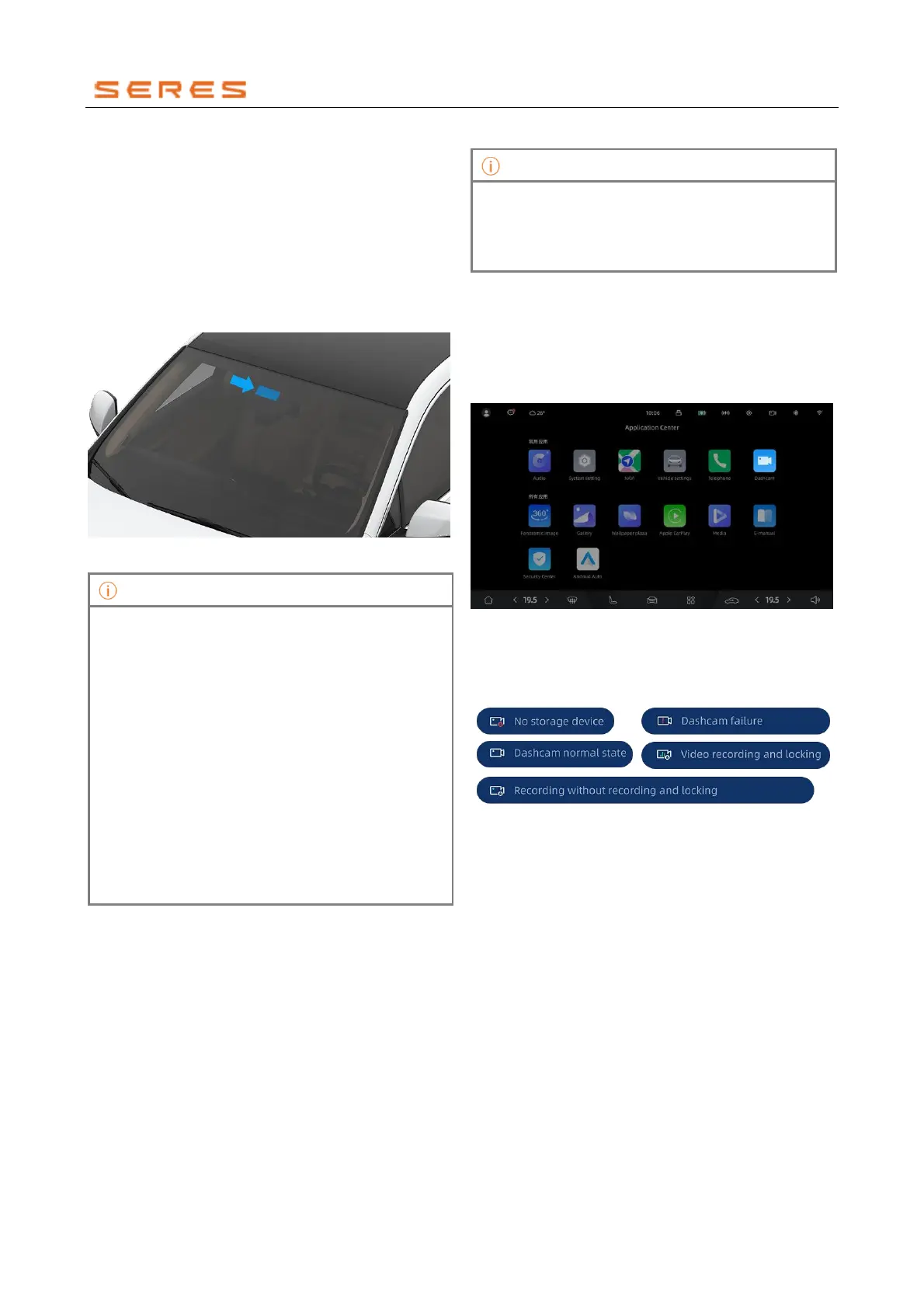
Access the driving recorder by going to User and App >
App Center > Driving Recorder on the central control
screen.
* The image is for reference only; please refer to the actual
product
● Click on "Driving Recorder App" in the application
center to view the real-time preview.
● Status bar icon.
* The image is for reference only; please refer to the actual
product
Driving recorder main interface
1. Real-time preview screen.
2. Watermark information includes time and vehicle
status information.
3. Click on the settings switch to enter the driving
recorder settings interface.
The photo album interface of the Driving Recorder



 To Next Page