Instrument settings
You can view the vehicle's parameter information, mileage
information, etc., through the instrument display screen.
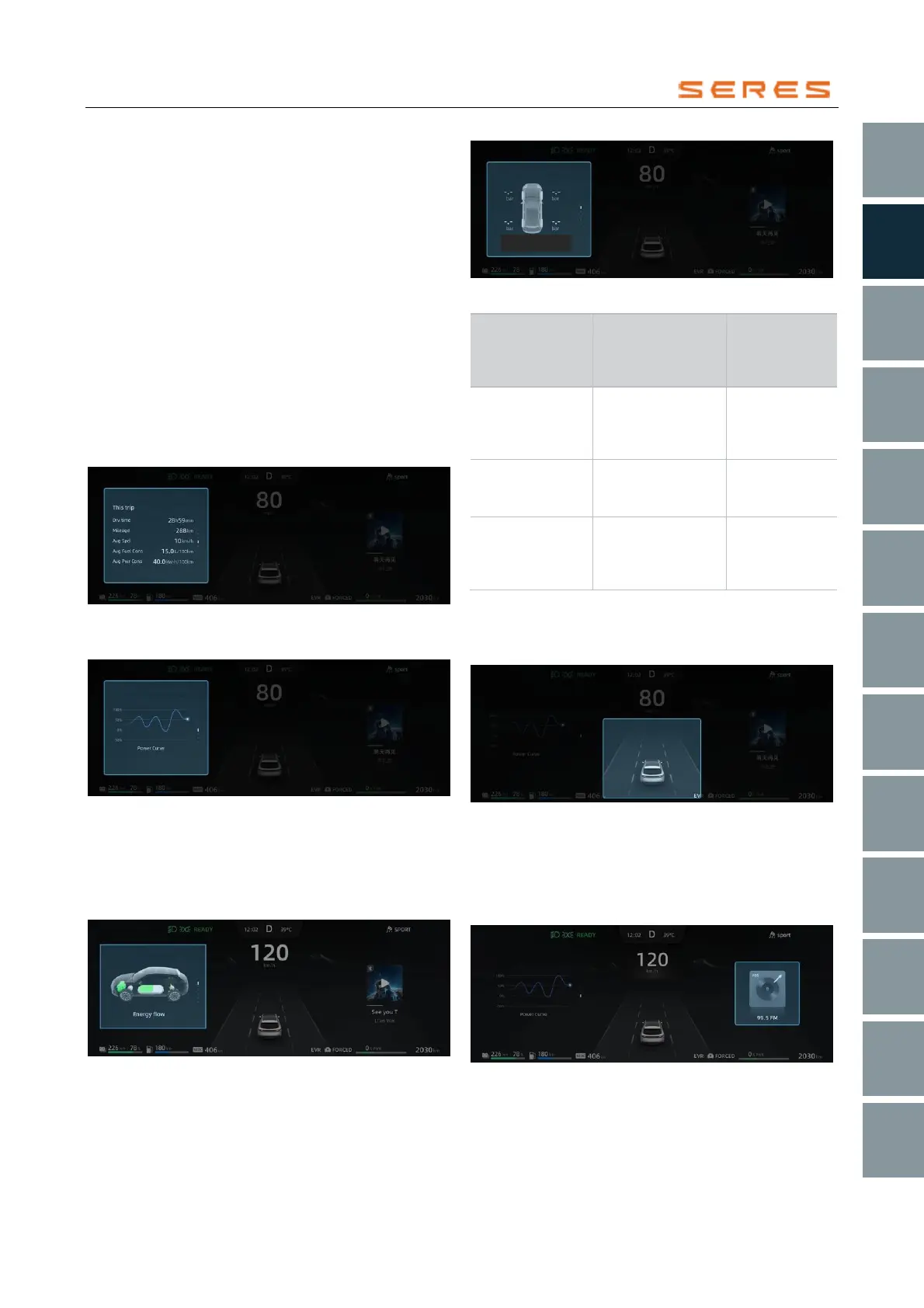
Left information area of the instrument display screen
You can toggle the information displayed in the left
information area of the instrument display screen,
including: mileage information, energy consumption curve,
energy flow, tire pressure (refer to page 66), by moving the
switch key on the left side of the steering wheel up or
down.
● Mileage information
Duration: Elapsed driving time for this trip.
Distance: Distance traveled for this trip.
Avg Speed: Average speed of the vehicle for this trip.
Energy Consumption: Current average energy
consumption.
Fuel Consumption: Current average fuel
consumption.
* The image is for reference only; please refer to the actual
product
● Energy consumption curve schematic diagram
* The image is for reference only; please refer to the actual
product
● Energy flow schematic diagram
From the power battery to the drive motor, the output
is indicated in blue, and the regenerative power is
shown in green. From the range extender to the
power battery, the output is indicated in orange.
* The image is for reference only; please refer to the actual
product
● Tire pressure information schematic diagram
Middle information area on the instrument display
screen
This area will display information related to assistant
driving.
* The image is for reference only; please refer to the actual
product
Right information area on the instrument display
screen
The right information area will display phone information,
music information, radar information, and alert pop-up
messages.
* The image is for reference only; please refer to the actual
product



 To Next Page