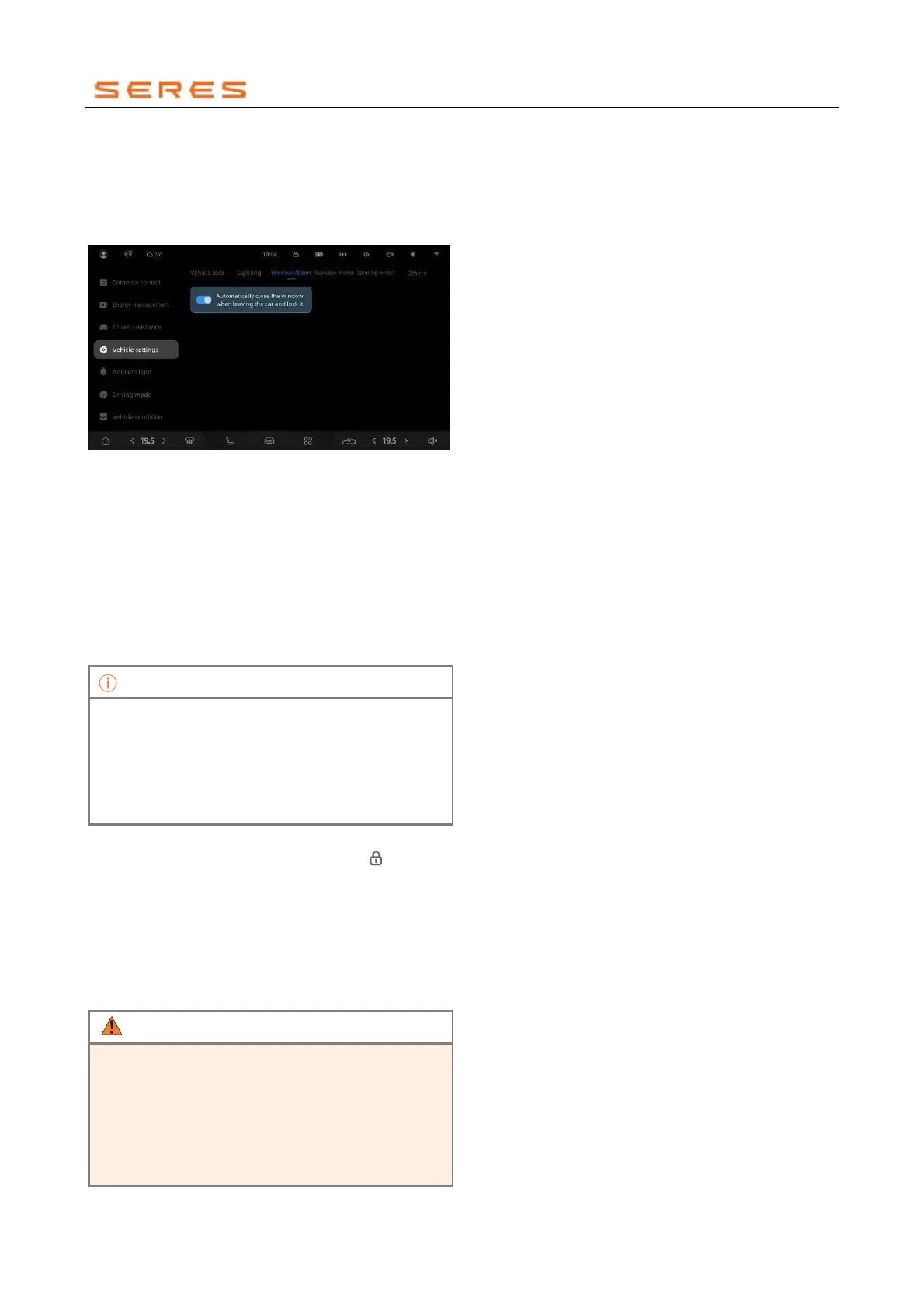
Activate or deactivate automatic window closure when
locking the Vehicle and leaving
In the central control screen, navigate to Vehicle Setting >
overall setting >Windows/Door, and activate or
deactivate the automatic window closure when locking the
Vehicle and leaving.
* The image is for reference only; please refer to the actual
product
Windows initialization
If the Windowss cannot operate normally in automatic
up/down mode, try performing Windows initialization.
Manual learning
1. Operate the Windows switch to fully close the
Windows. Operate the Windows switch again to
make the Windows glass rotate upwards at the top
position, and the rotation should last for 2 seconds.
2. After lowering the Windows glass to the bottom
position, raise the Windows glass to the top position.
• In this learning mode, the window raising and
lowering processes need to be completed in a
continuous manner. If the Windows glass stops
during the process, you need to relearn.
• If the Windows still cannot be automatically raised
or lowered after window initialization, please
contact the dealer.
Auto-learning
Close the Vehicle door, press and hold the " " button on
the remote control key until the Windows rises to the top,
completing the Windows learning.
Windows anti-pinch function
During the Windows closing process, if the window
encounters an obstacle hindering closure, the anti-pinch
function will automatically activate, causing the Windows to
immediately stop closing and move down a certain
distance.
• Even if the vehicle is equipped with the anti-pinch
function, never extend any part of your body
outside the window during the automatic closing
process.
• Do not extend any object out of the Windows for
the purpose of testing the anti-pinch function, as it
may damage the anti-pinch mechanism when
closing the Windows.



 To Next Page