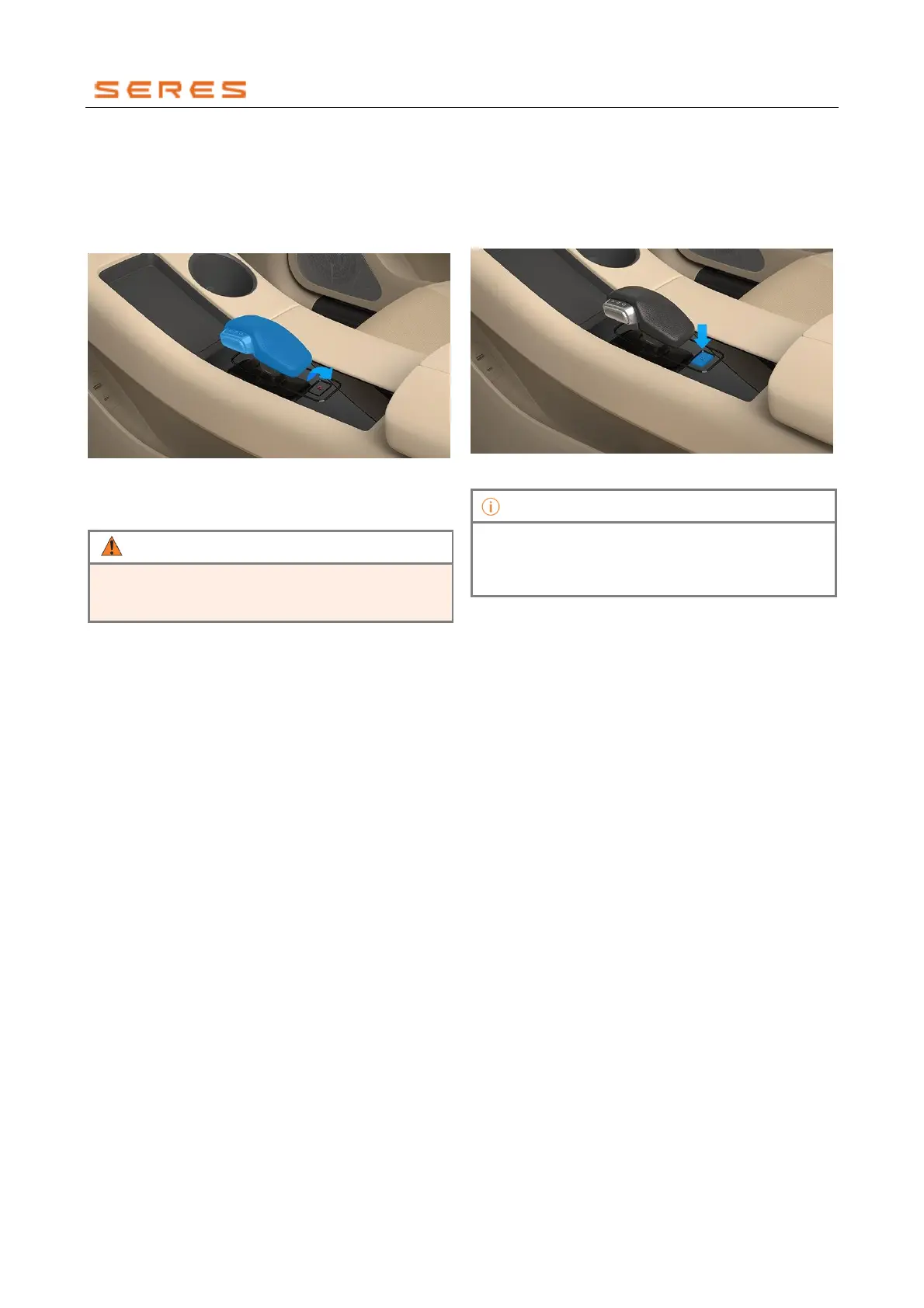
2. Hold the side button on the Shifting lever, pull the
Shifting lever all the way back, and it will directly shift
to Driving gear(D Gear). Alternatively, switch the
current gear position to Neutral gear(N Gear) and
then pull the Shifting lever all the way back. If the
current gear position is Neutral gear(N Gear), you
can directly pull the Shifting lever all the way back.
* The image is for reference only; please refer to the actual
product
3. Release the brake pedal; the vehicle will start moving
slowly.
When driving, do not exceed the speed limit, and
always be aware of the surrounding environment to
prevent accidents.
Parking mode (P Gear)
For extended parking, please use the Parking mode.
1. Step on the brake pedal until the vehicle comes to a
complete stop.
2. Press the Parking button (P Gear button), and it will
engage the Parking mode.
* The image is for reference only; please refer to the actual
product
If the power battery level is ≤3%, leaving the vehicle
parked in P Gear for more than 5 minutes will result in
the entire vehicle shutting down due to high-voltage
power-off.



 To Next Page