Manual – IPOSplus®
145
13
First steps
Compiler – Editor
The IPOS
plus®
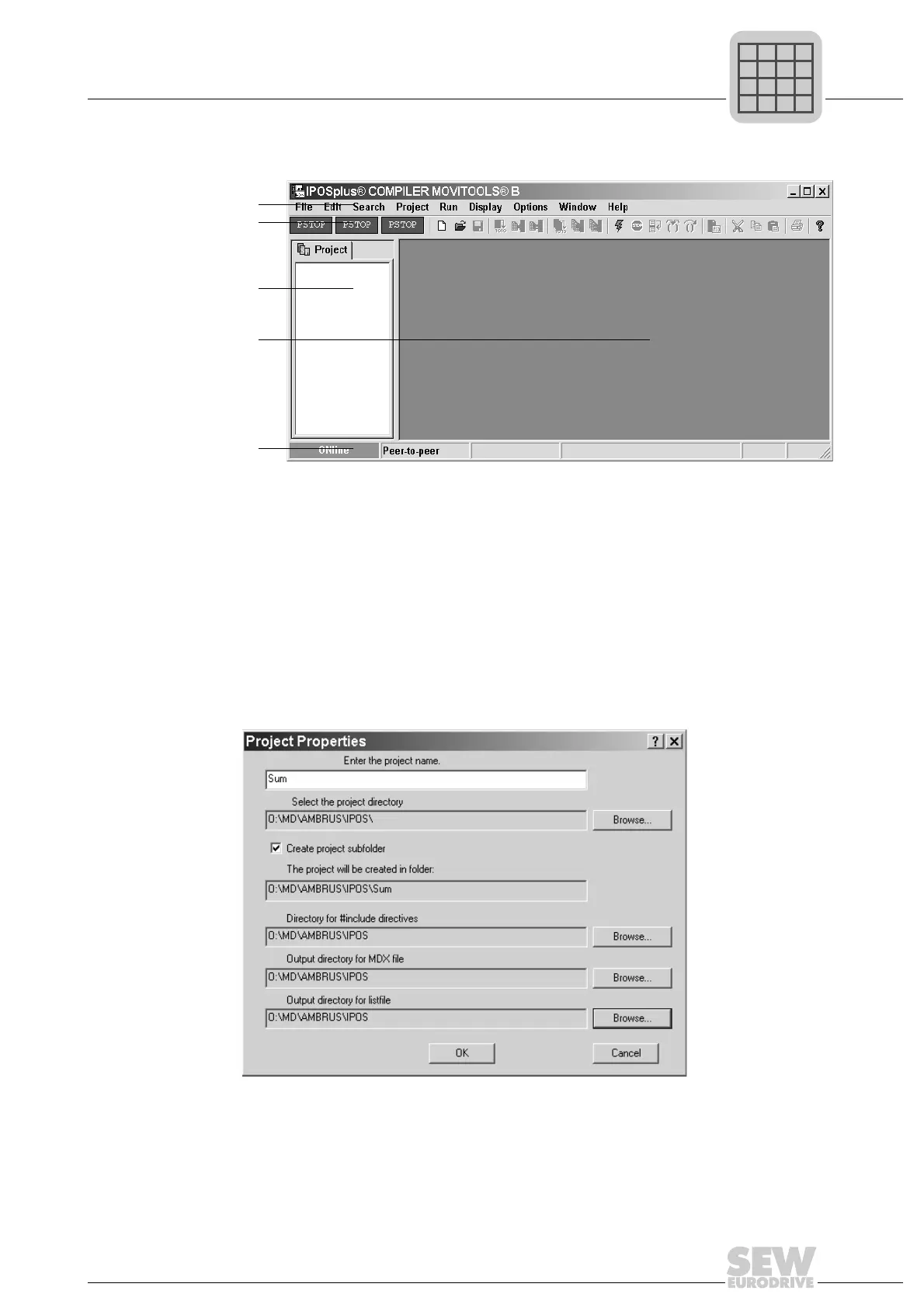
programming interface opens:
13.2.2 Step 2: Creating a new project
To create a new project, choose [Project]/[Create new...] from the menu bar. Use the
following dialog window to specify the basic project properties:
The first line contains the name of the project. Give your project a unique name that you
will recognize again in the future.
482065675
[1] Menu bar
[2] Toolbar
[3] Project window
[4] Program window
[5] Status bar
[1]
[2]
[3]
[4]
[5]
482580363



 To Next Page