Manual – IPOSplus®
157
13
Search function
Compiler – Editor
On the [Run] tab, you can set the speed parameters for task 1 and task 2. These settings
are described in detail in section "Task Management and Interrupts / Tasks for
MOVIDRIVE
®
B".
13.4 Search function
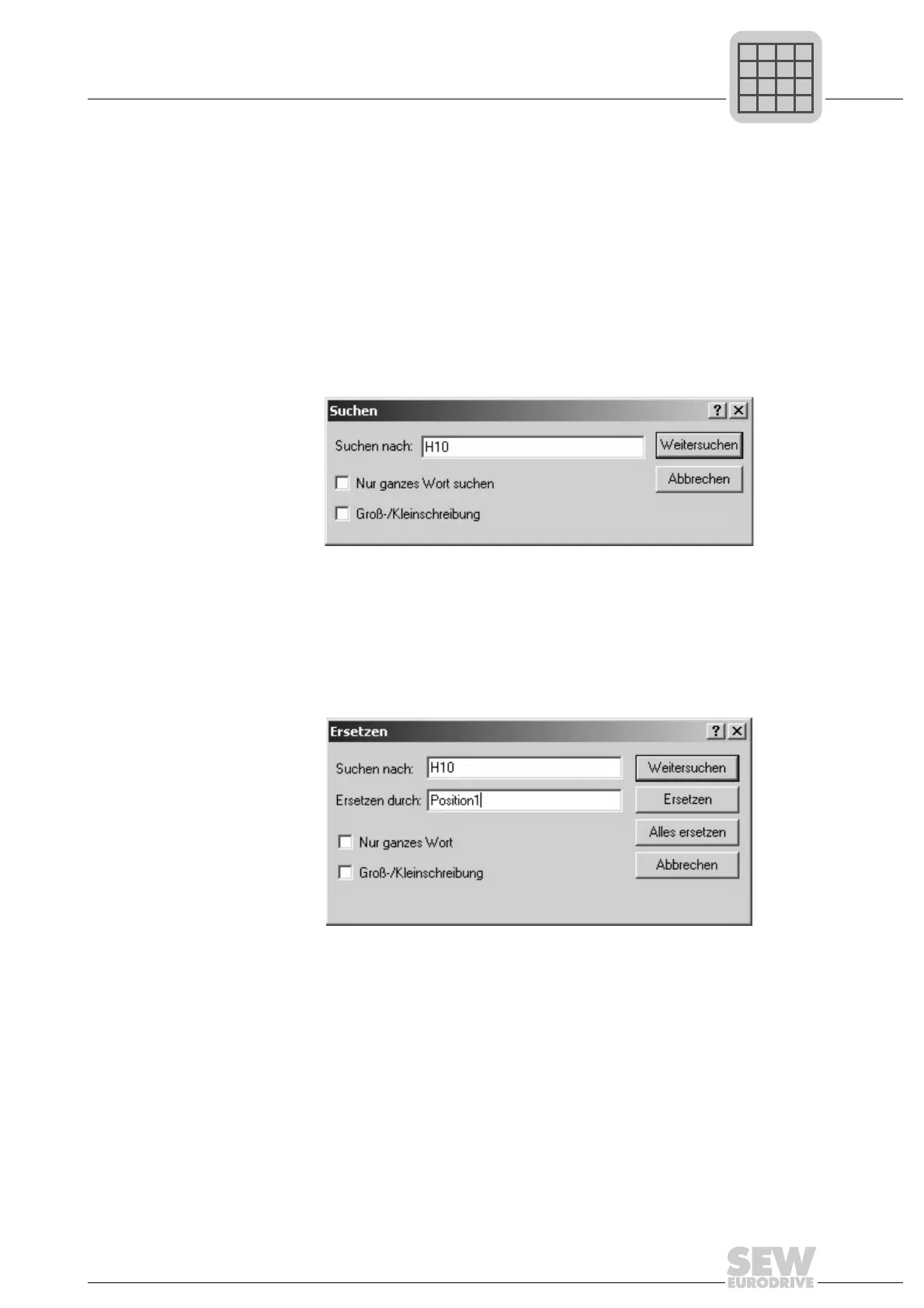
Choose [Search]/[Search for...] from the menu bar. If you have marked a section of text,
this text will be used as the search string (in the following screen this is "H10"). The fol-
lowing window appears:
[Search] window:
Click the [Find Next] button to search for the next occurrence of the word in question.
Click [Cancel] to close the window again.
The same functionality is also available for the [Replace...] function in the [Search] menu
item in the menu bar.
[Replace] window:
The [Find Next] button can be used to search for the corresponding word, which can
then be replaced with another word using the [Replace] function. Click the [Replace All]
button to replace all strings matching the search term. Click [Cancel] to close this win-
dow.
484333835
484363787



 To Next Page