Manual – IPOSplus®
283
21
Example
Assembler – Editor
21.1 Example
The encoder of a motor supplies 4096 increments per revolution. There is a spindle on
the motor with a slope of 10 mm/revolution that moves a trolley horizontally.
The user wants to specify the positions to which the drive is to move in mm.
In this case, set the numerator and denominator as follows.
• Numerator: 4096
• Denominator: 10
•Unit: mm
When you insert a positioning command, you can now enter the required position in mm,
as long as the value is a constant.
The operating states of the user programs task 1, task 2 and task 3 are:
• START (program is running)
• PSTOP (Program stopped);
• BREAK (program is only processed up to the marked line)
• STEP (program is processed line-by-line by pressing the F7 key).
21.2 Creating programs
21.2.1 Inserting command lines
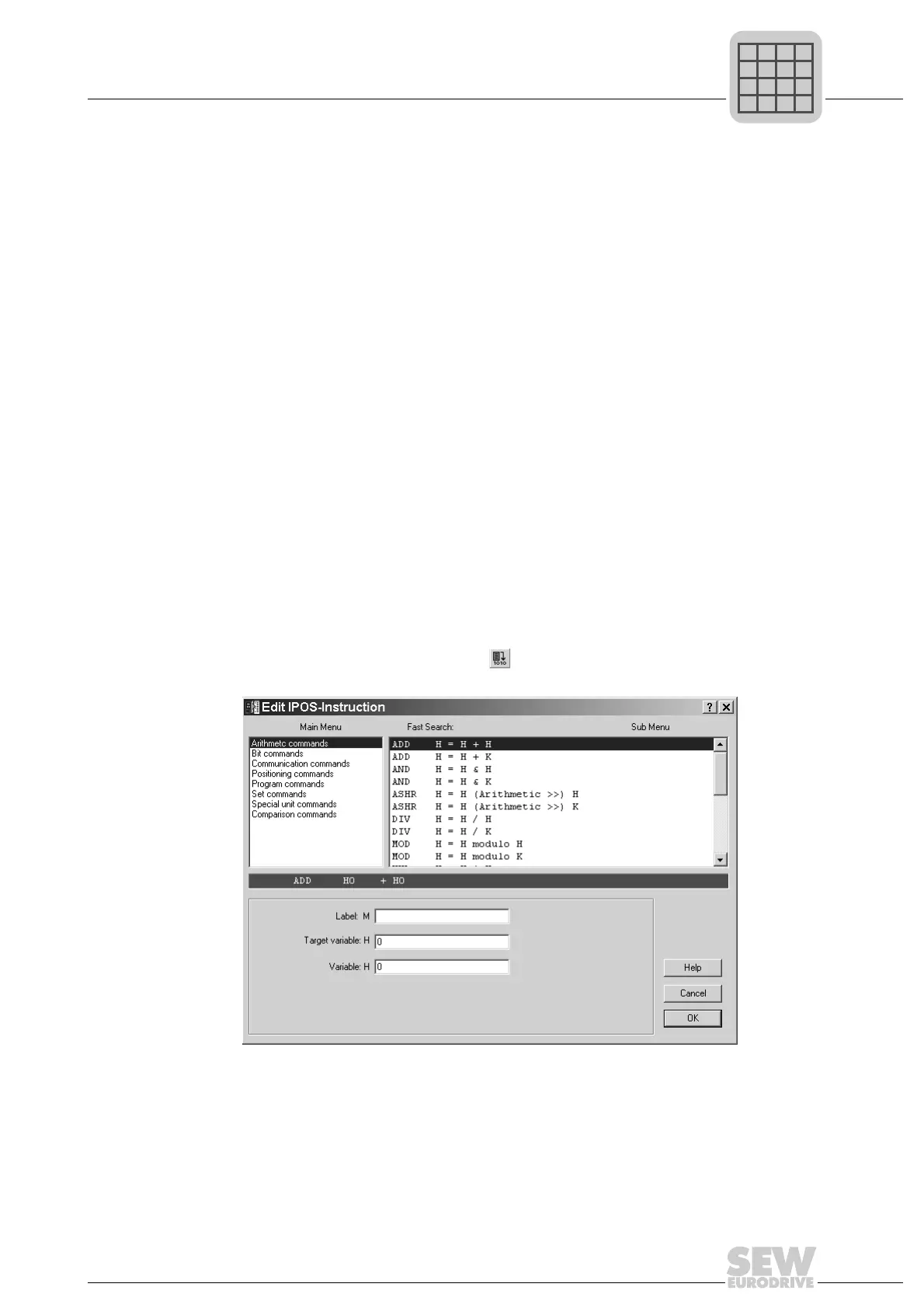
Open the insert tool by clicking the icon, by pressing the <Ins> key or by choosing
[Edit]/[Insert command...] from the menu bar.
All commands available in IPOS
plus®
can be selected in the insert tool.
511877899



 To Next Page