148
Manual – IPOSplus®
13
First steps
Compiler – Editor
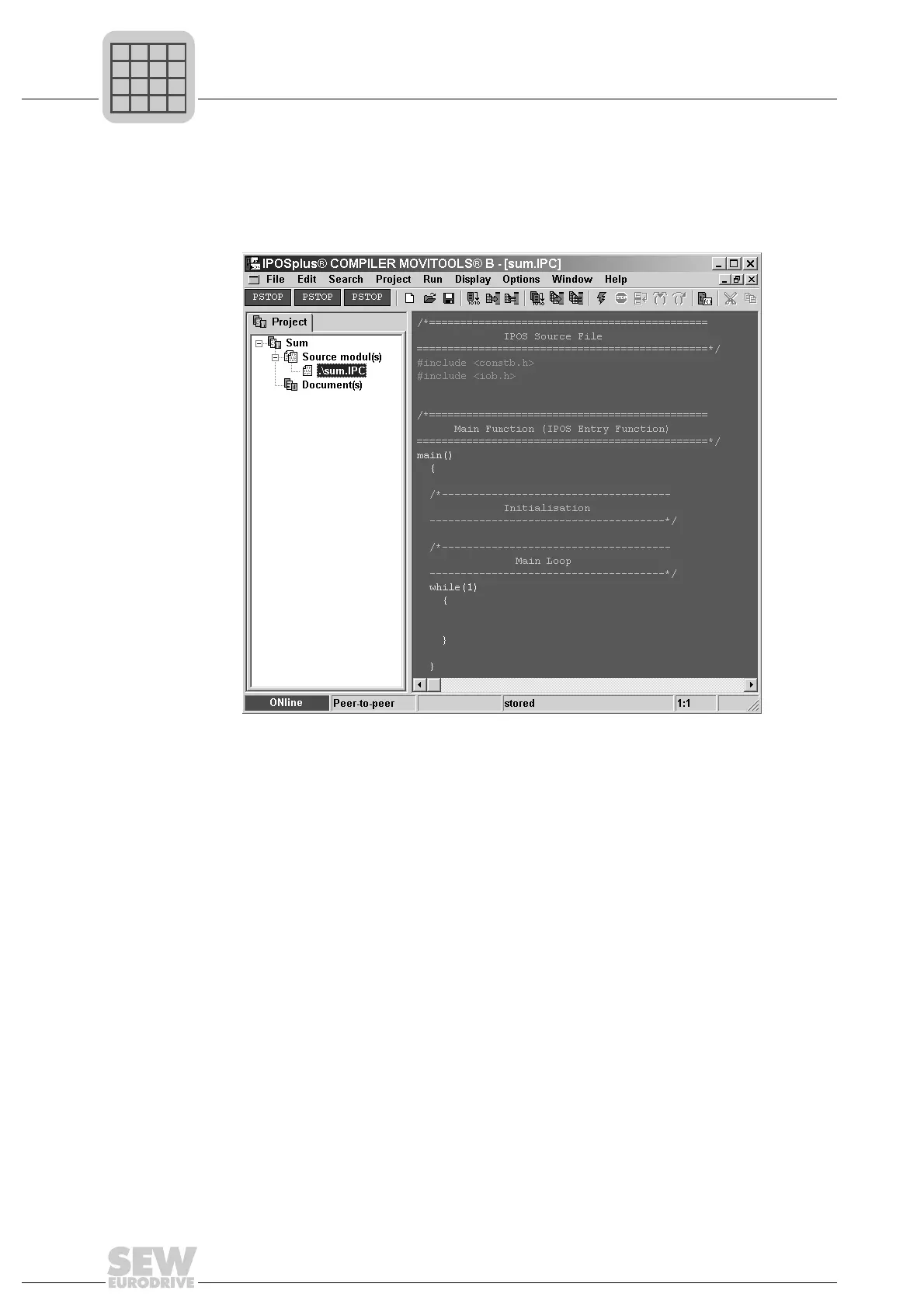
The "Main" function contains an initialization part and the main program loop. This is a
correct program that could be run, but it does not, however, contain any functions.
The program window now looks as follows:
If you make changes to the source text, save the project using [File]/[Save All]. Close
the program by choosing [File]/[Exit].
13.2.3 Step 3: The first IPOS
plus®
program
This section is to assist you in creating your first IPOS
plus®
program.
Editing the
IPOS
plus®
program
Start the Compiler again. This time, the project and the summe.ipc file are loaded au-
tomatically as they were open when you exited the program.
To get to know all further functions of the IPOS
plus®
Compiler, you will now write a pro-
gram that adds together all the numbers from 1 to 100.
Rather than using the formula (n+1)×(n/2) for this, you should program a loop that adds
up the total by iteration.
482850699



 To Next Page