Manual – IPOSplus®
153
13
First steps
Compiler – Editor
Loading the pro-
gram into the unit
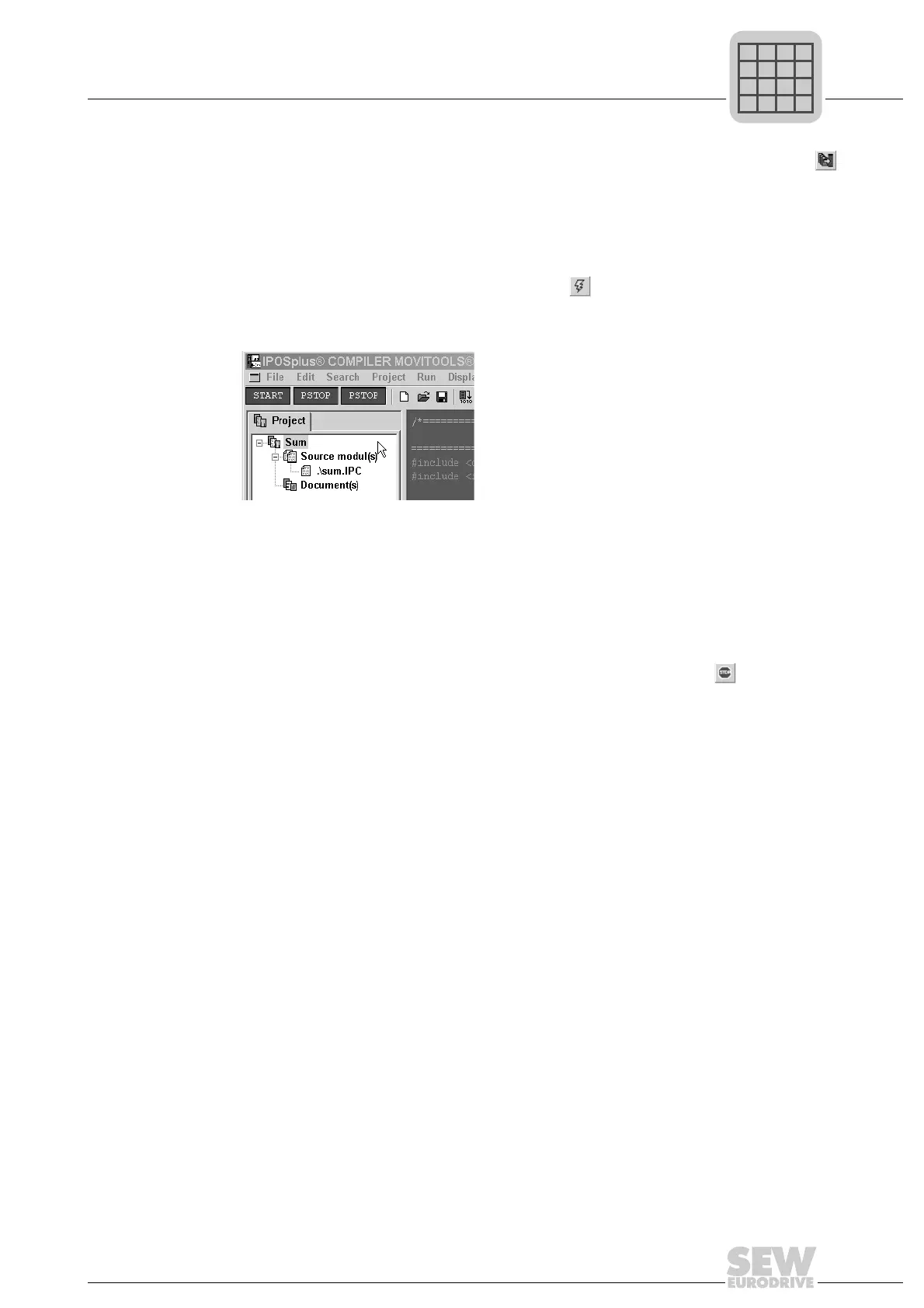
As the next step, the program must be loaded into the inverter. To do so, press the
icon or choose [Project]/[Compile and download]. The program is compiled again and
loaded into the inverter once it has been compiled successfully.
The first program line in the "Main" function is marked with a light blue bar once the pro-
gram has been downloaded successfully. You can now start the program.
Starting and stop-
ping the program
You can start the program by clicking the icon. The program now runs in
MOVIDRIVE
®
and the START status is displayed in the toolbar.
Status START
At the same time, the light blue bar in the program is deleted.
You can see that the program is being processed. In this small test program, the variable
H2 is incremented in steps of 5 s.
To see this, open the variable window by choosing [Display]/[All Variables]. You can now
observe the variable H2.
Now we want to stop the program. This is done by pressing the icon . After this, the
first program line in the "Main" function is marked with a light blue bar.
483713291



 To Next Page