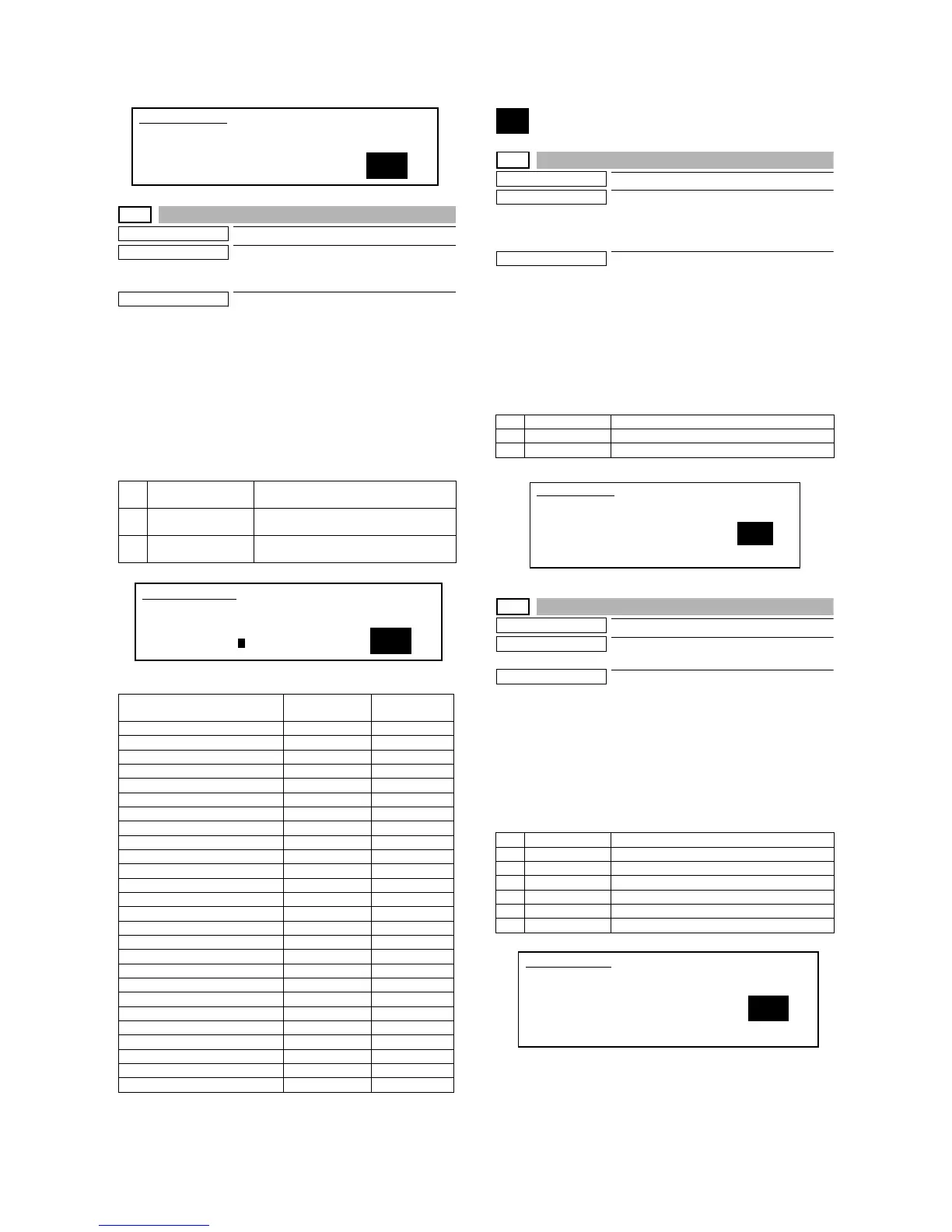
MX-M700N SIMULATION 7 – 23
23-80
Purpose
Operation test/Check
Function (Purpose)
Used to check the operations of the sen-
sors and detectors in the paper feed and
transport section.
Section
Paper feed, paper transport
Operation/Procedure
1) Select "2. PRINT PATTERN." with 10-key.
2) Press the [START] key.
3) Select "1" (Paper transport time data) with 10-key.
4) Press the [START] key.
The list of the ON time of the sensors and the detectors of the
paper transport section is printed.
When a paper jam or misfeed is generated, the ON time of each
sensor and detector is checked to check if the operation of the sen-
sor and the detector, paper feed, and transport are normal or not.
<Print item list>
24
24-1
Purpose
Data clear
Function (Purpose)
Used to clear the misfeed counter, the mis-
feed history, the trouble counter, and the
trouble history. (The counters are cleared
after completion of maintenance.)
Section
—
Operation/Procedure
1) Select the counter to be cleared with 10-key.
2) Press the [START] key.
The confirmation to clear is opened.
3) Select Yes/NO of counter clear with 10-key.
YES: Clear
NO: Not clear
4) Press the [START] key.
24-2
Purpose
Data clear
Function (Purpose)
Used to clear the number of use (the num-
ber of prints) of each paper feed section.
Section
Paper feed
Operation/Procedure
1) Select the counter to be cleared with 10-key.
2) Press the [START] key.
The confirmation to clear is opened.
3) Select Yes/NO of counter clear with 10-key.
YES: Clear
NO: Not clear
4) Press the [START] key.
0 TRAY SELECT
AUTO ONLY
Auto only (No selection allowed)
1 PRINT START Print execution.
Print of the set data is executed.
2 PRINT PATTERN Print pattern
1. Paper transport time data
Transport route section
Reference
value (ms)
Previous
value (ms)
TRAY1 → PFD2 On [–––– ms] –––– ms,
PFD2 On → PPD On [–––– ms] –––– ms,
RRC On → POD1 On [–––– ms] –––– ms,
POD1 On → POD2 On [–––– ms] –––– ms,
POD2 On → TOP TRAY [–––– ms] –––– ms,
Switch Back → AINPD On [–––– ms] –––– ms,
AINPD On → FINISHER [–––– ms] –––– ms,
AINPD On → APPD1 On [–––– ms] –––– ms,
APPD1 On → APPD2 On [–––– ms] –––– ms,
Restart → APPD2 On [–––– ms] –––– ms,
Restart (ADU) → PFD2 On [–––– ms] –––– ms,
Pass → APPD2 On [–––– ms] –––– ms,
TRAY3 → M1PFD On [–––– ms] –––– ms,
M1PFD On → PFD2 On [–––– ms] –––– ms,
Restart (TRAY) → PFD2 On [–––– ms] –––– ms,
TRAY4 → M2PFD On [–––– ms] –––– ms,
M2PFD On → M1PFD On [–––– ms] –––– ms,
TRAY2 → MPRD1 On [–––– ms] –––– ms,
MPRD1 On → MPRD2 On [–––– ms] –––– ms,
Restart → MPRD2 On [–––– ms] –––– ms,
MPRD2 On → PPD On [–––– ms] –––– ms,
BYPASS → MPFD1 On [–––– ms] –––– ms,
MPFD1 On → MPFD2 On [–––– ms] –––– ms,
MPFD2 On → MPRD1 On [–––– ms] –––– ms,
SIDE LCC → LPPD On [–––– ms] –––– ms,
LPPD On → MPFD2 On [–––– ms] –––– ms,
1
SIMULATION 23-2
JAM/TROUBLE DATA PRINT MODE㧚SELECT SETTING,˴AND
PRESS START.
0. TRAY SELECT 㧦AUTO ONLY˴
1. PRINT START
1
SIMULATION 23-80
DATA PRINT MODE. SELECT SETTING, AND PRESS START.
0. TRAY SELECT :AUTO ONLY
1. PRINT START
2. PRINT PATTERN:1
1 PAPER JAM Number of paper jams
2 SPF JAM Number of SPF jams
3 TROUBLE Number of troubles
1 TRAY1 Tray 1 use quantity
2 TRAY2 Tray 2 use quantity
3 TRAY3 Tray 3 use quantity
4 TRAY4 Tray 4 use quantity
5 BPT Manual feed tray use quantity
6 ADU Duplex paper feed quantity
7 LCC Side LCC use quantity
SIMULATION 24-1
JAM/ TROUBLE COUNTER DATA CLEAR. SELECT1-3, AND
PRESS START.
1. PAPER JAM
2. SPF JAM
3. TROUBLE
1
1
SIMULATION 24-2
PAPER FEED COUNTER DATA CLEAR. SELECT1-7, AND PRESS
START.
1. TRAY1 2. TRAY2
3. TRAY3 4. TRAY4
5. BPT 6. ADU
7. LCC



 To Next Page