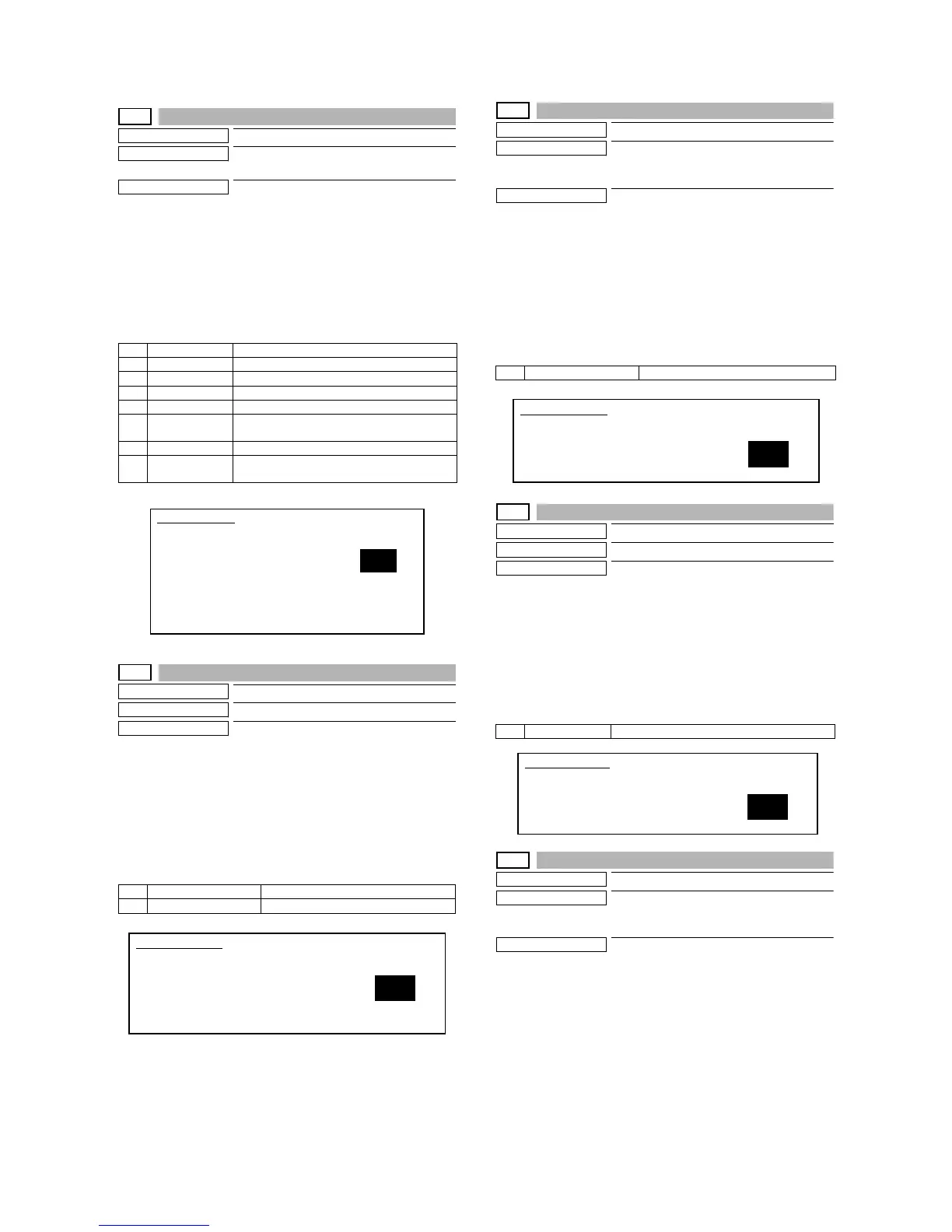
MX-M700N SIMULATION 7 – 24
24-3
Purpose
Data clear
Function (Purpose)
Used to clear the number of use of the fin-
isher, SPF, and the scan (reading) unit.
Section
—
Operation/Procedure
1) Select the counter to be cleared with 10-key.
2) Press the [START] key.
The confirmation to clear is opened.
3) Select Yes/NO of counter clear with 10-key.
YES: Clear
NO: Not clear
4) Press the [START] key.
24-4
Purpose
Data clear
Function (Purpose)
Used to reset the maintenance counter.
Section
—
Operation/Procedure
1) Select the counter to be cleared with 10-key.
2) Press the [START] key.
The confirmation to clear is opened.
3) Select Yes/NO of counter clear with 10-key.
YES: Clear
NO: Not clear
4) Press the [START] key.
24-5
Purpose
Data clear
Function (Purpose)
Used to reset the developer counter.
(The developer counter of the DV unit
which is installed is reset.)
Section
Image process (Photoconductor/Develop-
ing/Transfer/Cleaning)
Operation/Procedure
1) Select the counter to be cleared with 10-key.
2) Press the [START] key.
The confirmation to clear is opened.
3) Select Yes/NO of counter clear with 10-key.
YES: Clear
NO: Not clear
4) Press the [START] key.
24-6
Purpose
Data clear
Function (Purpose)
Used to reset the copy counter.
Section
—
Operation/Procedure
1) Select the counter to be cleared with 10-key.
2) Press the [START] key.
The confirmation to clear is opened.
3) Select Yes/NO of counter clear with 10-key.
YES: Clear
NO: Not clear
4) Press the [START] key.
24-7
Purpose
Data clear
Function (Purpose)
Used to clear the OPC drum counter. (Per-
form this simulation when the OPC drum is
replaced.)
Section
Image process (Photoconductor/Develop-
ing/Transfer/Cleaning)
Operation/Procedure
1) Select the counter to be cleared with 10-key.
2) Press the [START] key.
The confirmation to clear is opened.
3) Select Yes/NO of counter clear with 10-key.
YES: Clear
NO: Not clear
4) Press the [START] key.
1 SPF SPF paper pass quantity
2 SCAN Number of times of document scan
3 STAPLER Number of times of staple
4 PUNCH Number of times of punch
5 STAMP Number of times of SPF finish stamp
6 SADDLE
STAPLER
Number of times of saddle staple
7 INSERTER Number of times of inserter
8 INSERTER OFF
LINE
Number of inserter off-line times
1 MAINTENANCE Maintenance counter
2 FUSER WEB SEND Fusing web cleaning feed counter
SIMULATION 24-3
ORG./STAPLE COUNTER DATA CLEAR. SELECT1-8, AND PRESS
START.
1. SPF
2. SCAN
3. STAPLER
4. PUNCH
5. STAMP
6. SADDLE STAPLER
7. INSERTER
8. INSERTER OFF LINE
1
SIMULATION 24-4
MAINTENANCE COUNTER DATA CLEAR. SELECT1-2, AND PRESS
START.
1. MAINTENANCE
2. FUSER WEB SEND
1
1 DV CARTRIDGE Developer cartridge counter
1 COPY Copy effective paper counter
SIMULATION 24-5
DEVELOPER COUNTER DATA CLEAR. PRESS START.
1. DV CARTRIDGE
1
SIMULATION 24-6
COPY COUNTER DATA CLEAR. PRESS START.
1. COPY
1



 To Next Page