MX-M700N SIMULATION 7 – 33
43-3
Purpose
Setting (Adjustment)
Function (Purpose)
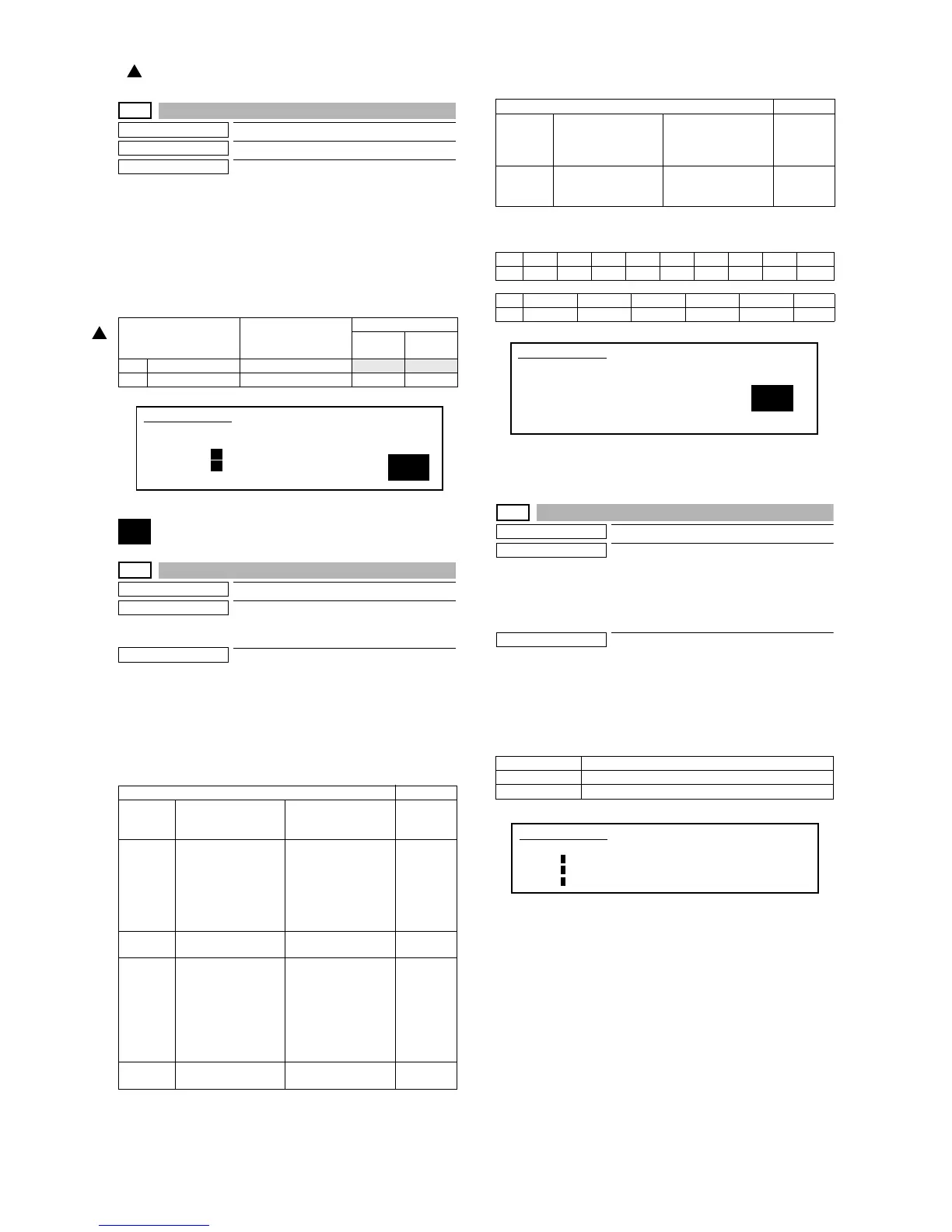
Fusing motor RPM setting.
Section
Setting
Operation/Procedure
1) Select the number corresponding to the adjustment item with
10-key.
2) Press the [START] key.
3) Enter the setting (adjustment) value with 10-key.
4) Press the [START] key.
Unless special measures are required, do not change the setting
values below.
44
44-1
Purpose
Setting
Function (Purpose)
Used to set enable/disable of correction
operations in the image forming (process)
section.
Section
Image process (Photoconductor/Develop-
ing/Transfer/Cleaning)
Operation/Procedure
1) Each bit (7 kinds) is assigned to each correction item to set
ENABLE/DISABLE of the operation.
Each bit is assigned with 0 or 1 value. Enter the total values of
items which are desired to be valid with the 10-key.
2) Press the [START] key.
NOTE: Set to 222.
When bit=1, correction is made.
NOTE: BIT0 is not displayed, but set to the developing bias correc-
tion function. This setting is forcibly made enable, and can-
not be disabled.
44-2
Purpose
Adjustment
Function (Purpose)
Used to perform the gain adjustment
(image density sensor LED current adjust-
ment) of the image density sensor and the
gain adjustment (OPC drum marking sen-
sor LED current adjustment) of the OPC
drum marking sensor.
Section
Image process (Photoconductor)
Operation/Procedure
Press [START] key, and the adjustment is automatically performed.
When the adjustment is completed, the adjustment result is dis-
played.
If the adjustment is not completed normally, "ERROR" is displayed.
When an error occurs, the adjustment result is not revised.
Item Setting range
Default
55/62
(ppm)
70
(ppm)
1NORMAL 0 - 99
34 34
2 SLOWDOWN 0 - 99 46 44
Item Default
BIT1 OPC drum membrane
decrease (sensitivity/
potential) correction
Laser power/main
charger grid voltage
1
BIT2 The range of the toner
patch making voltage
in the developing bias
voltage/main charger
grid voltage correction
is specified. (Voltage
limit)
Developing bias/main
grid voltage (adjusted
by SIM 8-1 and 8-2) +-
100v
1
BIT3 For humidity
correction
Toner concentration
correction
1
BIT4 Toner concentration
correction A
When the developing
bias/main charger grid
voltage correction is
changed more than
the specified level, the
toner concentration
control level is
corrected.
1
BIT5 Toner concentration
correction B
Correction for the
developer life
0
1
SIMULATION 43-3
1
FUSER MOTOR SPEED SETTING. SELECT 1-2, AND PRESS
START.
1. NORMAL 36
2. SLOWDOWN 50
BIT6 Toner concentration
correction C
Toner concentration
correction in low
density image
continuous print
1
BIT7 OPC drum for
environment
correction
1
Bit151413121110 9 8 7
00000000Env
Bit654321
Tcon_C Tcon_B Tcon_A Humidity Pcon_lm Drum
DMLED Drum marking sensor gain adjustment value
PCLED Image density sensor gain adjustment value
DRUM Kind of the drum 0 = Other/1 = SHARP drum
Item Default
SIMULATION 44-1
PROCESS CORRECTION VALUE SETTING. INPUT VALUE 0-999
AND PRESS START.
BIT1: DRUM
BIT2: PROCON_LM BIT3: HUMIDITY
BIT4: TONERCON_A BIT5: TONERCON_B
BIT6: TONERCON_C BIT7: ENVIRONMENT
223
SIMULATION 44-2
PROCON GAIN ADJUSTMENT. PRESS START.
DMLED: 0
PCLED: 0
DRUM : 0
: '07 Feb 15
1



 To Next Page