57
If the setting
indication does not
change in the rated
scale range even if
the , keys are
pressed, and settings
are impossible.
• SV high limit or low limit in Auxiliary function setting
mode 1 may be set at the point the value does not
change.
Set it ( , or ) again while in Auxiliary
function setting mode 1. (p.31)
<Control>
Problem Presumed cause and solution
If process variable
(temperature) does
not rise.
• Thermocouple or RTD is burnt out.
• Lead wire of thermocouple or RTD is not securely
connected to the instrument terminals.
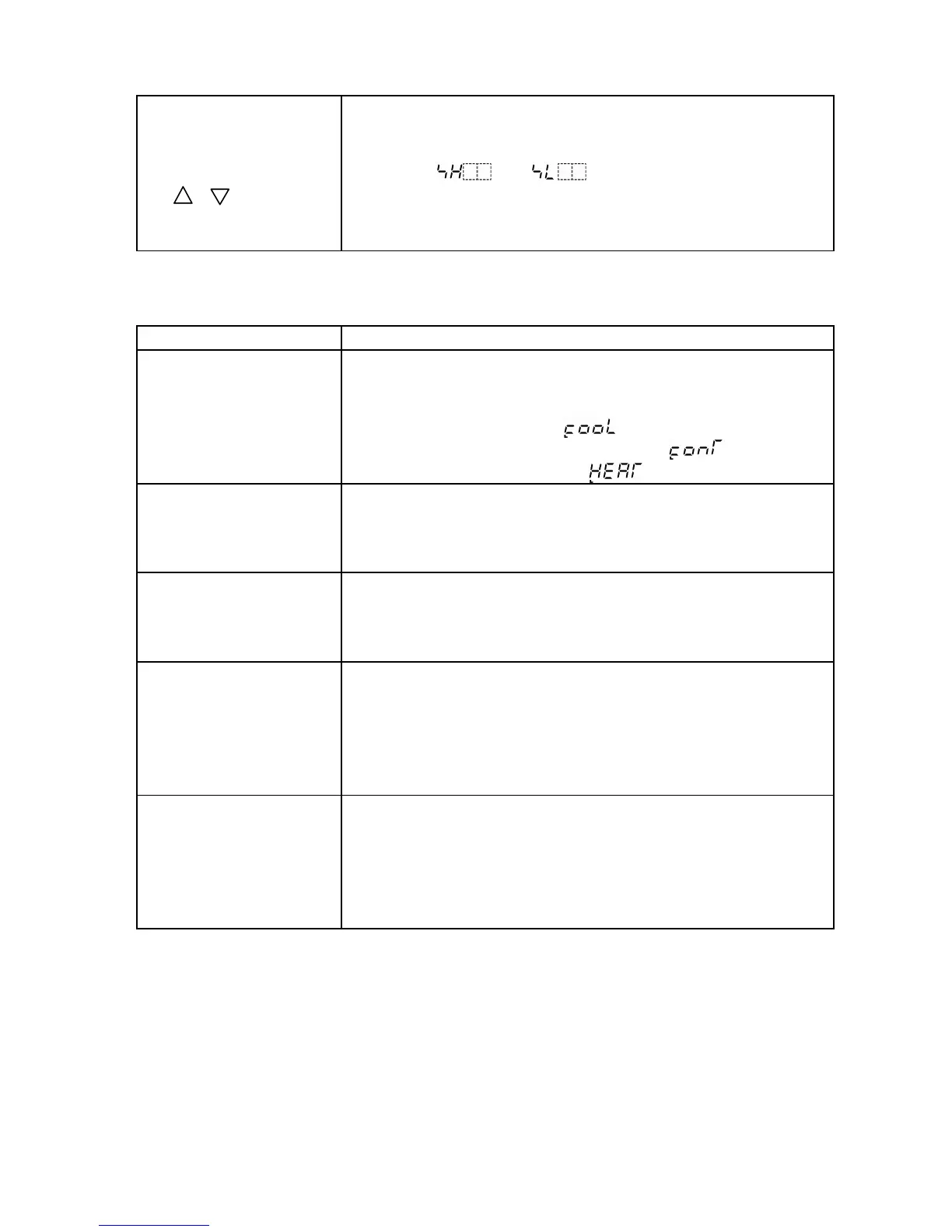
• Direct (Cooling) action [ ] has been selected in
the Direct/Reverse action selection [ ].
Select Reverse (Heating) [ ] action. (p.20)
If the control output
(OUT) remains ON
status.
• Control output low limit setting value is set to 100%
or greater in Auxiliary function setting mode 2. (p.17)
• The proportional band is set to extremely small value.
Set the value appropriately. (p.28)
If the control output
(OUT) remains OFF
status.
• Main output high limit setting value is set to 0% or
less in Auxiliary function setting mode 2. (p.17)
• The proportional band is set an extremely high value.
Set the value appropriately. (p.28)
Step numbers
progress fast and
program control stops
soon after it is
started.
• The program has not been set.
Set the program from the Pattern (Step SV/Time)
setting mode. (pp.25, 26)
• The default value is PV start.
If the PV is higher than the Step SV, the program
advances and it ends soon. (p.17)
The step does not
proceed
• Wait function is working.
Release the wait function.
• The fixed value control is performing due to Hold
function.
Press the RUN key for more than 1 second to
release the Hold function. (p.39)
If any unexplained malfunctions occur other than the above mentioned,
make inquiries at our agency or the shop where you purchased the unit.



 To Next Page