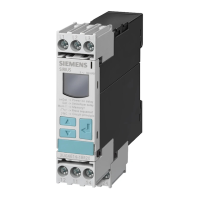
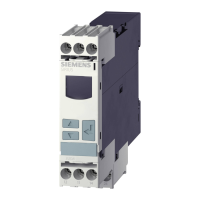
3UG463. voltage monitoring relay
10.4 Operation
3UG4 / 3RR2 monitoring relays
278 Manual, 05/2016, NEB927043002000/RS-AC/004
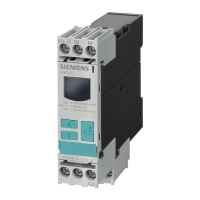
Parameterization of the devices is possible locally using the display and the three keys.
The table below shows the settable parameter information of the 3UG463. voltage
monitoring relays:
Table 10- 2 Parmeter information, 3UG463. voltage monitoring relays with digital setting
"RUN" Threshold for undershoot (U▼) 0.1 V or OFF
1)
10 V or OFF
2)
3)
60 V
1)
600 V
2)
3)
0.1 V 20 V
1)
170 V
2), 3)
"RUN" Threshold for overshoot (U▲) 0.1 V or OFF
1)
10 V or OFF
2)
17 V or OFF
3)
60 V
1)
600 V
2)
275 V
3)
0.1 V 30 V
1)
260 V
2),3)
"SET" Hysteresis (Hyst) 0.1 V 30 V
1)
300 V
2)
3)
0.1 V 2 V
1)
5 V
2), 3)
3)
3)
3)
3)
"SET"
Tripping delay time (
)
0.1 s 20 s 0.1 s 0.1 s
"SET" Relay switching behavior
(closed-circuit principle NC /
open-circuit principle NO)
NC NO -- NC
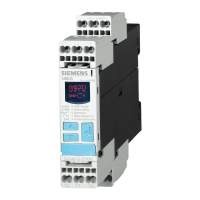
3UG4631 voltage monitoring relay
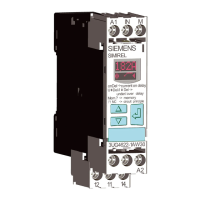
3UG4632 voltage monitoring relay
3)
3UG4633 voltage monitoring relay
Note
The monitoring mode "Overshoot" or "Undershoot" is defined with
the setting OFF at the
threshold for undershoot or overshoot.
Note
Deactivating monitoring
If the upper and lower threshold values are deactivated (OFF), monitoring will cease for:
Voltage overshoot
Voltage undershoot
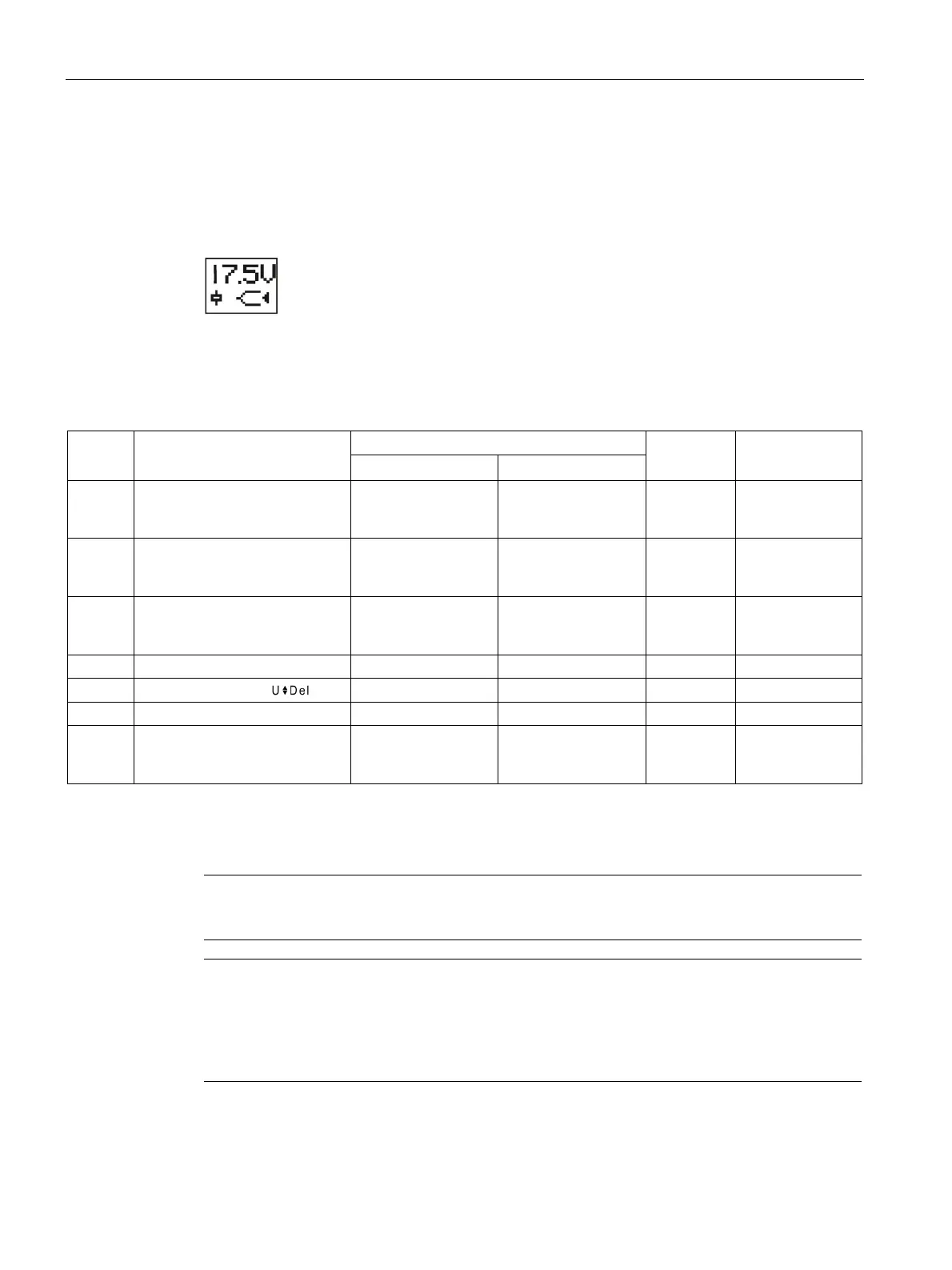
The up-to-date measured value is displayed permanently.
The parameters are described in Chapter "Parameters (Page 363)."
Menu-based operation is described in Chapter "Menu-based operation (Page 39)."



 To Next Page